By default, when a Linux system tries to communicate with a network address, the computer will send the request to the default gateway. The default gateway is usually a router, which can take the system’s request and forward it to the next hop, wherever that may be.
This behavior can be overridden by adding one or more static routes to the Linux machine. Such a configuration can be desirable if the network has multiple networks and routers, and a user needs to instruct the computer which way to route certain traffic.
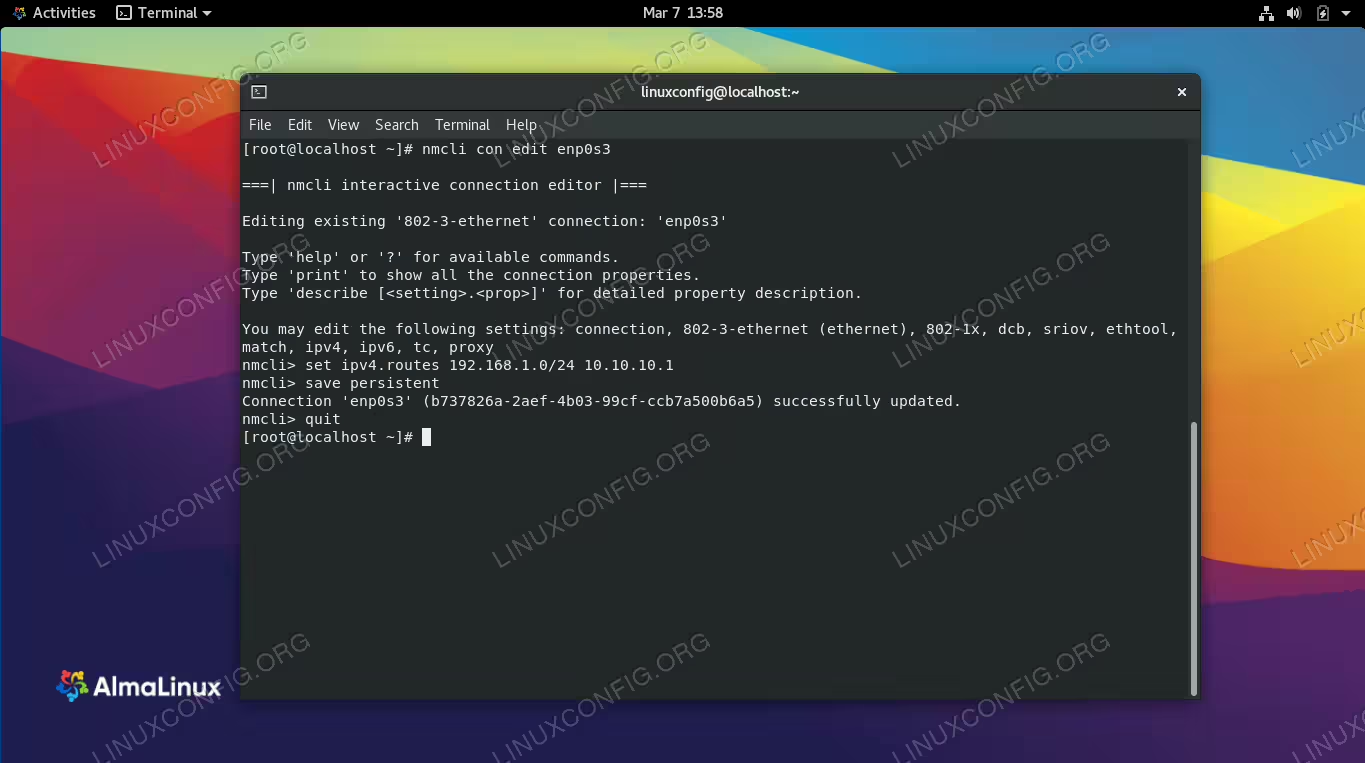
Red Hat based distributions, such as almalinux, can use the nmcli command line utility to configure static routes, along with the ip route command and manual configuration of ifcfg files. Alternatively, you can use your installed desktop environment to apply the configuration. In this guide, we’ll go over the step by step instructions to add static routes on AlmaLinux through both command line and GUI methods. These instructions are applicable whether you’ve freshly installed AlmaLinux or have migrated from CentOS to AlmaLinux.
In this tutorial you will learn:
- How to add a route via nmcli command
- How to add a route via ip route command
- How to add a route via ifcfg files
- How to add a route via GNOME GUI