
Knowing how to check the Python version on Ubuntu 26.04 is essential for developers, system administrators, and anyone working with Python-based applications. Different projects require specific Python versions, and verifying your installed version ensures compatibility with libraries, frameworks, and scripts. This guide covers multiple methods to check your Python version on Ubuntu 26.04, from simple terminal commands to programmatic approaches within scripts.
Table of Contents
In this tutorial you will learn:
- How to check Python version using terminal commands
- How to interpret Python version numbering
- How to distinguish between Python 2 and Python 3 installations
- How to check Python version programmatically within scripts
Software Requirements
| Category | Requirements, Conventions or Software Version Used |
|---|---|
| System | Ubuntu 26.04 Resolute Raccoon |
| Software | Python 3.x (pre-installed) |
| Other | Privileged access to your Linux system as root or via the sudo command. |
| Conventions | # – requires given linux commands to be executed with root privileges either directly as a root user or by use of sudo command$ – requires given linux commands to be executed as a regular non-privileged user |
python3 --version in the terminal.
| Step | Command/Action |
|---|---|
| 1. Check Python 3 version | python3 --version |
| 2. Check detailed version info | python3 -V |
| 3. Check version in Python shell | python3 -c "import sys; print(sys.version)" |
Check Python Version on Ubuntu 26.04 Using the Terminal
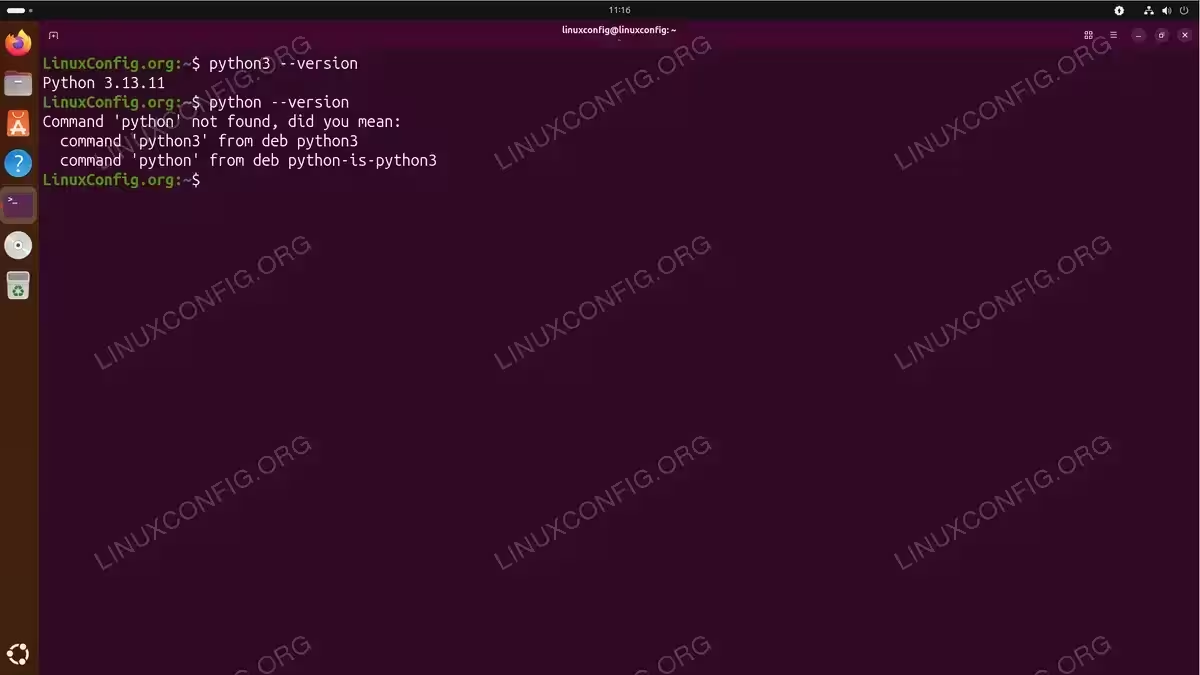
The most straightforward way to check your Python version on Ubuntu 26.04 is through terminal commands. Ubuntu 26.04 comes with Python 3 pre-installed, making it immediately available for version checking.
- Using the –version flag: The standard method to display the Python version.
$ python3 --version
This command outputs the version number in a simple format, such as
Python 3.13.0. - Using the -V flag: A shorter alternative that produces identical output.
$ python3 -V
Both
--versionand-Vare functionally equivalent. - Using the python command: On Ubuntu 26.04, the
pythoncommand may point to Python 3.$ python --version
If this command returns an error, Python 3 is accessible only via the
python3command.
Understanding Python Version Output
Python version numbers follow semantic versioning with three components: major, minor, and micro versions. Understanding this numbering scheme helps you determine compatibility with various packages and frameworks.
When you run python3 --version, the output displays as Python X.Y.Z, where:
- X (Major version): Indicates significant changes that may break backward compatibility. Python 3 introduced changes incompatible with Python 2.
- Y (Minor version): Represents new features added in a backward-compatible manner. For example, Python 3.12 added new syntax features not present in 3.11.
- Z (Micro version): Contains bug fixes and security patches without new features.
For more detailed version information, use the Python interpreter directly:
$ python3 -c "import sys; print(sys.version)"
This command displays additional details including the build date and compiler information. You can also check the version tuple programmatically:
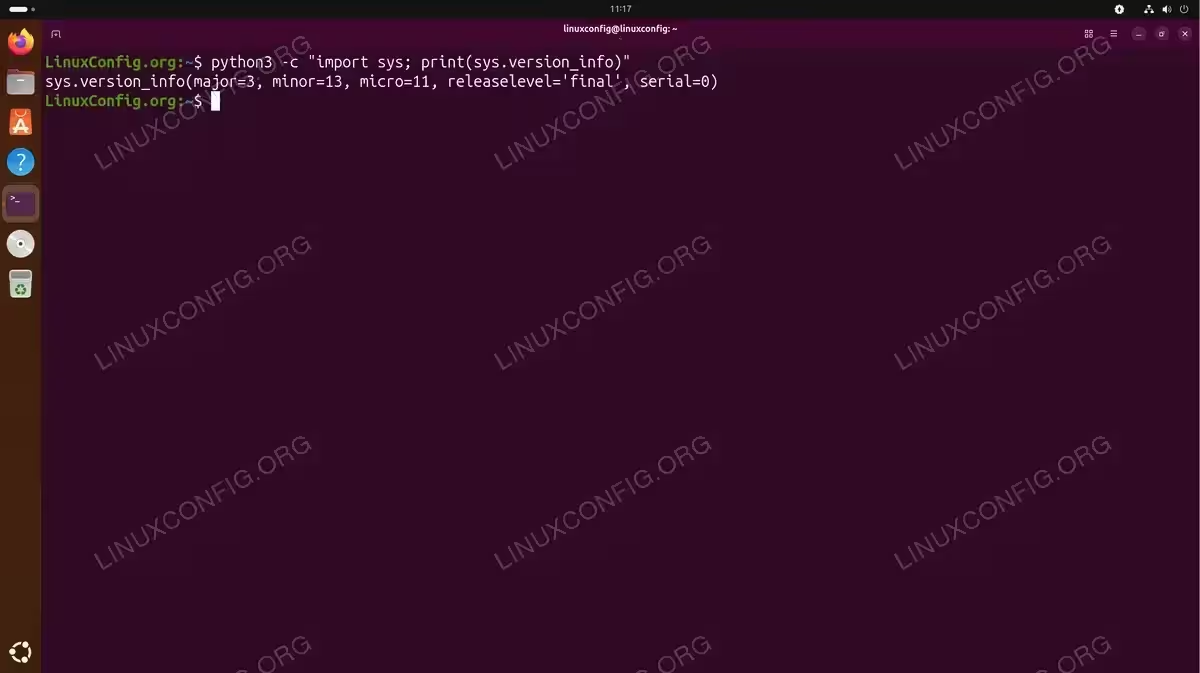
$ python3 -c "import sys; print(sys.version_info)"
The output shows a named tuple with major, minor, micro, release level, and serial components. This format is particularly useful when you need to perform version comparisons in scripts.
Check Python 2 vs Python 3 Versions
Ubuntu 26.04 ships with Python 3 as the default and recommended Python version. However, some legacy applications may require Python 2, which is no longer maintained but can still be installed for compatibility purposes.
To check if Python 2 is installed on your system:
$ python2 --version
If Python 2 is not installed, you will see an error message indicating the command was not found. You can install Python 2 if your project specifically requires it, though this is discouraged for new development.
IMPORTANT
Python 2 reached end-of-life on January 1, 2020. For new projects, always use Python 3. Only install Python 2 when absolutely necessary for legacy application support.
To see all Python versions installed on your system, you can check the available binaries:
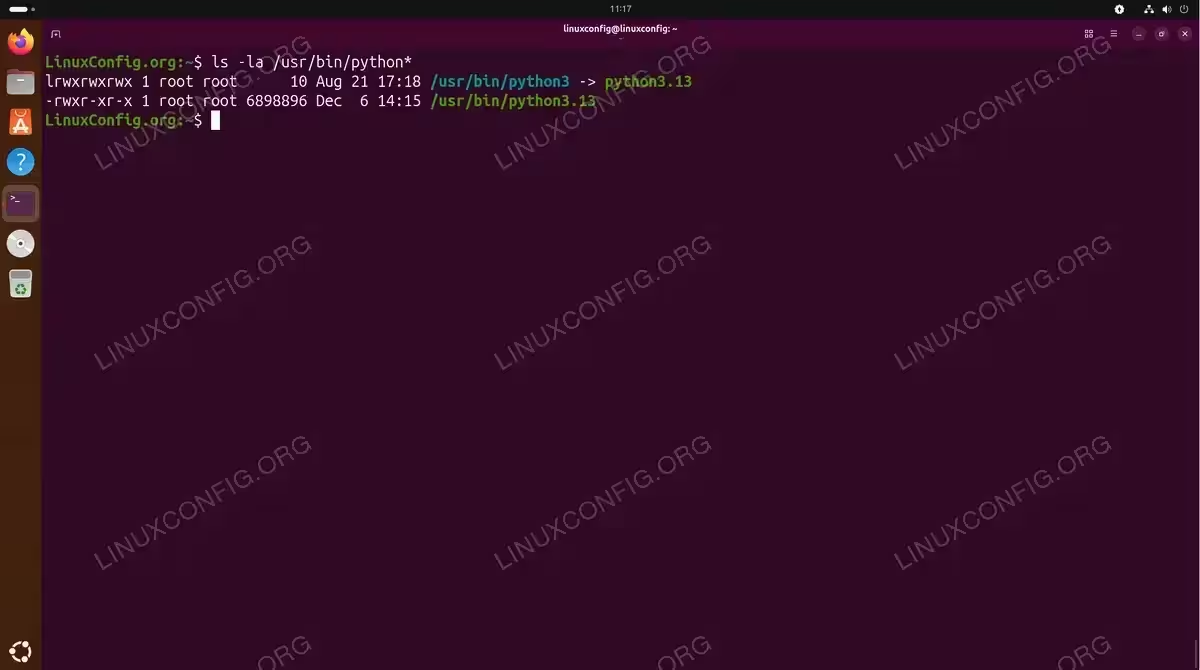
$ ls -la /usr/bin/python*
This command lists all Python-related executables, showing you which versions are available and how the symbolic links are configured.
If you need to work with Python 2 for legacy projects, refer to our guide on how to use Python 2 on Ubuntu 26.04.
Check Python Version in Scripts
When writing Python scripts that require specific versions, you can programmatically check and enforce version requirements. This approach prevents runtime errors caused by version incompatibilities.
- Basic version check using sys module: Access version information within your script.
import sys
print(f"Python version: {sys.version}")
print(f"Version info: {sys.version_info}")
The
sysmodule provides comprehensive version details accessible at runtime. - Enforce minimum version requirement: Exit gracefully if the Python version is insufficient.
import sys

if sys.version_info < (3, 10):
    sys.exit("This script requires Python 3.10 or higher")

# Your script continues here
This pattern is useful for scripts distributed to systems with varying Python installations.
- Check version using platform module: An alternative method providing similar information.
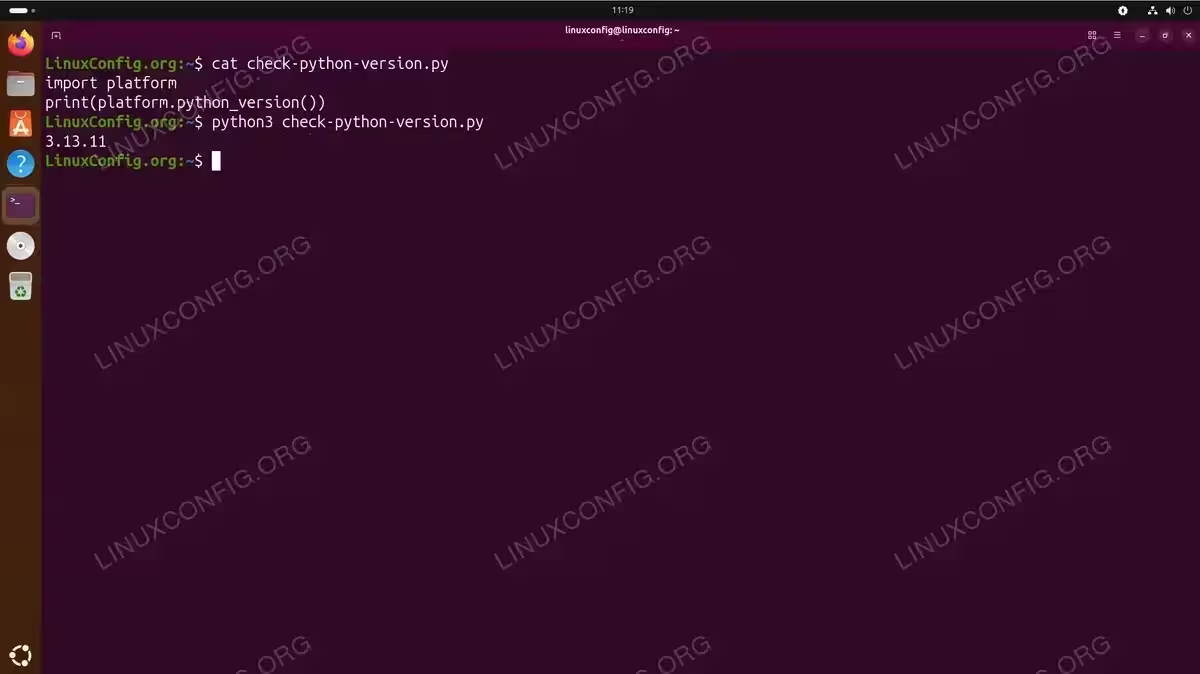
import platform
print(platform.python_version())
The
platformmodule returns the version as a simple string.
For projects using virtual environments or multiple Python versions, checking the version ensures your script runs with the correct interpreter. Additionally, if you work with Python packages, you may want to install pip to manage dependencies effectively.
For comprehensive documentation on Python version handling and the sys module, consult the official Python sys module documentation.
Conclusion
Checking your Python version on Ubuntu 26.04 is a fundamental skill for any developer or system administrator. Whether you use the simple python3 --version command or implement programmatic version checks in your scripts, understanding your Python environment ensures smooth development and deployment. Ubuntu 26.04 provides Python 3 by default, aligning with modern Python development practices. Remember to verify version compatibility before installing packages or running scripts that may have specific version requirements.
Frequently Asked Questions
- Why does the python command not work on Ubuntu 26.04? Ubuntu 26.04 may not have the
pythoncommand symlinked by default. Usepython3instead, as this is the recommended and pre-installed Python version. If you need thepythoncommand to work, you can install thepython-is-python3package usingsudo apt install python-is-python3. - What Python version comes pre-installed with Ubuntu 26.04? Ubuntu 26.04 Resolute Raccoon ships with Python 3.13 as the default Python version. This version is installed as part of the base system since many system tools depend on Python. You can verify this by running
python3 --versionimmediately after installation. - How do I check which Python version a specific script will use? Check the shebang line at the top of the script. A line like
#!/usr/bin/env python3indicates Python 3, while#!/usr/bin/python2specifies Python 2. You can also runwhich python3to see the exact path of the Python interpreter that will be used when you execute commands.