
In this article, we will discuss how to list all files installed by an RPM package on a Red Hat Enterprise Linux (RHEL) system. RPM (red hat package manager) is a powerful package management system used by RHEL and other RPM-based distributions. Understanding how to list the files provided by an RPM package can be particularly useful for system administrators and users who need to verify the contents of installed packages or troubleshoot issues related to package files.
In this tutorial you will learn:
- How to list the contents of an RPM package using a local RPM file
- How to list the contents of an installed RPM package
| Category | Requirements, Conventions or Software Version Used |
|---|---|
| System | RHEL or any RPM-based distribution |
| Software | rpm |
| Other | N/A |
| Conventions | # – requires given linux commands to be executed with root privileges either directly as a root user or by use of sudo command$ – requires given linux commands to be executed as a regular non-privileged user |
How to List All Files Installed by an RPM Package
Listing all files installed by an RPM package can help you understand the contents and structure of a package. This process is straightforward and involves using the rpm command with specific options to query the package.
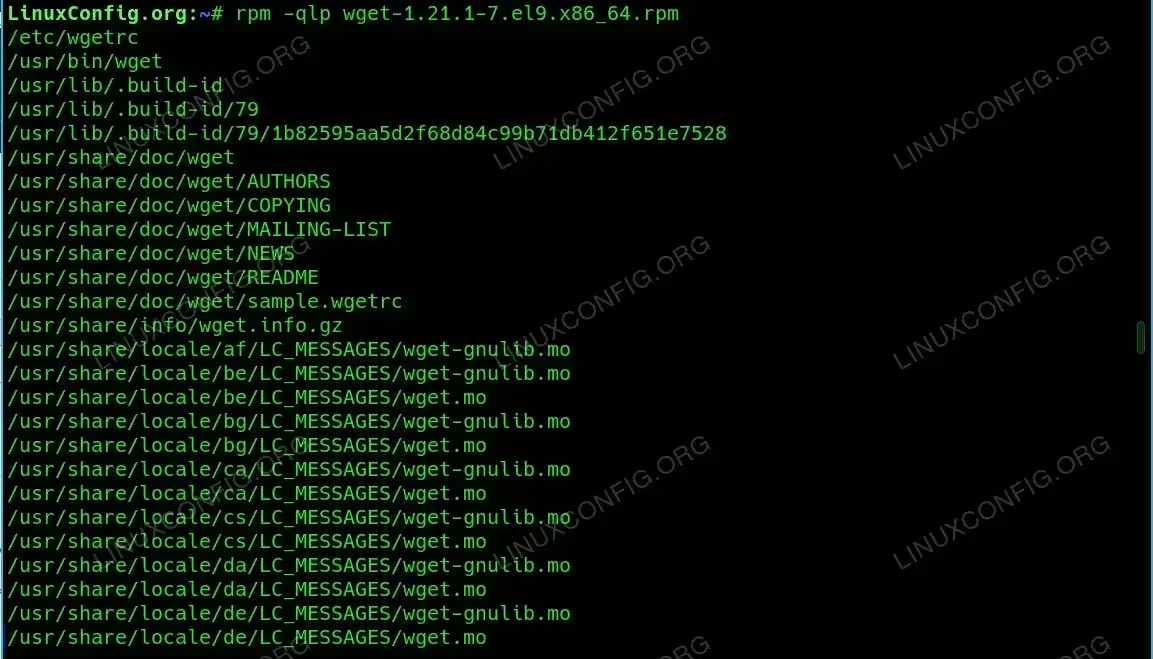
- Listing Files from a Local RPM Package File: To list the contents of a local RPM package file (i.e., a package that has not been installed yet), you can use the
-qlpoption with therpmcommand. This option queries the RPM package and lists its contents without installing it.$ rpm -qlp wget-1.21.1-7.el9.x86_64.rpm
In this command,
-qlptellsrpmto query (q) the list of files (l) from the package file (p). Replacewget-1.21.1-7.el9.x86_64.rpmwith the actual path to your RPM file. The command will output a list of all files contained in the specified RPM package.
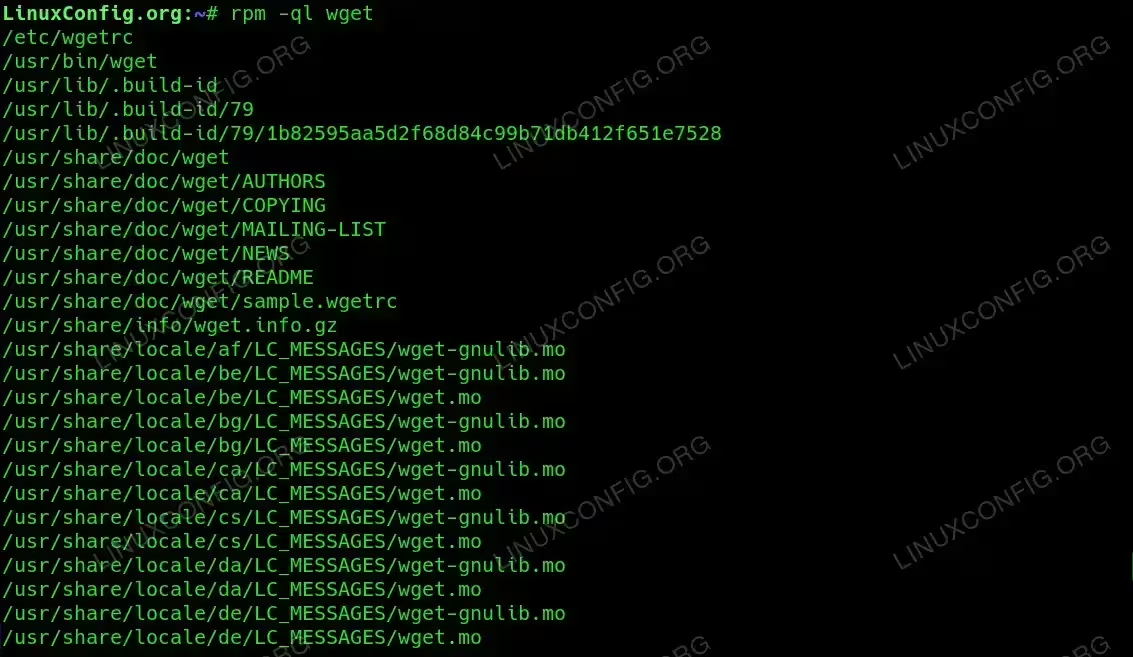
Listing Files from a Local RPM Package File - Listing Files from an Installed RPM Package: If the RPM package is already installed on your system, you can list its contents using the
-qloption with therpmcommand. This option queries the RPM database on your system to list the files installed by the package.$ rpm -ql wget
In this command,
-qltellsrpmto query (q) the list of files (l) from the installed package namedwget. Replacewgetwith the name of the package you are interested in. The command will output a list of all files installed by the specified package.
Listing Files from an Installed RPM Package
Conclusion
In this tutorial, you have learned how to list the contents of an RPM package both from a local RPM file and from an installed package. These techniques are valuable for verifying package contents and for troubleshooting issues related to specific files within a package. By using the rpm command with the appropriate options, you can easily explore the files provided by any RPM package on your system.
