
The ssh command in Linux is used to manage remote systems. Ordinarily, this would be another Linux system, but it could also be a firewall, router, or even a different operating system entirely. Using the ssh command to remotely log into another system will give you a command line terminal that you can fully access as if you were physically in front of the machine.
commands
IP Forwarding Linux: How to Enable/Disable net.ipv4.ip_forward
It may be necessary to configure Linux IP forwarding on a Linux system in certain scenarios. If the Linux server is acting as a firewall, router, or NAT device, it will need to be capable of forwarding packets that are meant for other destinations (other than itself). Linux uses the net.ipv4.ip_forward kernel variable to toggle this setting on or off.
Setting a Static IP Address in Ubuntu 24.04 via the Command Line
Configuring a static IP address on your Ubuntu server is essential for various reasons, such as ensuring consistent network configuration, facilitating server management, and improving network security. Ubuntu 24.04, like its predecessors, uses the Netplan utility for network configuration, which simplifies the process of setting a static IP address through YAML configuration files.
How to ssh to IPv6 address on Linux
IPv6, the newest network address standard for the whole internet, is becoming more widespread and will eventually replace IPv4 entirely. Sooner or later, network admins and computer hobbyists alike will find themselves interacting with IPv6 network addresses.
Simple tasks like using SSH to control a remote system will now change a little, so it’s important to relearn a few of the basics for SSH IPv6 connections. In this guide, we’ll show how to SSH to an IPv6 address on a Linux system. These methods will work with all the most popular Linux distributions.
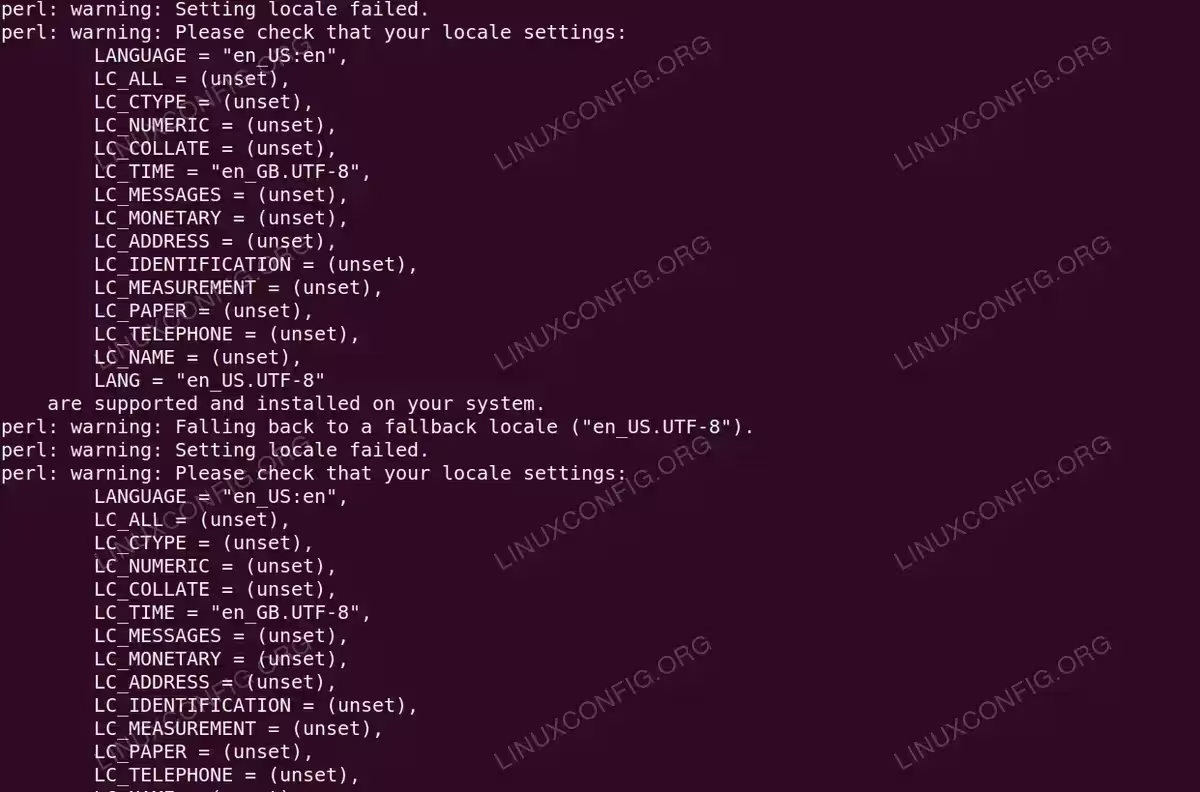

WordPress Brute Force Testing with Hydra: Complete Security Guide
WordPress brute force attacks are among the most common security threats facing website owners in 2025. With WordPress powering over 40% of the web, understanding how to test your site against login attacks using tools like Hydra password cracker and curl is essential. This comprehensive guide demonstrates hydra brute force testing techniques to evaluate and strengthen your login security.
Ubuntu Torrent Download
Downloading Ubuntu ISO images with a torrent client is one of the most efficient ways to obtain the installation media. Torrenting allows you download the file from multiple sources simultaneously, which means you’ll wind up with a very speedy download because the entirety of your network’s download bandwidth can remain saturated. It’s a very reliable method for downloading large files.
It also takes some strain off of official Ubuntu mirrors, so you’re actually helping them out a little by getting an ISO image from the torrent swarm. If you want to continue helping after the download completes, you can choose to leave the Ubuntu torrent in your torrent client and let it “seed” (torrenting jargon for upload) to other prospective downloaders.
How to create temporary files using mktemp on Linux
Temporary files and directories are very important: they can be used from shell scripts for example, to store information which are necessary to complete some tasks and can be safely removed once the work is done. In this tutorial we will see how to safely create temporary files and directories using the mktemp utility on Linux.
Bash Change Directory (cd) Methods, Tips and Tricks
Changing directories in a terminal may have become a thing of the past for mainstream users. However, if you do any level of system administration work, testing work, Big Data Manipulation or similar, you will soon find yourself using the cd command at the Bash or Linux terminal prompt more and more.
In this tutorial you will learn:
- Simple terminal Change Directory (
cd) command usage - Additional methods, tips and tricks for making a richer
cdexperience - Examples highlighting the use of the various cd commands
Bash Change Directory (cd) Methods, Tips and Tricks
logrotate command in Linux with examples
In Linux, many applications and system services will store log files. These log files give a Linux administrator insight into how their system is performing, and are invaluable when troubleshooting issues. However, log files can get unwieldy very quickly. For example, if your web server software logs every visit to your website, and you get thousands of viewers per day, there will be way too much information to feasibly squeeze into one text file.

Explaining the Sticky Bit: What the “t” in Linux Directory Permissions Means
Most seasoned Linux users are already familiar with basic file permissions like read, write, and execute. These permissions exist on every file and administrators often need to edit such permissions in order to tighten up security or grant file access to certain users. A less common permission that you may not be as intimately familiar with is the “sticky bit.”
ffmpeg audio format conversions
The ffmpeg software is a free and open source suite of utilities that facilitate audio and video media. On Linux systems, installing ffmpeg gives us access to the ffmpeg command, which can be used to convert audio files to various types, such as wav, mp3, ogg, etc.
In this guide, we will go over the instructions to install ffmpeg on major linux distros. Then, you’ll see various command line examples that can be used to convert between different audio formats. Use the examples below to convert your own files.
In this tutorial you will learn:
- How to install ffmpeg on major Linux distros
- How to use ffmpeg in audio conversion examples