File conversion with alien doesn't take long

How to install deb file in RHEL 8 / CentOS 8 Linux

There may come a time when that package you want to install in RHEL 8 / CentOS 8 is simply not available as a RPM file. The alternative is to download the source and compile it yourself, or – alternatively – generate a RPM file from that source code later on.

But there is another way. Given the fact that Debian-based distributions have way more users than RPM-based ones, the number of available packages in their repositories is greater. Chances are you will be able to find a DEB file for that package you want. Here is how to install that DEB file in RedHat Linux with the help of a small utility called alien.

In this tutorial you will learn:

  • How to install alien in RHEL 8 / CentOS 8
  • How to convert a DEB package to a RPM one
Read more

Install Docker on AlmaLinux

Docker is a tool that is used to run software in a container. It’s a great way for developers and users to worry less about compatibility with an operating system and dependencies because the contained software should run identically on any system.

If you’ve recently installed AlmaLinux or migrated from CentOS to AlmaLinux, you may be wondering how to get Docker up and running on the system. Unfortunately, Red Hat Enterprise Linux doesn’t offer native support for Docker, and neither does AlmaLinux, since it is a fork of RHEL. Instead, Red Hat pushes support for Podman, an alternative to Docker. This makes Docker a bit harder to install, but it’s still possible on AlmaLinux.

In this guide, we’ll show you how to install Docker on AlmaLinux and get started with installing containerized software. After Docker is installed, you can use it to install software packages much the same way you would use your distro’s package manager to download an app. The difference of using Docker is that everything is more automated, with compatibility and dependencies no longer being potential issues.

In this tutorial you will learn:

  • How to install Docker
  • How to run Docker without root
  • How to search for a Docker image
  • How to install a Docker image
  • How to run a Docker image
  • How to monitor Docker with various commands
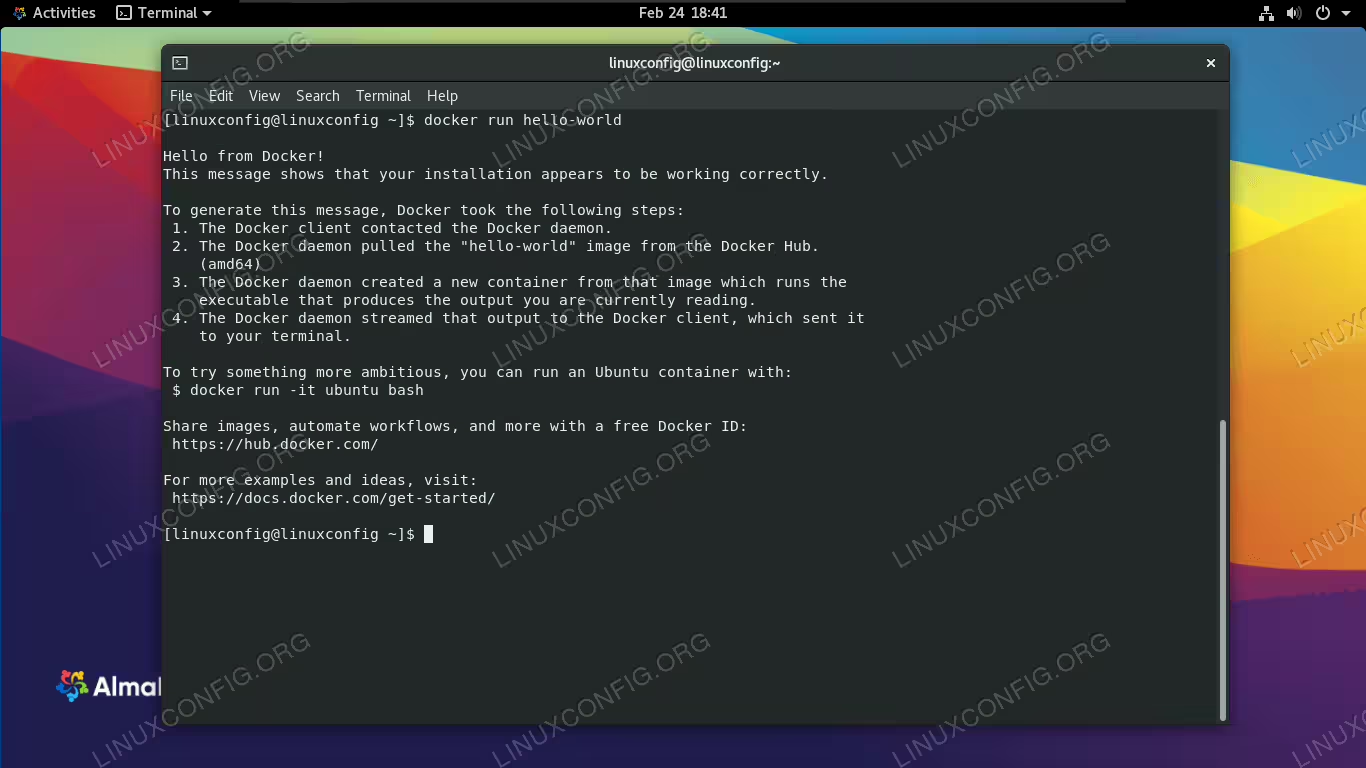
Docker running a container image on AlmaLinux

Docker running a container image on AlmaLinux

Read more

How to install cpan on RHEL 8 / CentOS 8

Perl is a well-known programming language with long development history. The same long history provides the countless modules written in it, and distributed in various channels throughout the World Wide Web. As with most programming languages, if you implement something that you find useful, and maybe write it in a generic way, there are high chances others would find it useful too.

If you share your work with others, they don’t need to re-implement the wheel, they can spend time on other tools, thus making the community as a whole richer, and we have found the spirit of open source with a short walk. But as many people write perl modules, and perl runs on just about anything, it can be hard to find the module you are looking for, let alone build it in your environment. And that’s where cpan comes into play. CPAN itself is a large perl module repository, the cpan tool is a client that is able to fetch and compile needed modules to the local system.

In this tutorial we’ll install cpan on a RHEL 8 / CentOS 8, run the initial configuration, and install a module with this tool’s help.

In this tutorial you will learn:

  • How to install cpan
  • How to run initial configuration
  • How to install a perl module with cpan

Read more

How to install and configure Ansible on Redhat Enterprise Linux 8

This tutorial covers step by step installation and configuration of Ansible on Redhat Enterprise Linux 8.
Ansible is the leading Open Source configuration management system. It makes it easy for administrators and operations teams to control thousands of servers from central machine without installing agents on them.

In this tutorial you will learn:

  • Ansible Overview
  • Install and Configure Python
  • Set Password-less SSH
  • Install Ansible
  • Testing and Managing the Ansible

Read more

AlmaLinux vs CentOS

The release of AlmaLinux in 2021 was spurred by the change of CentOS Linux from an enterprise-stable operating system to an upstream development branch of RHEL.

With AlmaLinux being branded as a replacement for CentOS, and giving users the option to migrate to AlmaLinux from CentOS, you may be wondering what the differences are between these operating systems.

In this guide, we’ll look at what makes AlmaLinux and CentOS so similar, and why new differences between the distributions are causing many to distro hop.

Read more

AlmaLinux Download

AlmaLinux is a Linux distribution based on Red Hat Enterprise Linux and maintained by CloudLinux, a company that provides server hosting and Linux software. For other most popular Linux distributions, please visit our dedicated Linux download page.

MIGRATE YOUR CENTOS TO ALMALINUX
Follow our guide to learn how to migrate CentOS to AlmaLinux, if you prefer convert your existing operating system instead of starting with a new AlmaLinux installation.

The motivation behind Alma’s release is to serve as a viable replacement for CentOS at the time of its shift from an enterprise-stable operating system to an upstream development branch of RHEL. Users can even switch from CentOS to AlmaLinux with just one command that will swap repositories and keys.

AlmaLinux functions very similarly to RHEL, but it’s completely free. It’s marketed to users and companies that need enterprise-level stability in a Fedora-like operating system. In other words, companies that want to use Red Hat but don’t want to pay the subscription fee and/or don’t need tech support can use AlmaLinux to fill the gap.

Being based on RHEL naturally makes almalinux more geared towards servers and workstations, though it can still work well as a desktop operating system for some people. The full installation comes with the GNOME desktop environment and proves easy enough to use, but Linux newcomers will find a more welcoming experience in a user friendly distro like Ubuntu.

Read more

How to install Git on AlmaLinux

Git is a versioning control system, mainly used by programmers to issue changes to applications and keep track of the revisions. However, it’s also commonly used by everyday users, since they’re able to browse and download the source code and binaries of millions of applications from websites like GitHub and GitLab.

On Linux, familiarity with Git and access to the command line utility is borderline essential. That is, if you’re the type of user who likes to install programs to unlock additional features and the like.

In this guide, we’ll show you the step by step instructions to install Git on AlmaLinux. Once it’s installed, you can read our other guide on how to get started using Git. This is a great process to do right after installing AlmaLinux or migrating from CentOS to AlmaLinux.

In this tutorial you will learn:

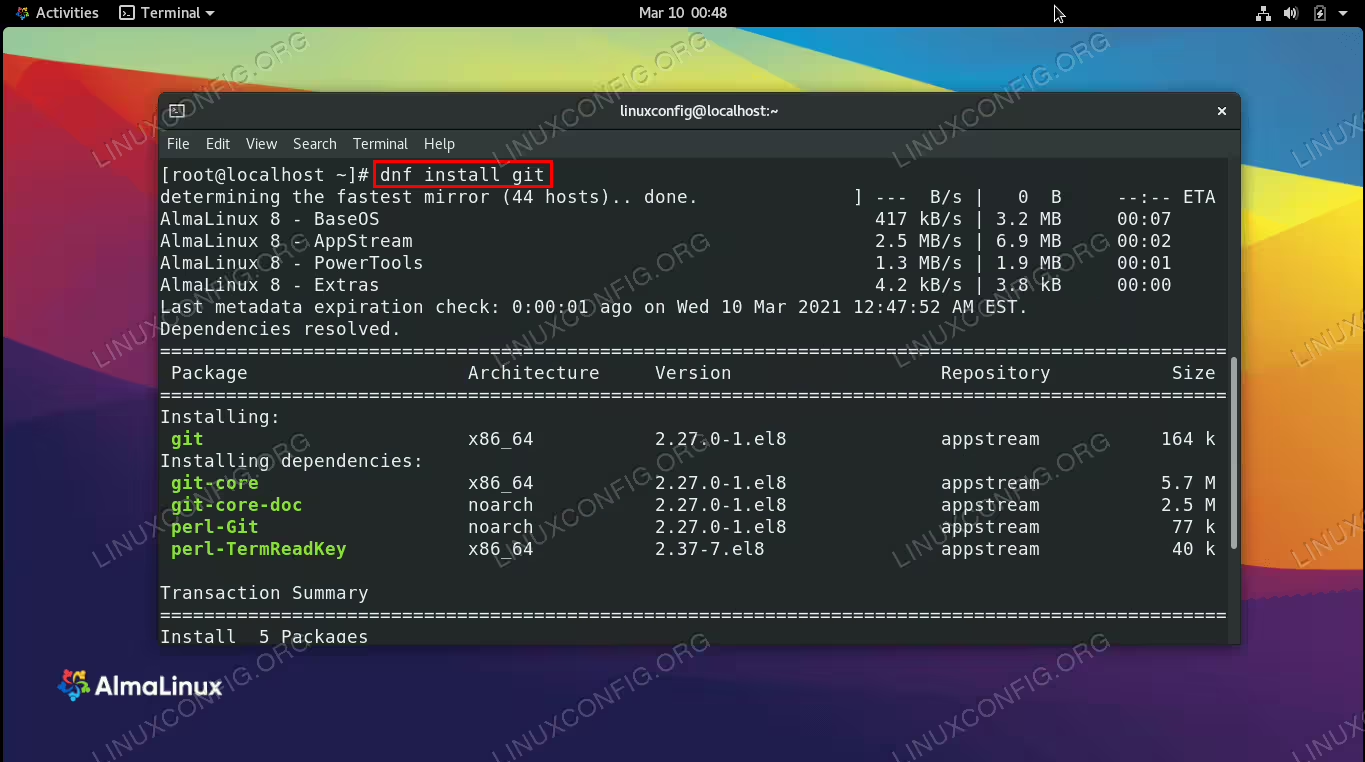
Installing Git on AlmaLinux

Installing Git on AlmaLinux

Read more

How to install LEMP stack on AlmaLinux

A LEMP stack is an assortment of software that contains everything you need in order to serve a website, show dynamic content, and store or retrieve data from a database. The software is all within the LEMP acronym, namely the Linux operating system, NGINX web server, MySQL database (or MariaDB alternatively), and PHP programming language.

If you’ve installed AlmaLinux or migrated from CentOS to AlmaLinux, then you already have the first requirement done. Next, you just need to get your LEMP stack up and running. In this guide, we’ll show the step by step instructions to install a LEMP stack on AlmaLinux.

Note that it’s also possible to install a LAMP stack on AlmaLinux, which is very similar to LEMP except that it contains Apache as the web server instead of NGINX.

In this tutorial you will learn:

  • How to install all LEMP prerequisite packages on AlmaLinux
  • How to secure MariaDB database
  • How to start NGINX and MariaDB services
  • How to open HTTP and HTTPS firewall ports
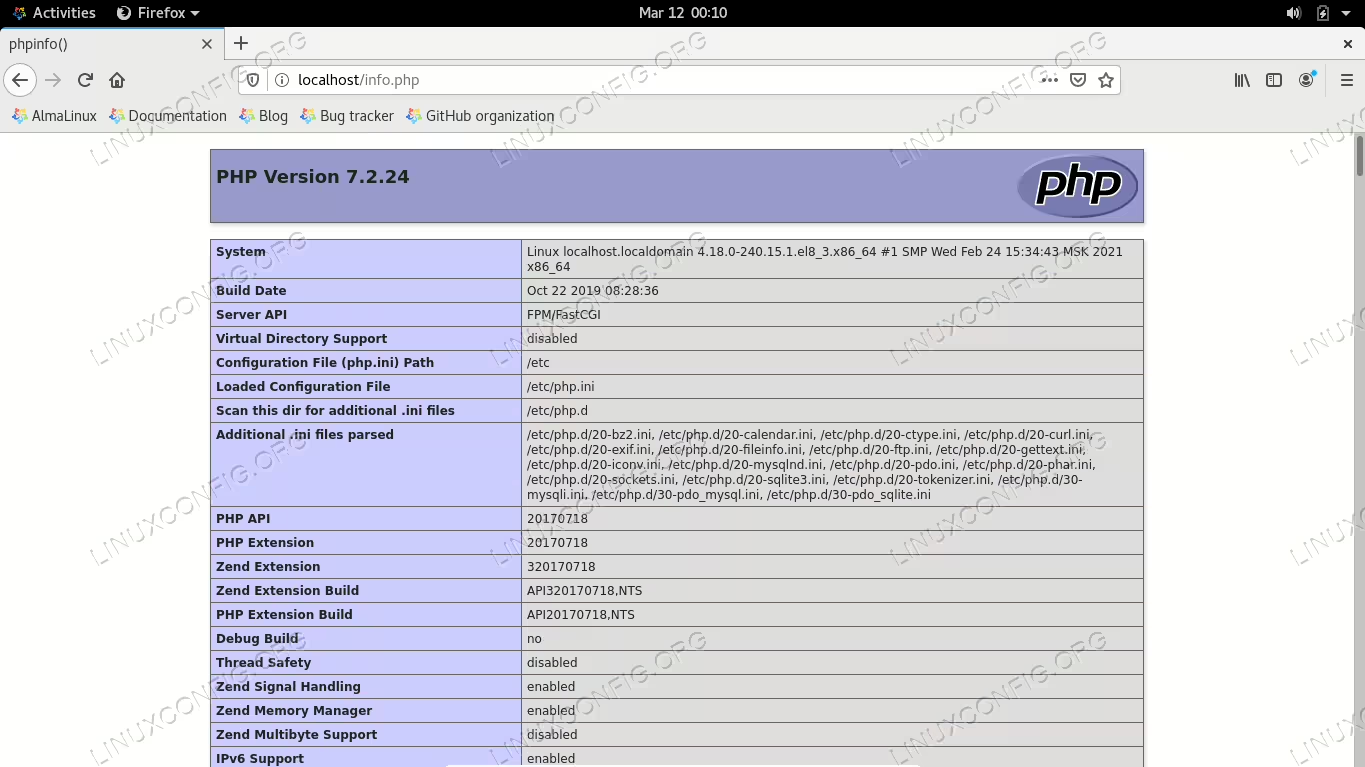
LEMP stack running successfully on AlmaLinux

LEMP stack running successfully on AlmaLinux

Read more

How to install Flatpak on CentOS

Flatpak is a package manager that is available for installation on CentOS Linux and all other major Linux distros. Flatpak offers CentOS users an alternative to the official repos and default dnf package manager as a source of software installation. Many applications available in Flatpak currently do not reside in official CentOS repos, making this a big benefit of installing Flatpak.

Read more

How to check CentOS version

The purpose of this tutorial is to show how to check the CentOS version of your Linux system. It’s possible to do this from either command line or GUI, so you can use whichever method is more convenient for you. Classic CentOS is nearing its end of life and will be replaced by CentOS Stream. Knowing your CentOS version will give you some insight into how long your system will continue to be supported.

Read more