
The objective of this guide is to install GCC the C compiler on RHEL 8 / CentOS 8 and perform compilation of a basic C “Hello World” program. The GCC compiler can be installed in RHEL 8 by simply using the dnf install command.
In this tutorial you will learn:
- How to install GCC compiler on RHEL 8 / CentOS 8.
- How to install Development Tools installation group.
- How to write C program.
- How to compile and execute C program.
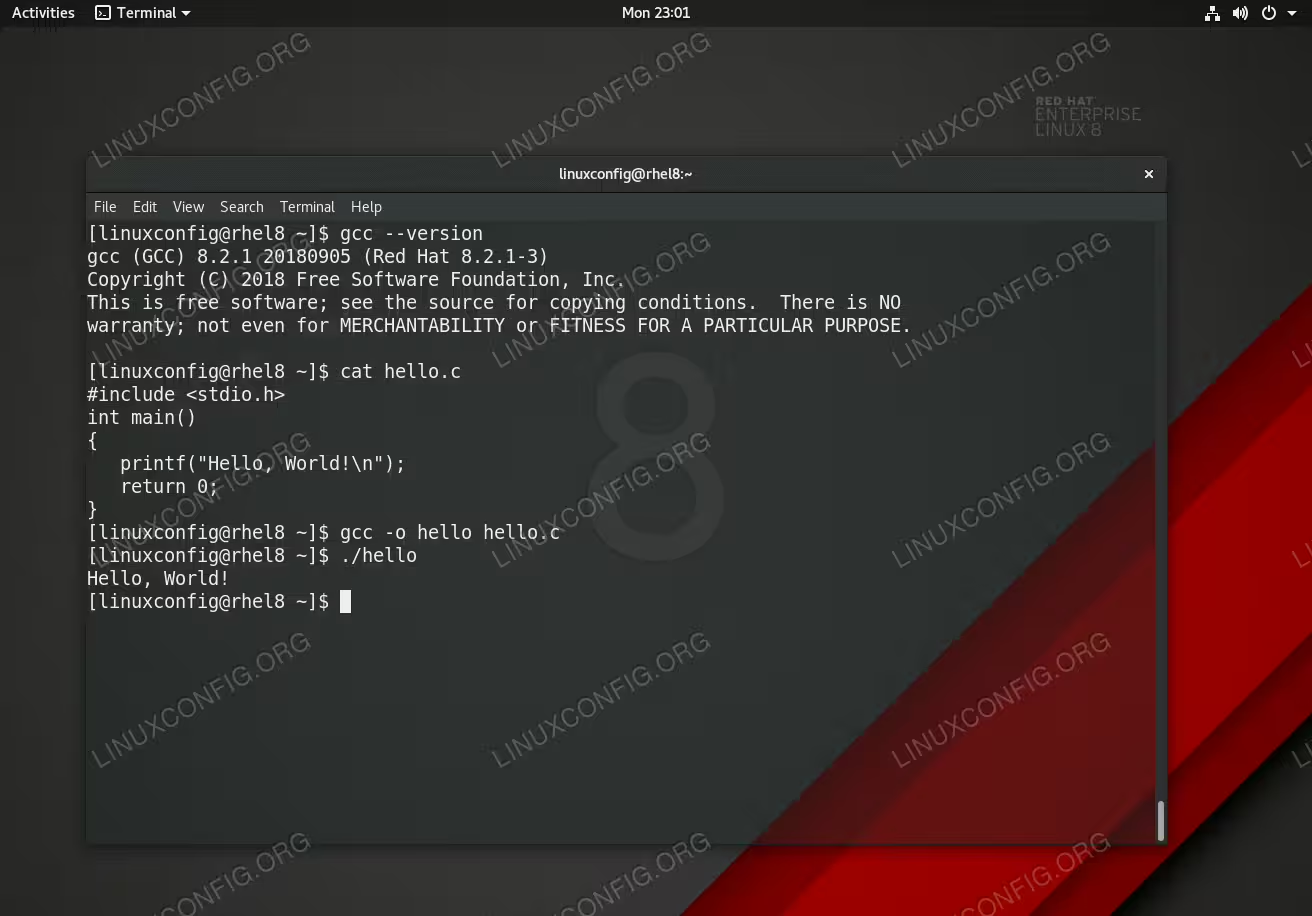
GCC the C compiler on RHEL 8 and Hello world C program example.
Software Requirements and Conventions Used
| Category | Requirements, Conventions or Software Version Used |
|---|---|
| System | RHEL 8 / CentOS 8 |
| Software | gcc |
| Other | Privileged access to your Linux system as root or via the sudo command. |
| Conventions |
# – requires given linux commands to be executed with root privileges either directly as a root user or by use of sudo command$ – requires given linux commands to be executed as a regular non-privileged user |
How to install GCC the C compiler on RHEL 8 / CentOS 8 step by step instructions
- Use the
dnfcommand and install thegccpackage:# dnf install gcc
- (optional) Install
Development Toolstransitional group package.Another way to install the gcc compiler is to install it as part of the
Development Toolstransitional group package.Development Toolspackage will also install additional libraries as well as the g++ compiler. In most cases or if unsure this is exactly what you need:# dnf groupinstall "Development Tools"
- Check GCC version.
Confirm your installation by checking for the GCC version:$ gcc --version gcc (GCC) 8.2.1 20180905 (Red Hat 8.2.1-3)
- (optional) Compile a simple C “Hello World” code:
#include <stdio.h>
int main()
{
   printf("Hello, World!\n");
   return 0;
}
Save the above code within the
hello.cfile, compile and execute it:$ gcc -o hello hello.c $ ./hello Hello, World!