
Choosing the best small linux distro in 2024 can feel overwhelming with so many options available. Lightweight Linux distributions are ideal for older computers, minimalists, or anyone looking to get more speed and efficiency from their machine. In this article, we’ll explore the lightest Linux distros to help you choose the right option for your needs.
What Makes a Linux Distro “Small”?
When it comes to lightweight Linux distributions, “small” refers to an OS that consumes minimal system resources. These distros often run on very low RAM, use fewer CPU cycles, and take up minimal disk space, making them perfect for older laptops or computers with limited specifications.
Characteristics of a light Linux distro include:
- Low RAM usage (often under 1GB)
- Small installation size
- Simple, efficient package management
- Minimal pre-installed applications
- Customizable to reduce system load further
With these features in mind, here are the best lightweight Linux distros for 2024.

Top Picks for Small Linux Distros in 2024
1. Lubuntu – Lightest Ubuntu Ever
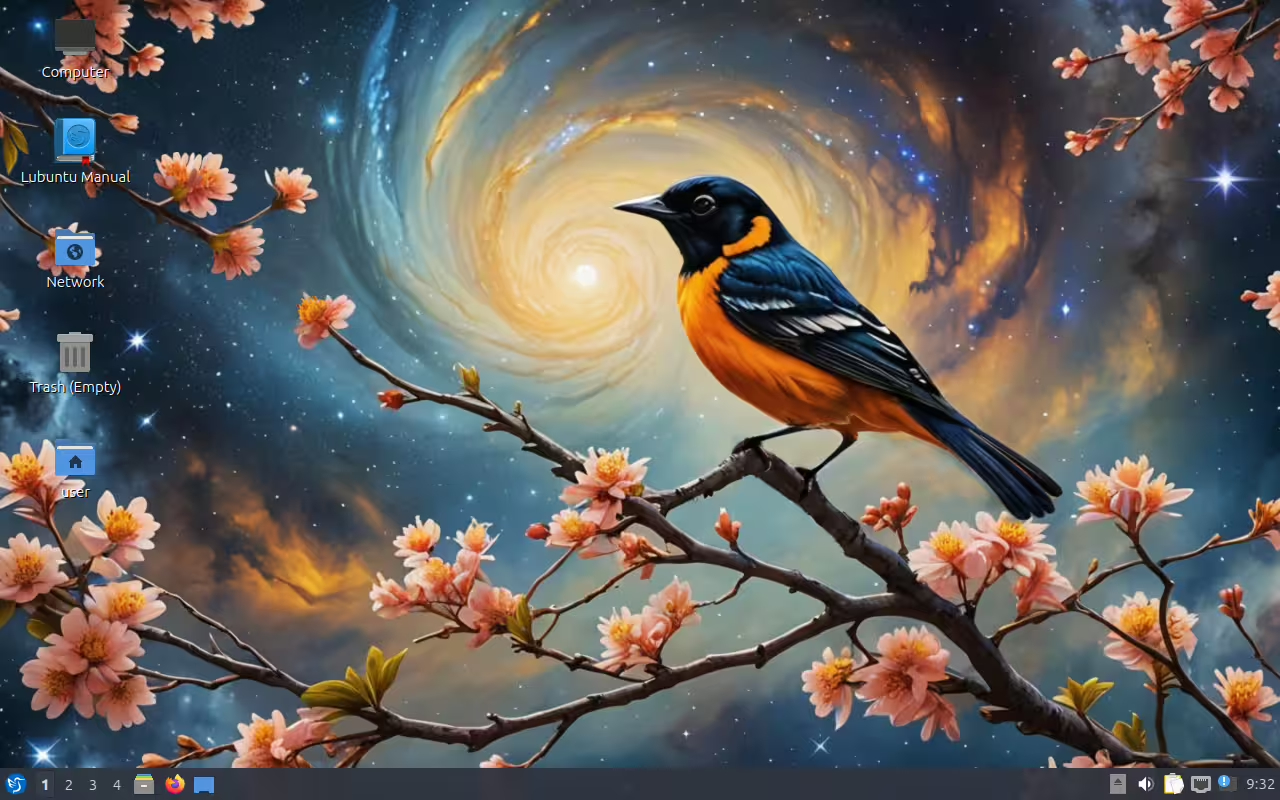
As one of the lightest Ubuntu-based distros, Lubuntu provides an excellent balance between functionality and resource efficiency. It’s optimized for low-power devices, and with the LXQt desktop environment, it’s highly responsive. Lubuntu is ideal for users looking for an Ubuntu-compatible experience on older hardware.
Key Features:
- Low-resource desktop environment (LXQt)
- Simple, user-friendly interface
- Regular updates with Ubuntu’s software ecosystem
Best For: Beginners, users with old laptops, and those who want Ubuntu’s ease of use without the heavy resource demands.
2. Puppy Linux – Best Lightweight Linux Distro for Portability
Homepage: https://puppylinux.com
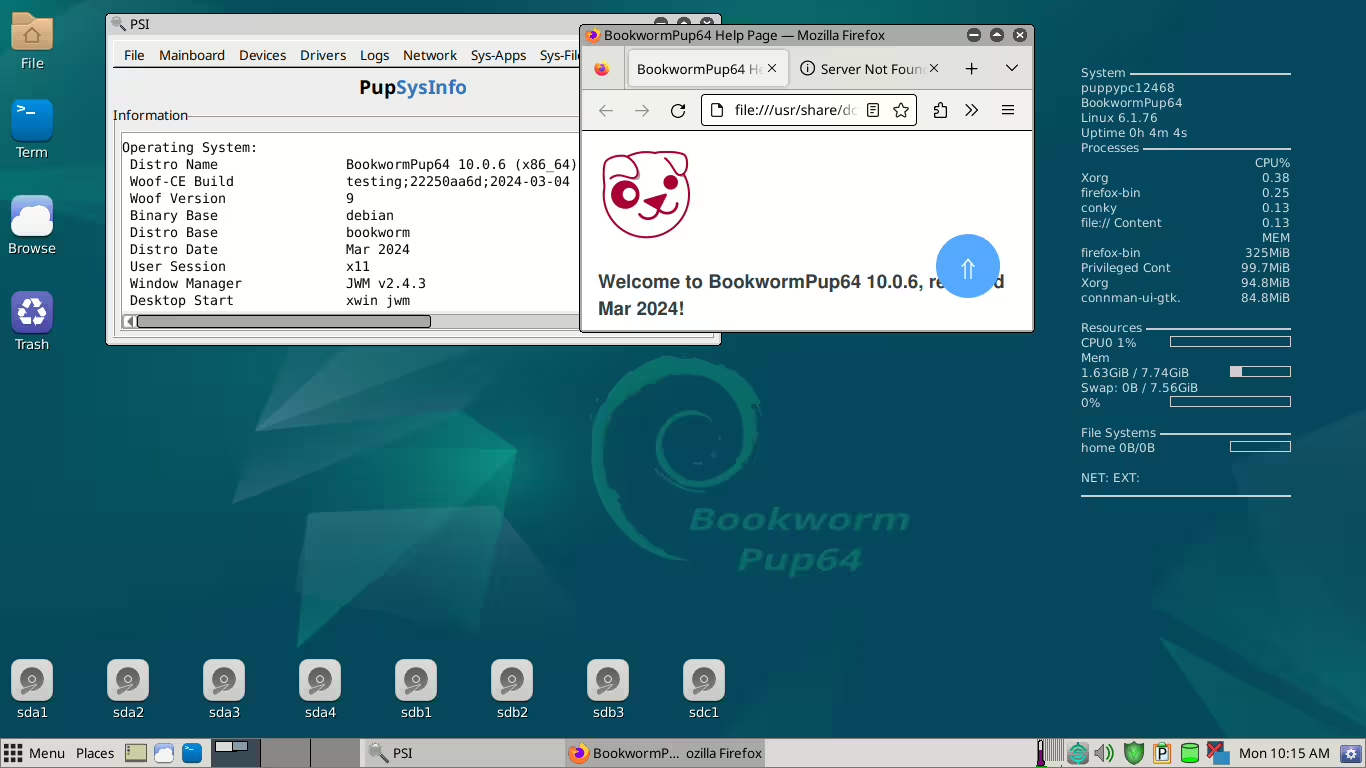
Puppy Linux is known for its extremely small footprint, making it one of the best choices for lightweight Linux distro enthusiasts. This tiny distro can run from a USB stick, making it highly portable. It’s quick to load and runs entirely in RAM, ensuring top-notch speed.
Key Features:
- Runs in RAM for super-fast performance
- Small footprint, easy to install on USB or CD
- Modular and easily customizable
Best For: Users who need a portable OS or have limited storage and want an ultra-lightweight Linux experience.
3. Linux Lite – Best Linux Distro for Old Computers
Homepage: https://linuxliteos.com
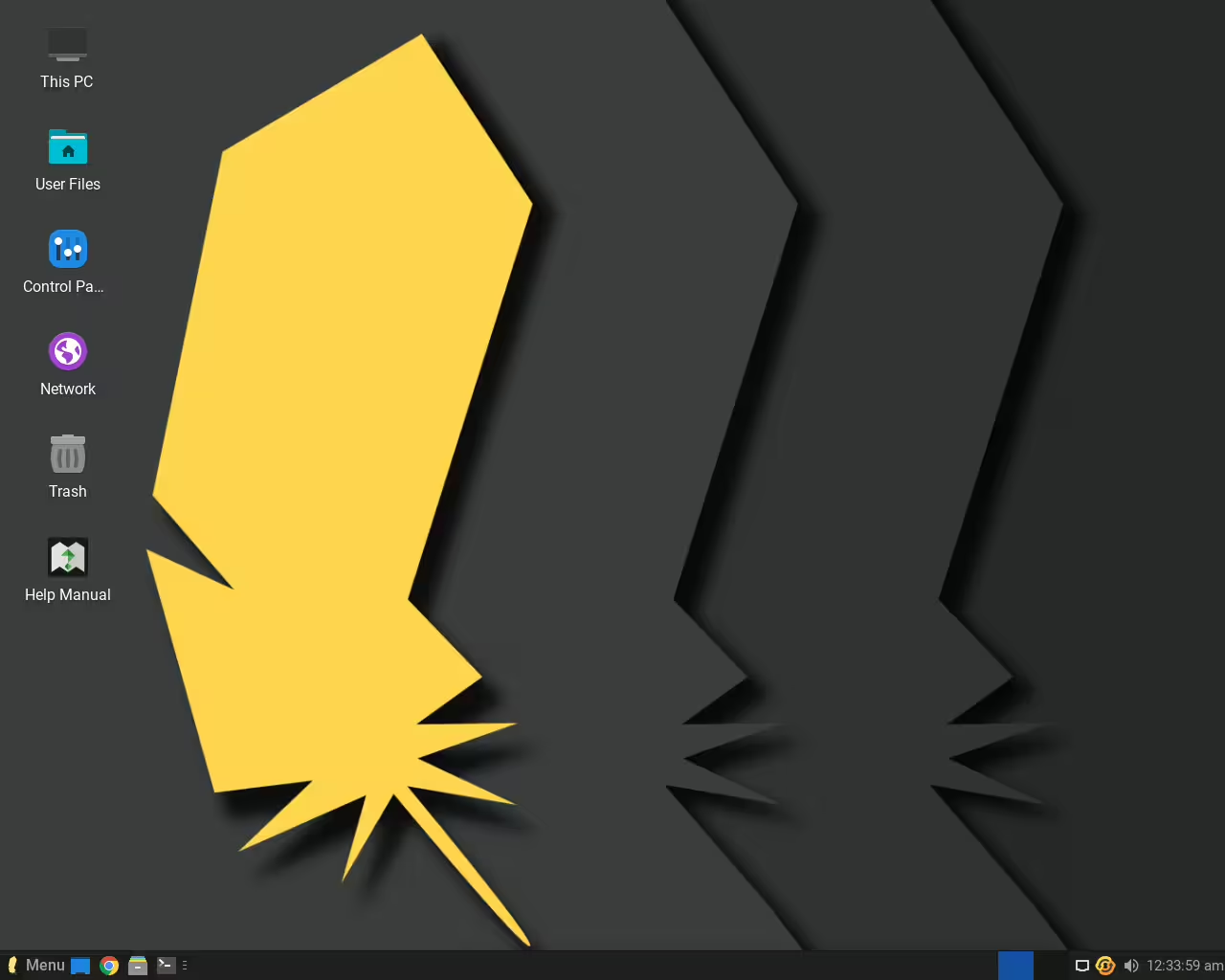
Linux Lite is a best linux distro for old computers based on Ubuntu and designed with beginners in mind. It has a friendly user interface, making it easy for those new to Linux to transition from Windows. With the XFCE desktop environment, Linux Lite is light on resources but still provides a familiar experience.
Key Features:
- Lightweight, using XFCE for a smooth experience
- Pre-installed with essential apps (browser, email, etc.)
- Great support community
Best For: Those new to Linux, transitioning from Windows, or using old laptops.
4. AntiX – Lightweight Debian Linux
Homepage: https://antixlinux.com
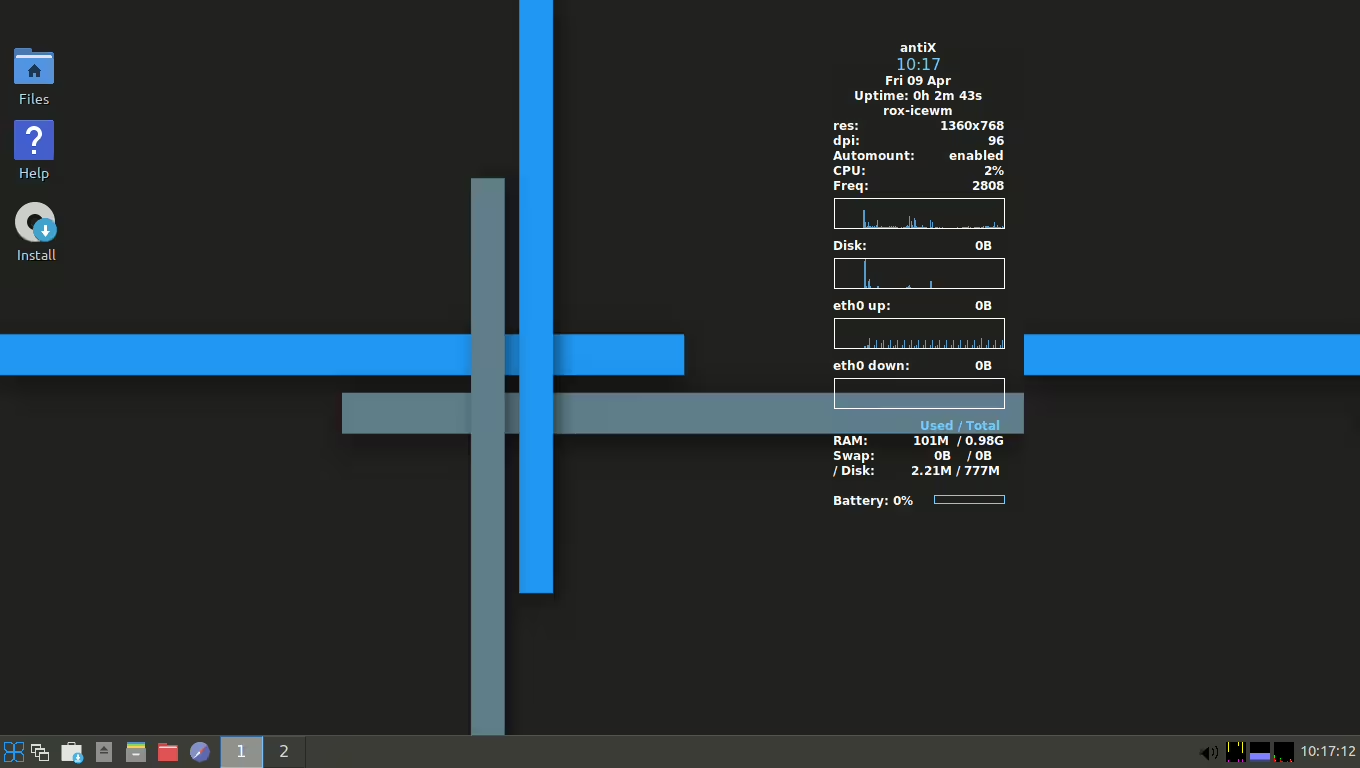
AntiX is a light Debian Linux distribution that doesn’t rely on systemd, making it even lighter than many other Debian-based distros. AntiX uses a range of lightweight window managers, which makes it customizable for experienced users seeking efficiency.
Key Features:
- Debian-based with no systemd
- Multiple lightweight window manager options
- Highly customizable
Best For: Advanced users who want a Debian lightweight experience on older hardware without any unnecessary overhead.
5. Tiny Core Linux – Lightest Linux Distro for Minimalists
Homepage: http://tinycorelinux.net
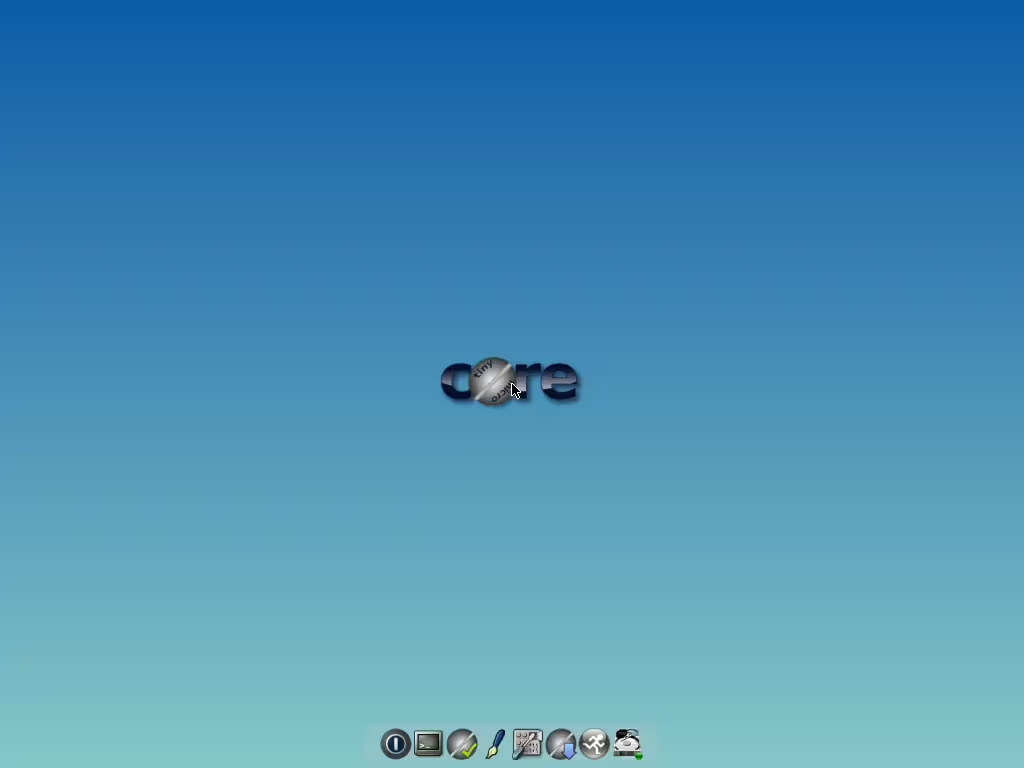
For those seeking the lightest Linux distro, Tiny Core Linux is an intriguing choice. It’s highly modular, with a core system that fits in a mere 16MB! Tiny Core Linux is ideal for users who are comfortable customizing their system from the ground up.
Key Features:
- Extremely small footprint (as low as 16MB)
- Modular design lets you add only what you need
- Requires advanced knowledge to set up
Best For: Advanced users who need the lightest version of Linux and are comfortable building their system from a minimal base.
6. MX Linux (XFCE or Fluxbox) – Lightweight Linux Distribution
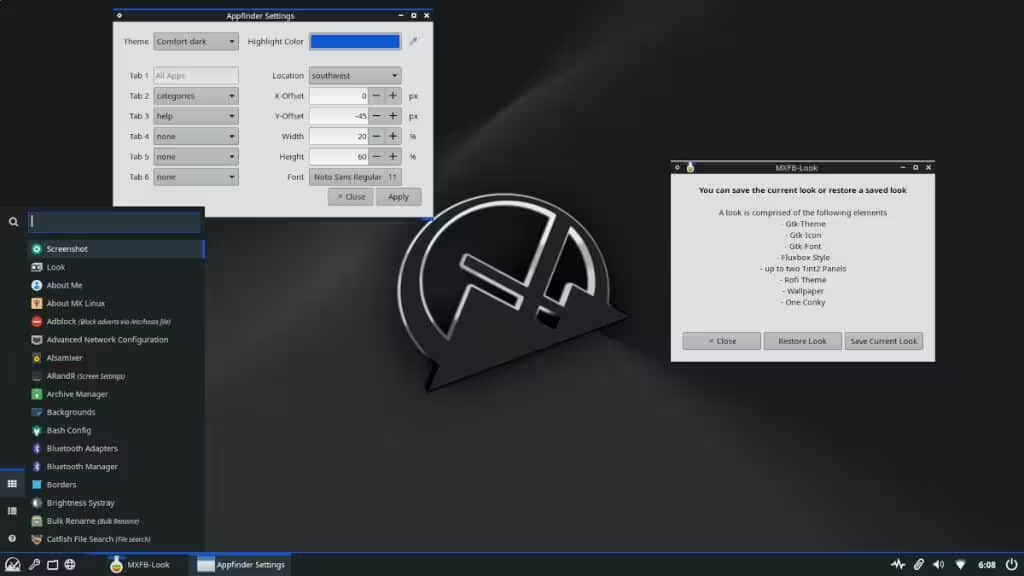
MX Linux is an increasingly popular lightweight Linux distribution that combines a user-friendly experience with low-resource consumption. Available with either XFCE or Fluxbox, MX Linux offers a good balance of efficiency and functionality, which has made it a favorite among light Linux distros.
Key Features:
- XFCE or Fluxbox desktop options
- Easy installation and customization
- Strong community and regular updates
Best For: Users who want a balance between performance and usability on older computers.
7. Alpine Linux – Lightweight, Minimal, and Secure
Homepage: https://alpinelinux.org
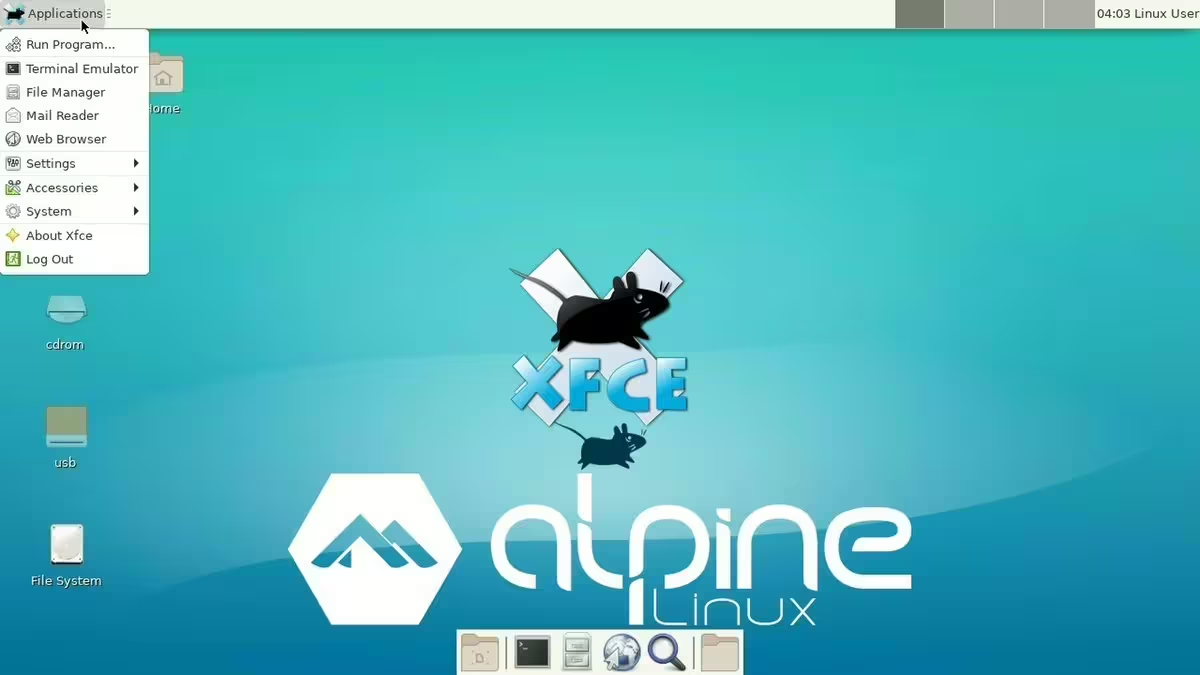
Alpine Linux is often praised as a secure, lightweight Linux distribution, frequently used for servers and container environments due to its minimalistic design and security focus. Based on musl and busybox, Alpine Linux offers a quick, low-resource setup with advanced features, making it one of the best minimal Linux distros.
Key Features:
- Small footprint, highly secure and efficient
- Fast package management (apk)
- Minimal, yet versatile; excellent for containers and servers
Best For: Users looking for a secure, efficient OS, especially in server or containerized environments
How to Choose the Best Small Linux Distro for Your Needs
When choosing a lightweight Best Linux distro for an old laptop, consider the following:
- Hardware Limitations: Check the distro’s system requirements to ensure compatibility with your device’s RAM and CPU.
- User Experience: Some distros are beginner-friendly (e.g., Linux Lite), while others may require more Linux knowledge (e.g., Tiny Core Linux).
- Desktop Environment: The choice of desktop environment affects the user experience and system load (e.g., LXQt in Lubuntu, XFCE in Linux Lite).
Testing distros via live USB before installing them is also a great way to determine the best fit for your device.
Additional Tools and Tips for Lightweight Linux Distros
To make the most of a lightweight distro:
- Optimize System Services: Disable unnecessary services and startup applications.
- Choose Lightweight Applications: For example, use Midori or Falkon as your web browser instead of heavier options.
- Adjust Visual Effects: Minimal visual effects in settings will free up more resources.
Conclusion
Lightweight Linux distros provide the perfect solution for older laptops or those looking to minimize resource usage. Whether you’re new to Linux or a seasoned user, there’s a small distro that fits your needs. From Lubuntu and Linux Lite for beginners to Tiny Core Linux and Alpine Linux for more advanced setups, these options showcase the diversity and adaptability of Linux for any environment.
Consider giving one of these small Linux distros a try and experience a fast, efficient OS that revives your old hardware and improves performance on any system!
