
VirtualBox is a free and open-source hosted hypervisor for x86 virtualization, developed by Oracle Corporation. This article will discuss the installation procedure of VirtualBox on CentOS 8.
In this tutorial you will learn:
- How to add VirtualBox Repository
- How to import VirtualBox signing keys
- How to Install VirtualBox
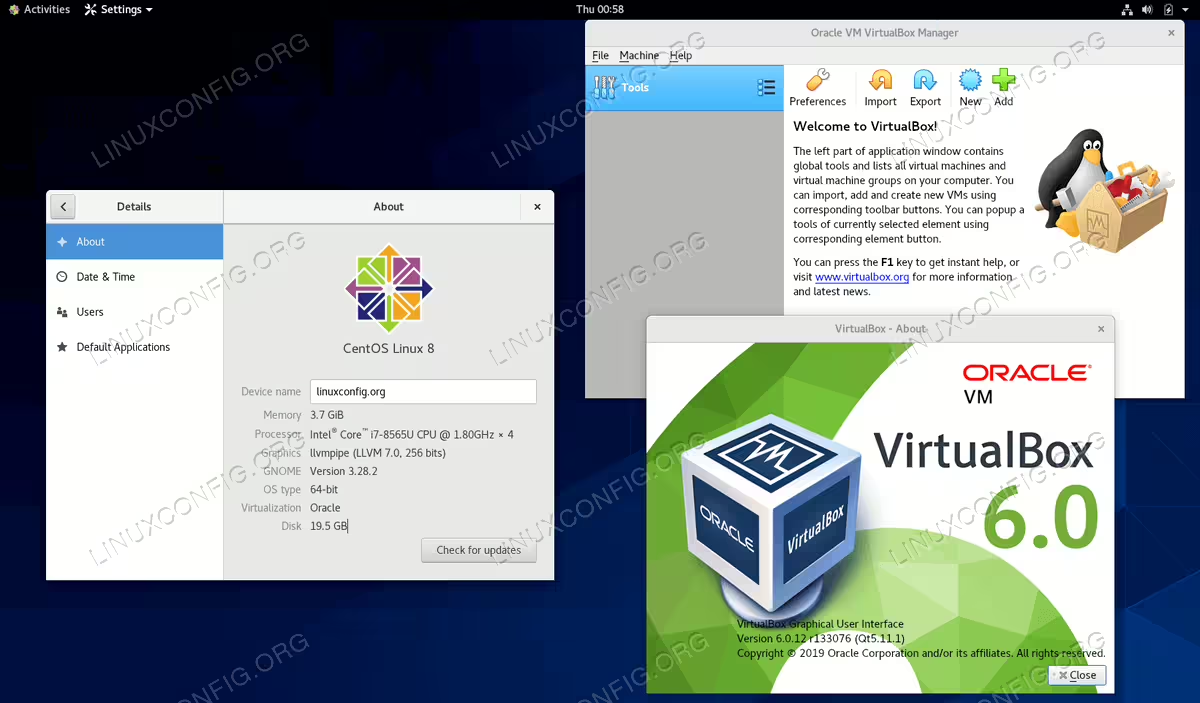
VirtualBox on CentOS 8 Linux
Software Requirements and Conventions Used
| Category | Requirements, Conventions or Software Version Used |
|---|---|
| System | CentOS 8 |
| Software | N/A |
| Other | Privileged access to your Linux system as root or via the sudo command. |
| Conventions |
# – requires given linux commands to be executed with root privileges either directly as a root user or by use of sudo command$ – requires given linux commands to be executed as a regular non-privileged user |
How to install VirtualBox on CentOS 8 Linux step by step instructions
- Add VirtualBox repository:
# dnf config-manager --add-repo=https://download.virtualbox.org/virtualbox/rpm/el/virtualbox.repo
- Import VirtualBox signing keys:
# rpm --import https://www.virtualbox.org/download/oracle_vbox.asc
- Install package
VirtualBox by usingdnfcommand. First, check what versions of Virtualbox is available:# dnf search virtualbox VirtualBox-6.0.x86_64 : Oracle VM VirtualBox
Pick version and perform the installation:
# dnf install VirtualBox-6.0
All done
- Start VirtualBox by search the menu or by execution the following command:
$ virtualbox