
Google chrome browser is one of the most popular Internet browsers. It is developed by Google and can be easily installed on RHEL 8 / CentOS 8 Linux as an alternative for the Firefox browser which comes as default.
In this tutorial you will learn:
- How to download Google Chrome browser.
- How to install Google Chrome browser using GNU package manager and command line.
- How to start Google Chrome Browser.
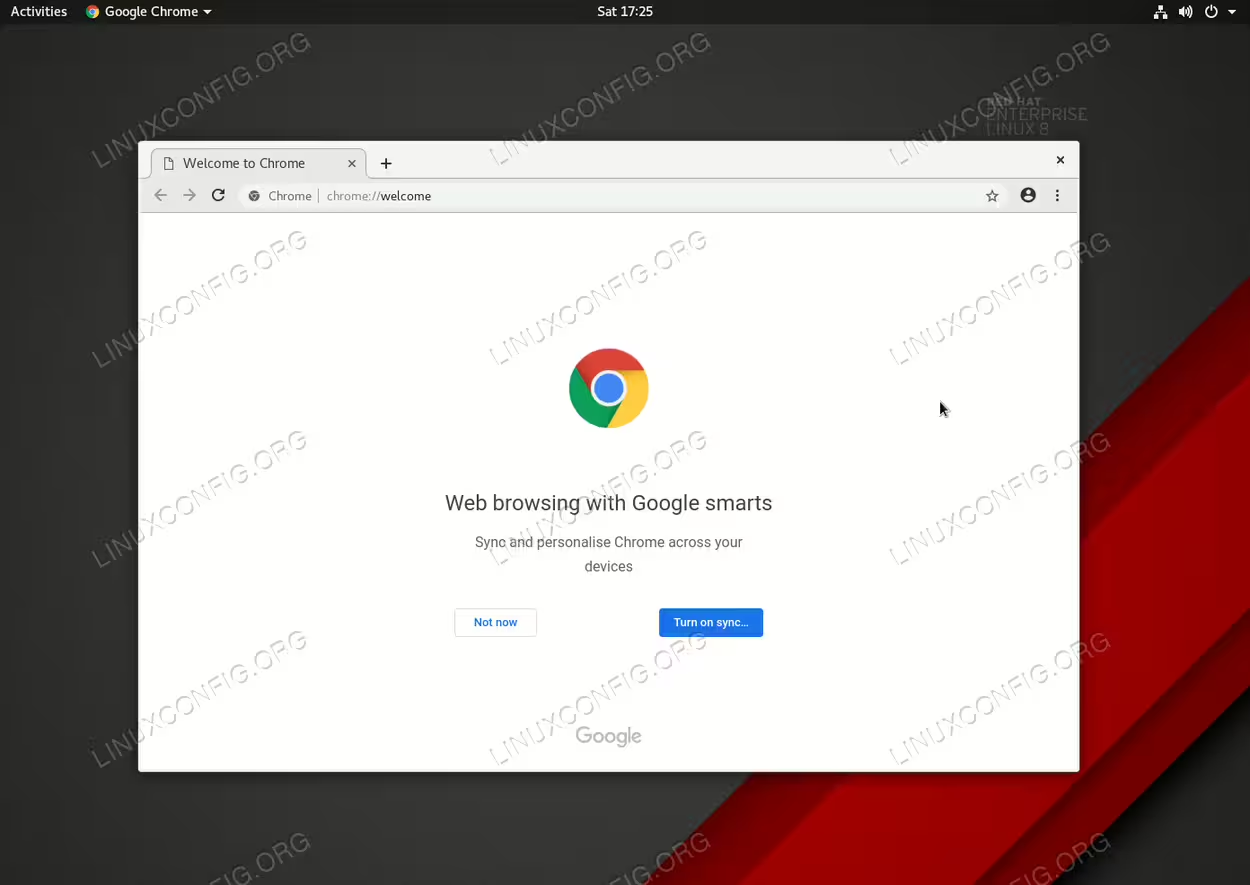
Installed Google Chrome Browser on RHEL 8 / CentOS 8 Linux.
Software Requirements and Conventions Used
| Category | Requirements, Conventions or Software Version Used |
|---|---|
| System | RHEL 8 / CentOS 8 |
| Software | Google Chrome 70 or higher |
| Other | Privileged access to your Linux system as root or via the sudo command. |
| Conventions |
# – requires given linux commands to be executed with root privileges either directly as a root user or by use of sudo command$ – requires given linux commands to be executed as a regular non-privileged user |
How to install Google Chrome in Redhat Linux 8 step by step instructions
- Download the Google Chrome RPM package from the official Google Chrome download page.
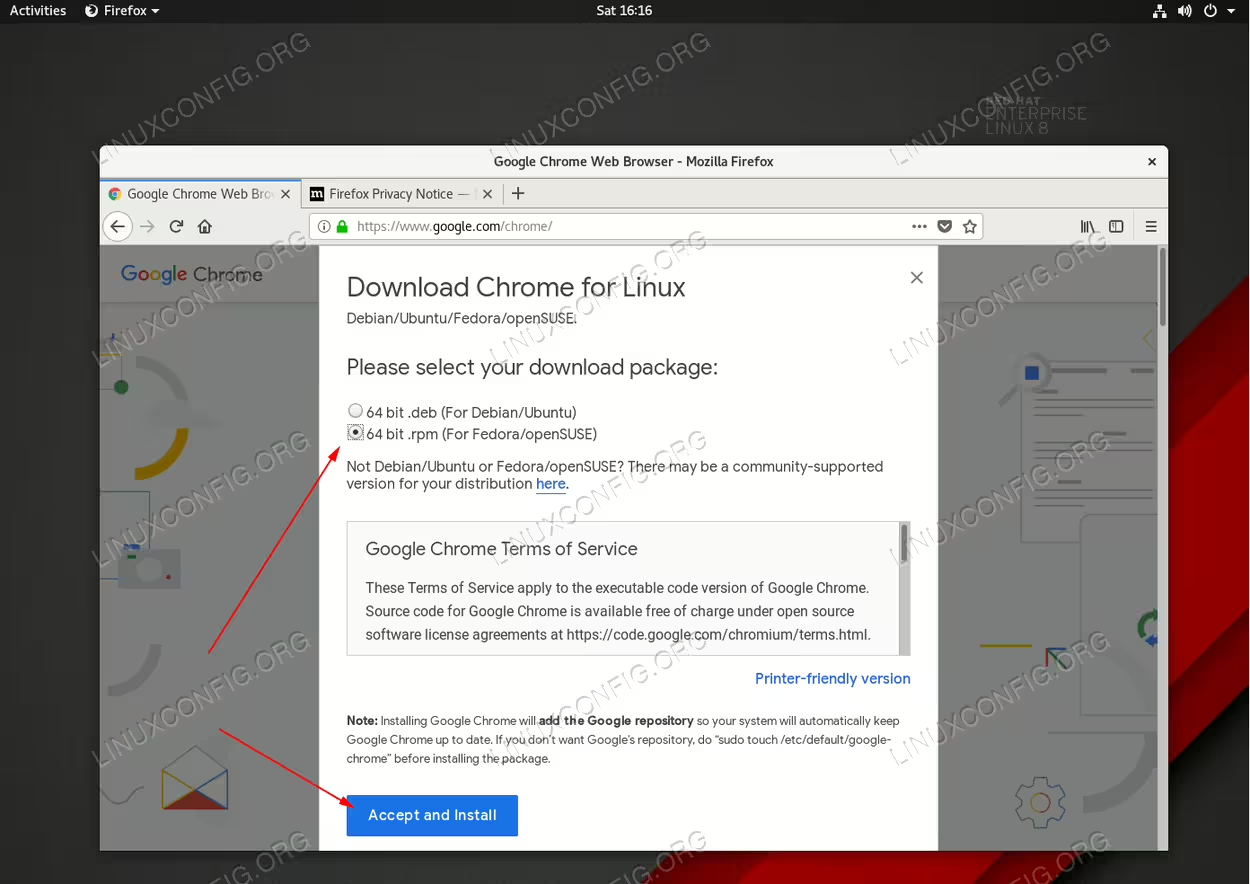 Download the Google Chrome RPM package.
 - Use the GUI software install application to install Google Chrome directly after download. Follow the installation wizard instructions to complete the installation.
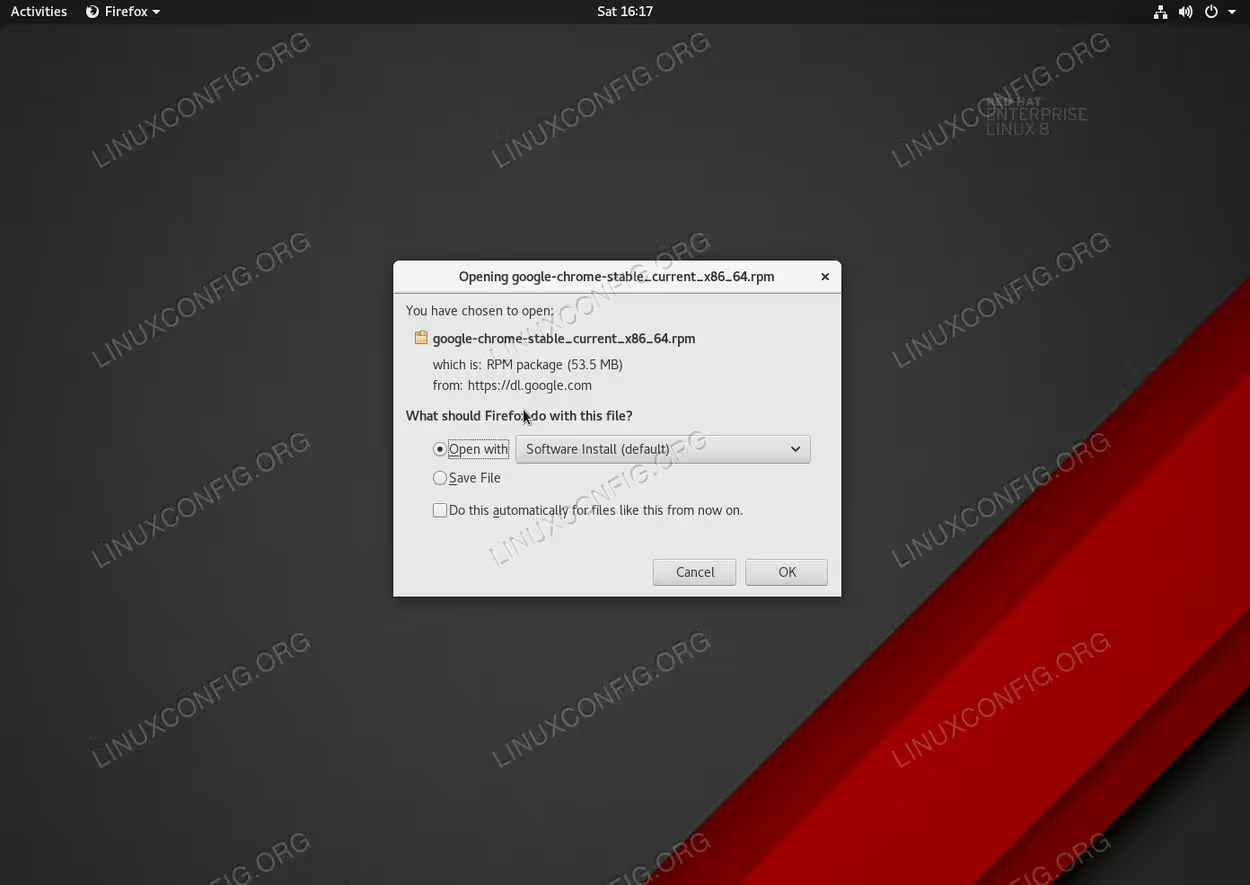 Install the Google Chrome browser by using the default GUI software installation application.
Alternatively, download the Google Chrome to your home directory eg.
Downloadsfolder and install the package using thednfcommand.First use the
sucommand to change to root and then execute thednfcommand to install the package:$ cd Downloads/ $ ls google-chrome-stable_current_x86_64.rpm $ su Password: # dnf install google-chrome-stable_current_x86_64.rpm
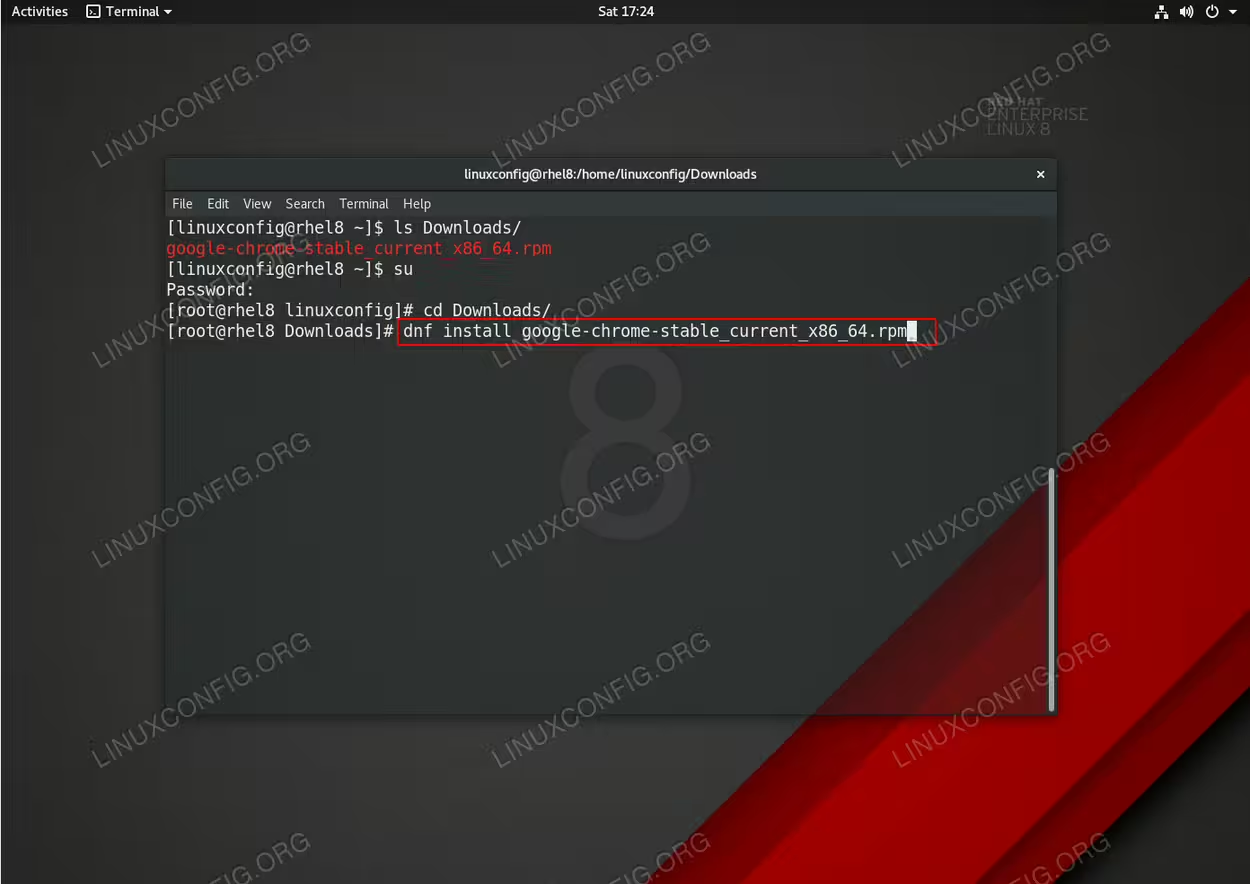 Installation of the Google Chrome RPM package using the
dnfcommand on the Redhat 8 Linux. - Start the Google Chrome browser by searching the
Activitiesmenu for the keywordchromeor start the Chrome browser directly from the command line:$ google-chrome