
Ubuntu 26.04 LTS (Resolute Raccoon) is currently in active development, and while the final release is still months away, adventurous users can already upgrade from Ubuntu 24.04 to test the latest features. This guide walks you through the upgrade process using the do-release-upgrade command.
In this tutorial you will learn:
- How to upgrade Ubuntu 24.04 to Ubuntu 26.04 development version
- Troubleshooting common upgrade issues

| Category | Requirements, Conventions or Software Version Used |
|---|---|
| System | Ubuntu 24.04 LTS |
| Software | update-manager-core |
| Other | Stable internet connection and backup of important data |
| Conventions | # – requires given linux commands to be executed with root privileges either directly as a root user or by use of sudo command$ – requires given linux commands to be executed as a regular non-privileged user |
ARTICLE STATUS
This article is being actively updated as Ubuntu 26.04 development progresses. Information may change as new builds are released and features are finalized.
Quick Ubuntu Upgrade to 26.04 Command Summary
| Task | Command |
|---|---|
| Update system packages | $ sudo apt update && sudo apt upgrade -y |
| Upgrade to Ubuntu 26.04 | $ sudo do-release-upgrade -d |
| Reboot system | $ sudo reboot |
Upgrading from Ubuntu 24.04 to 26.04
DEVELOPMENT VERSION WARNING
Ubuntu 26.04 is currently a development release. Upgrading to this version may cause system instability, software incompatibilities, and potential data loss. Only proceed if you understand the risks and have backed up all important data. This upgrade is recommended for testing purposes only, not for production systems.
Before attempting the upgrade, ensure your Ubuntu 24.04 system is fully updated and you have a complete backup of your important files. For more information about Ubuntu 26.04’s expected features and release timeline, check out our Ubuntu 26.04 release date and new features guide.
- Update your current system: Before upgrading, ensure all packages on your Ubuntu 24.04 system are up to date.
$ sudo apt update && sudo apt upgrade -y
This command updates the package list and upgrades all installed packages to their latest versions.
- Initiate the upgrade: Run the release upgrade command with the development flag.
$ sudo do-release-upgrade -d
The
-dflag allows upgrading to development releases. Follow the on-screen prompts to complete the upgrade process.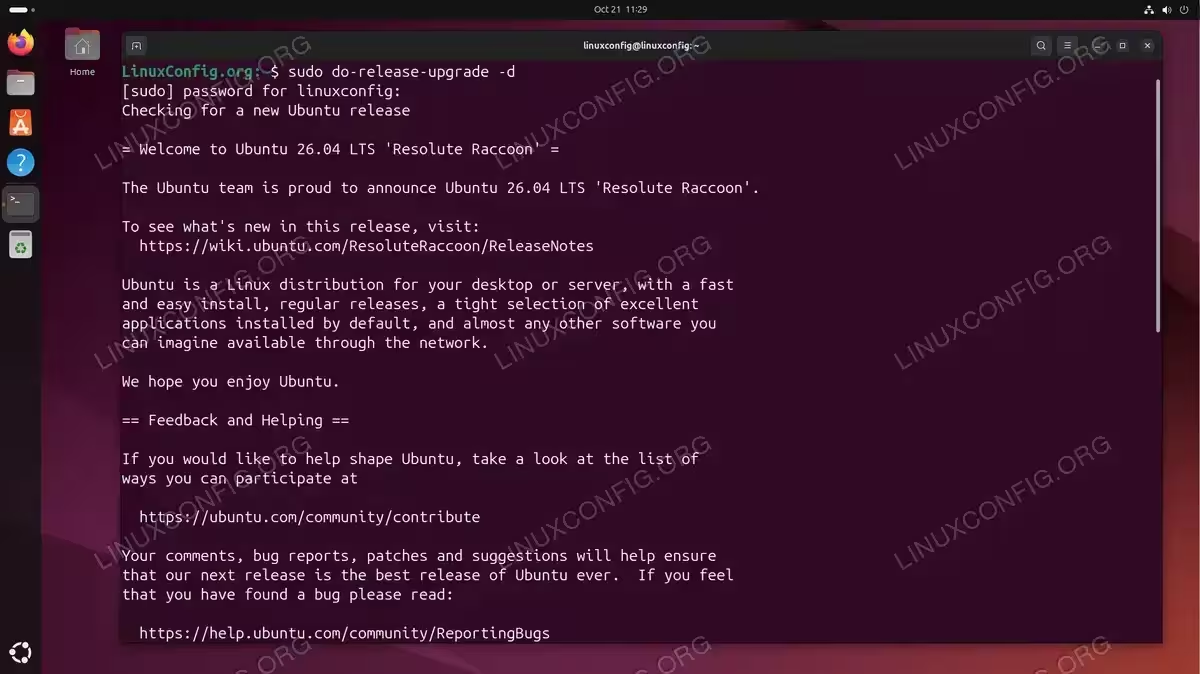
Successfully initiating Ubuntu 26.04 LTS upgrade using the do-release-upgrade -d command 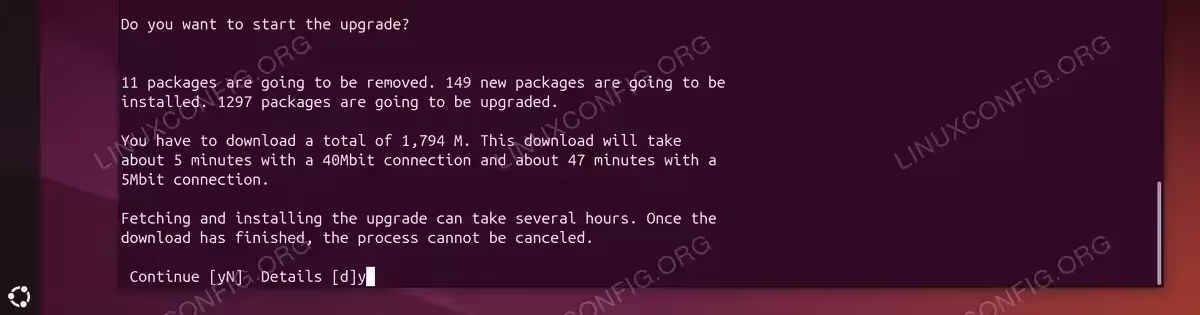
Upgrade prompt displaying 11 packages to be removed, 149 new packages to be installed, and 1297 packages to be upgraded 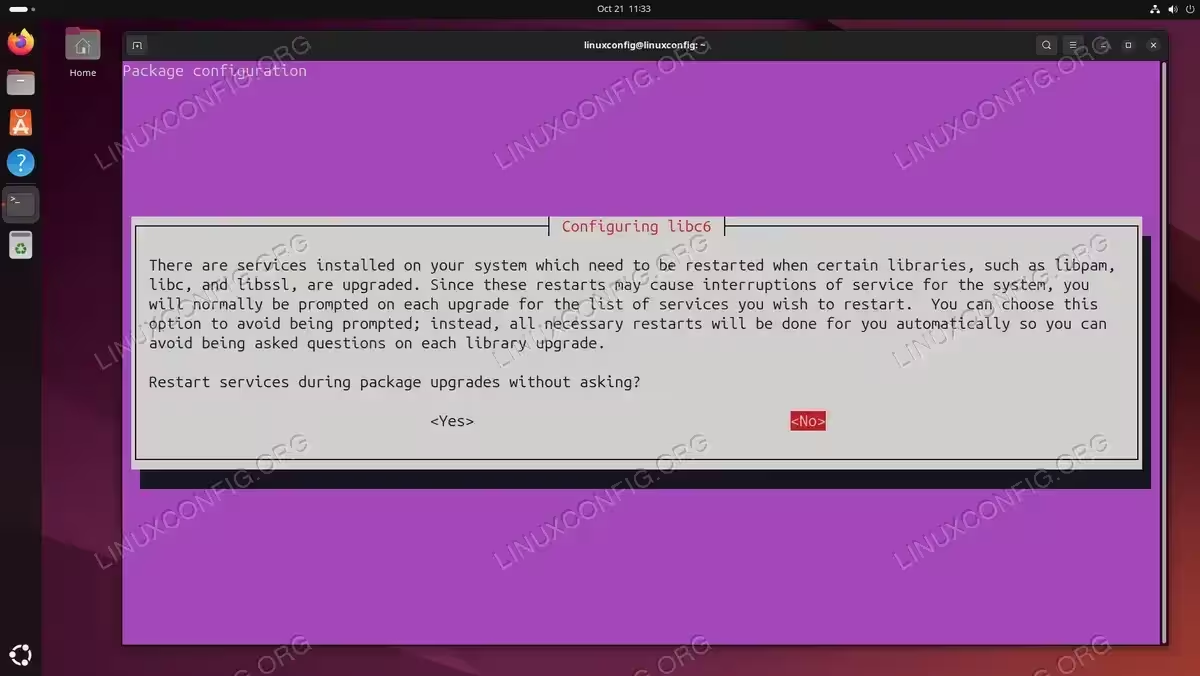
Package configuration prompt asking whether to automatically restart services during package upgrades without prompting 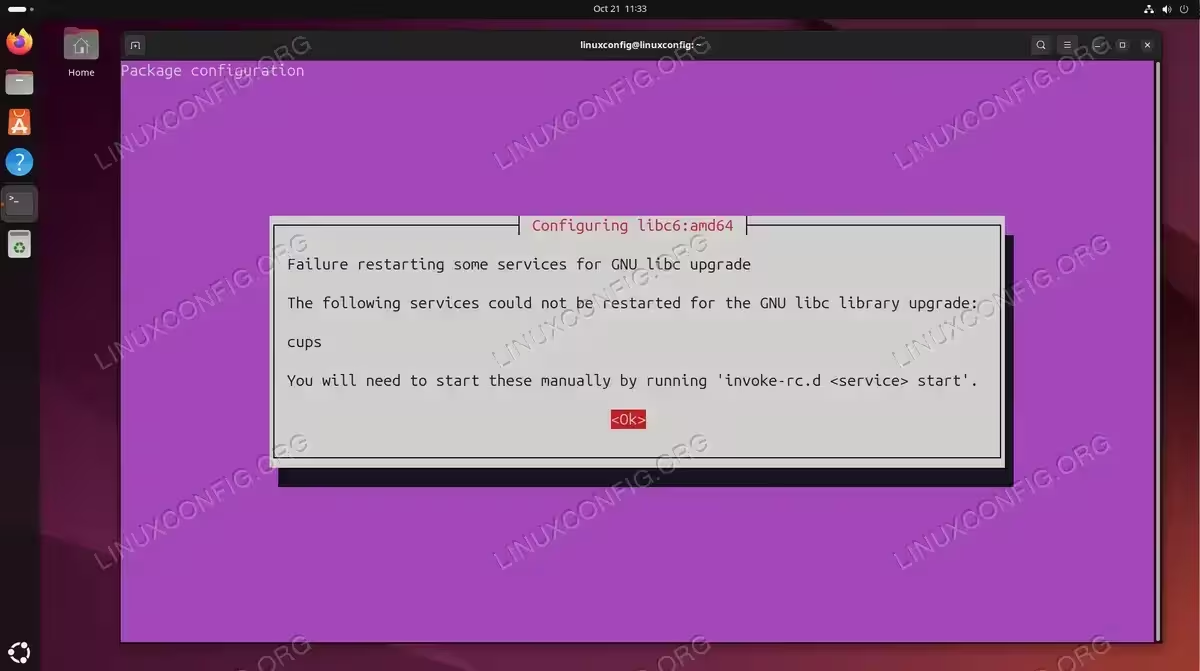
Configuration dialog indicating CUPS service could not be automatically restarted and requires manual intervention 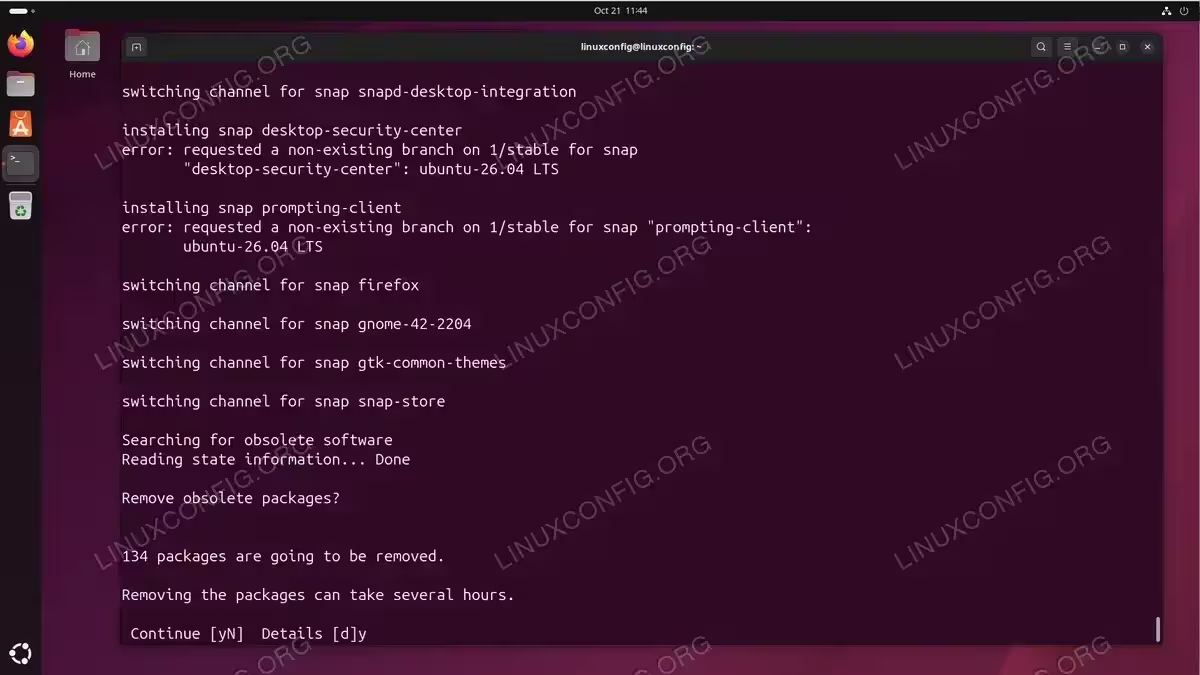
Upgrade process switching snap channels for various applications and prompting to remove 134 obsolete packages 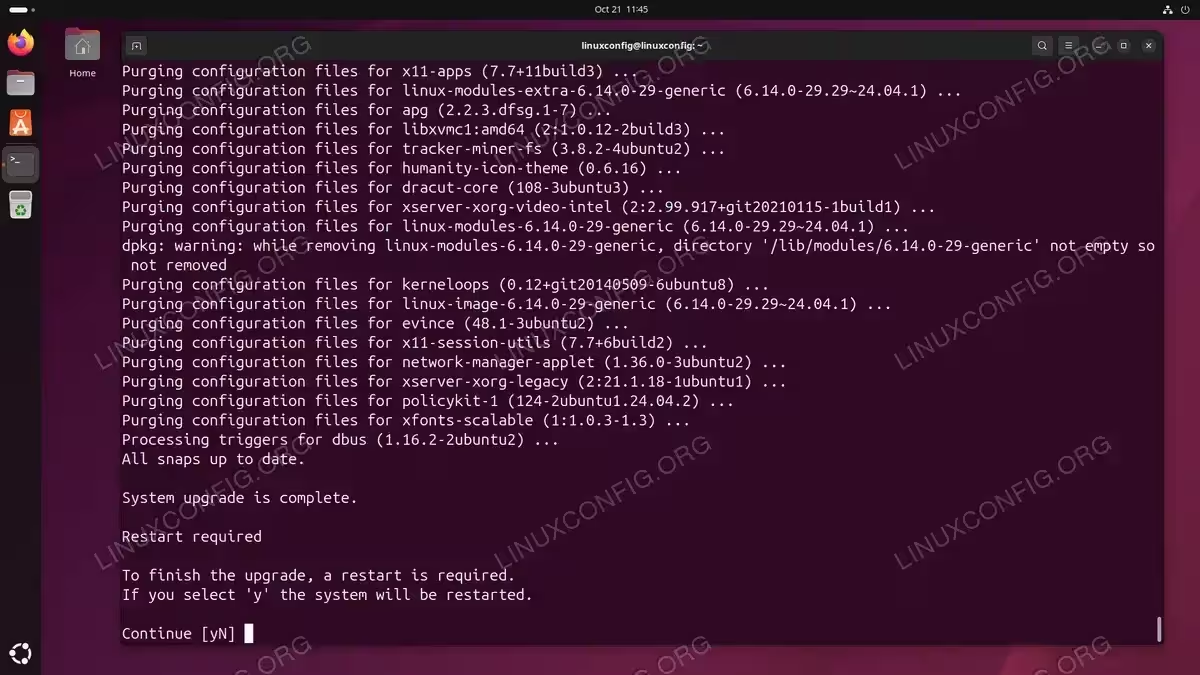
Final stage of Ubuntu upgrade showing purged configuration files and system restart requirement to complete the pro - Reboot your system: After the upgrade completes successfully, restart your computer.
$ sudo reboot
Your system will boot into Ubuntu 26.04.
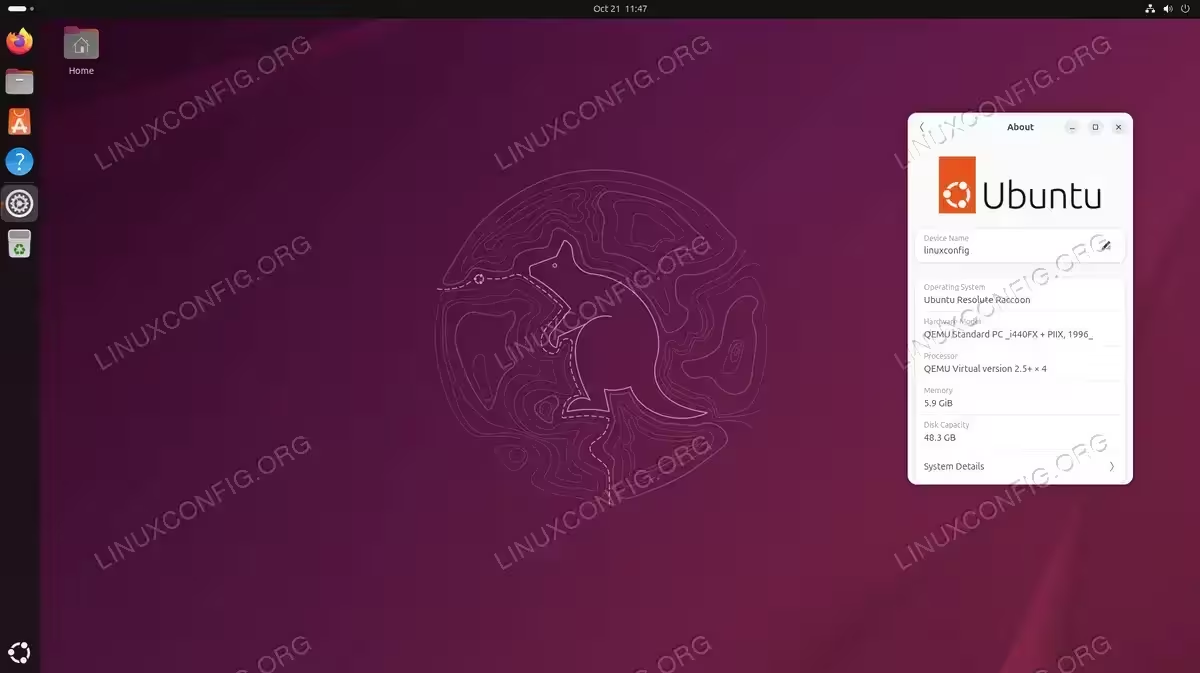
Ubuntu 26.04 desktop featuring the new Resolute Raccoon wallpaper with system information showing successful upgrade
Troubleshooting
If you encounter the following error when attempting to upgrade:
$ do-release-upgrade
Checking for a new Ubuntu release
No new release found
This occurs because Ubuntu 26.04 is still in development and not considered a stable release. The solution is to use the -d flag, which specifically enables upgrades to development versions:
$ sudo do-release-upgrade -d
The -d flag instructs the upgrade tool to check for and allow upgrades to pre-release development versions.
Alternative: Fresh Installation
If you prefer a clean installation instead of upgrading, daily build ISO images are available. Visit our Ubuntu 26.04 download guide for information on obtaining the latest daily builds.
Conclusion
Upgrading from Ubuntu 24.04 to Ubuntu 26.04 is possible using the do-release-upgrade -d command, but remember this is a development release intended for testing and development purposes only. As Ubuntu 26.04 approaches its final release, the upgrade process will become more stable and suitable for production environments. Always maintain current backups before attempting any major system upgrade.