How to install Ansible on Ubuntu 18.04 Bionic Beaver Linux

Objective

The objective is to install Ansible on Ubuntu 18.04 Bionic Beaver Linux.

This guide will provide you with instructions on how to install Ansible on Ubuntu 18.04 from a standard Ubuntu repository, PPA repository and also how to install latest Ansible version by compiling the source code.

Operating System and Software Versions

  • Operating System: – Ubuntu 18.04 Bionic Beaver

Requirements

Privileged access to your Ubuntu System as root or via sudo command is required.

Difficulty

EASY – MEDIUM

Conventions

Read more

How to use bash array in a shell script

In this tutorial, we will see how to use Bash arrays and perform fundamental operations on them. Bash, the Bourne Again Shell, is the default shell on practically all major Linux distributions: it is really powerful and can also be considered as a programming language, although not as sophisticated or feature-reach as Python or other “proper” languages. Furthermore, bash scripting is a must-have skill for any Linux system administration job.

Read more

Install npm on Linux

npm is the package manager for Node.js and the JavaScript coding language. It can be installed on a Linux system and then used on the command line to download and install JavaScript packages and their requisite dependencies.

It’s especially useful for developers working with Node.js, as npm’s online registry contains a plethora of JavaScript packages that can be browsed and downloaded with ease. It’s available for installation on any major Linux distro and operates in much the same way as a distro’s package manager, which you’re probably already familiar with.

In this guide, we’ll show you how to install npm on various major linux distributions. We’ll also show you basic usage commands for npm, such as installing and removing software packages.

In this tutorial you will learn:

  • How to install npm on major Linux distributions
  • Basic usage commands for npm

Read more

Install Laravel With Composer On Ubuntu 18.04

Install And Host Laravel On Ubuntu 18.04 Bionic Beaver Linux

Objective

Install Laravel with Nginx and MariaDB on Ubuntu 18.04

Distributions

Ubuntu 18.04 Bionic Beaver

Requirements

A working install of Ubuntu 18.04 with root privileges

Difficulty

Easy

Conventions

  • # – requires given linux commands to be executed with root privileges either directly as a root user or by use of sudo command
  • $ – requires given linux commands to be executed as a regular non-privileged user

Introduction

Laravel as quickly earned its place as the top PHP framework. It brought a lot of developer friendly features found in other frameworks like Rails to the PHP ecosystem, and in doing so, modernized PHP development.

If you’re looking to develop with Laravel or host it on Ubuntu 18.04, the setup process has never been easier. Since Laravel is PHP, there are a couple of ways to handle this, but Nginx and MariaDB provide a fairly straightforward way to get your project running with modern production-ready tools.

Read more

FFMPEG Script to Convert Multiple Files in Linux

When working with media files, it’s common to find yourself needing to batch convert multiple files. This is particularly true in fields like video editing, audio processing, or even when simply organizing your media library. The powerful tool at the heart of such tasks is often FFMPEG, a versatile, open-source software that can handle almost all video and audio formats. Understanding how to harness FFMPEG through shell scripting can significantly speed up your workflow.

Read more

Install Numpy on Ubuntu 20.04 Focal Fossa Linux

NumPy is a Python library, which supports large, multi-dimensional arrays and matrices. It also offers a wide set of high-level mathematical functions to operate on these arrays. The objective of this short guide is to install NumPy on Ubuntu 20.04 focal fossa Linux.

In this tutorial you will learn:

  • How to install Numpy from the Ubuntu repository
  • How to install Numpy using pip or pip3 commands
  • How to upgrade Numpy to its latest version

Read more

How to install Node.js on Linux

Node.js is a JavaScript runtime environment that is used for hosting websites. It offers users the ability to write websites in JavaScript whose code executes on the server instead of a client’s browser.

To host a website with Node.js on a Linux system, you need to download and configure the Node.js software. Node.js is available for installation on any major Linux distro, although the commands to install it may differ. Most users will also wish to install npm, the package manager for Node.js and JavaScript, when they install Node.js.

In this guide, we’ll show you how to install Node.js from the command line on various Linux distributions so you can get started hosting your JavaScript based website. We’ll also include instructions for installing npm.

In this tutorial you will learn:

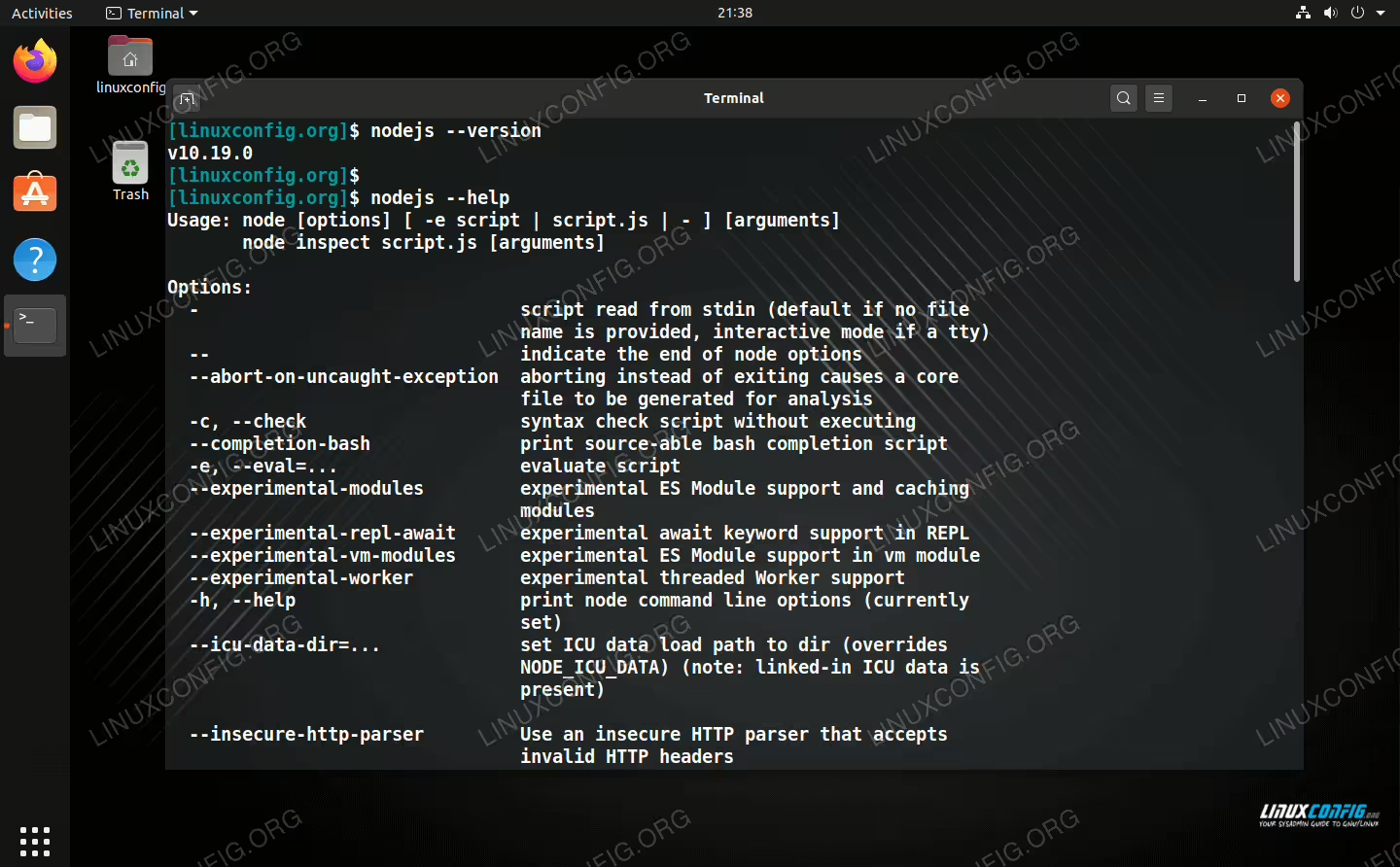
Checking the Node.js version and help menu on Linux

Checking the Node.js version and help menu on Linux

Read more

How to Debug Bash Scripts

There are techniques from traditional programming environments that can help.
Some basic tools like using an editor with syntax highlighting will help as well.
There are builtin options that Bash provides to make debugging and your everyday Linux System Administration job easier.

In this article you will learn some useful methods of debugging Bash scripts:

  • How to use traditonal techniques
  • How to use the xtrace option
  • How to use other Bash options
  • How to use trap

Read more