Objective
In this article we will be installing Stacer as an alternative system monitoring tool for Ubuntu 18.04 Linux Desktop.
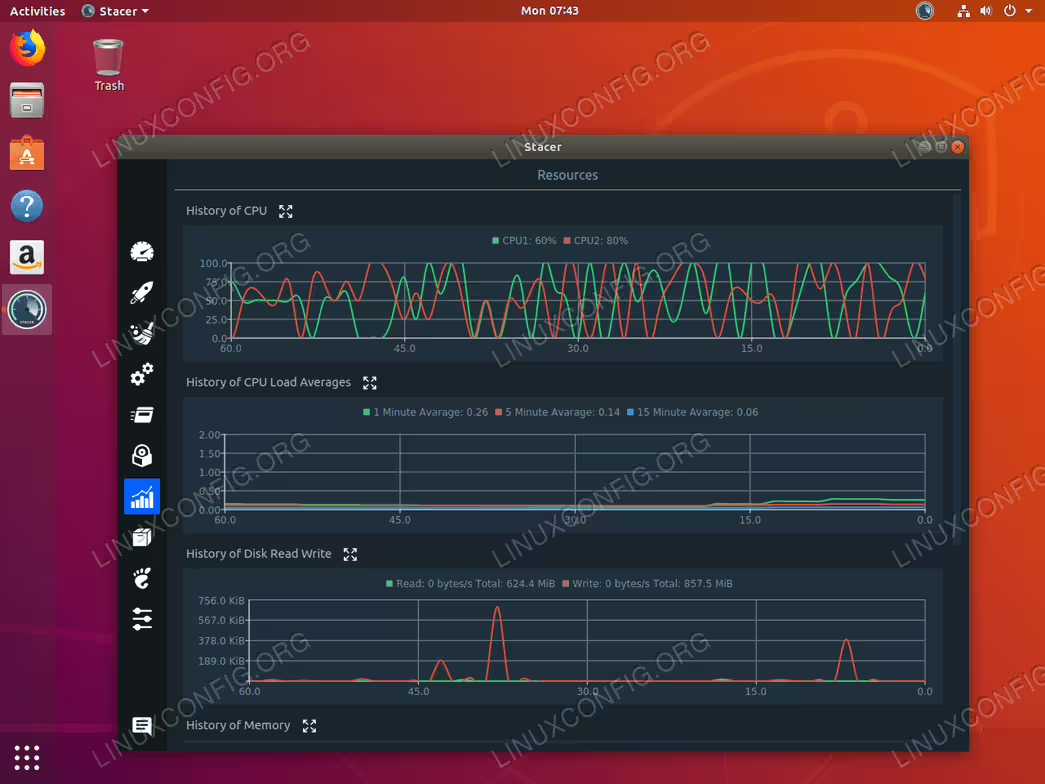
Stacer allows Ubuntu users to monitor and optimize multiple aspects of their operating system. Stacer monitoring includes but is not limited to CPU load monitoring, disk performance and usage. Stacer also allows for number of system configurations as well as it is capable to perform disk clean up.
Operating System and Software Versions
- Operating System: – Ubuntu 18.04 Bionic Beaver
- Software: – Stacer 1.0.9
Requirements
Privileged access to your Ubuntu System as root or via sudo command is required.
Conventions
- # – requires given linux commands to be executed with root privileges either directly as a root user or by use of
sudocommand - $ – requires given linux commands to be executed as a regular non-privileged user
Other Versions of this Tutorial
Ubuntu 20.04 (Focal Fossa)
The focal fossa release has specific installation requirements.
Instructions
Stacer is currently not available for installation from a standard Ubuntu repository. However, it can be installed directly by using debian package or using the apt command from it’s PPA repository ( currently not available for Ubuntu 18.04 ).
Install gdebi
We will be using the gdebi tool to install Stacer DEB file package. To install gdebi on your Ubuntu 18.04 system, open up terminal and enter:
$ sudo apt install gdebi-core
Download Stacer
Navigate to Stacer download page and download the latest Stacer DEB package to your home directory. For example in this guide we will be installing Stacer 1.0.9. Let’s start by downloading stacer via the wget command:
$ wget -O ~/stacer.deb https://jaist.dl.sourceforge.net/project/stacer/v1.0.9/stacer_1.0.9_amd64.deb
The above command downloaded Stacer Debian package into our user home directory.
Install Stacer
What remains is to use the gdebi command to install Stacer:
$ sudo gdebi ~/stacer.deb
When prompted, hity to continue with the installation.
Launch Stacer
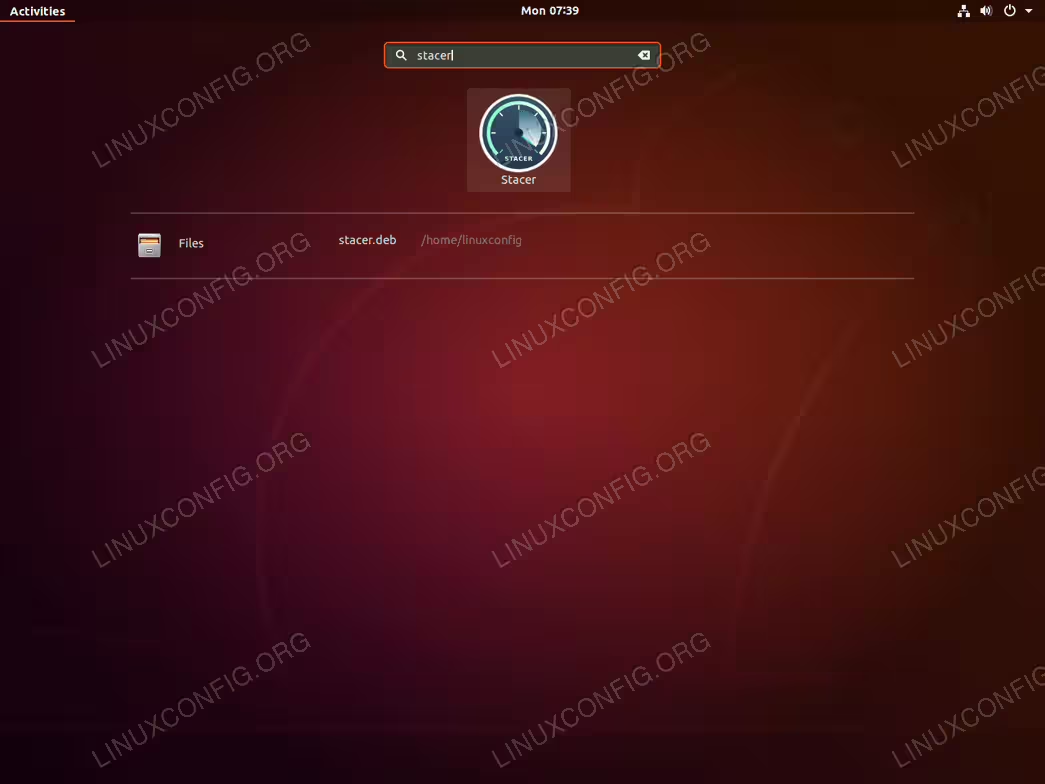
Activities menu.