
A regular expression (often abbreviated to “regex”) is a technique, and a textual pattern, which defines how one wants to search or modify a given string. Regular expressions are commonly used in Bash shell scripts and in Python code, as well as in various other programming languages.
In this tutorial you will learn:
- How to start with Regular Expressions on Python
- How to import regex Python module
- How to match strings and characters using Regex notation
- How to use the most common Python Regex notations
Software Requirements and Conventions Used
| Category | Requirements, Conventions or Software Version Used |
|---|---|
| System | Any GNU/Linux operating system |
| Software | Python 2 , Python 3 |
| Other | Privileged access to your Linux system as root or via the sudo command. |
| Conventions |
# – requires given linux commands to be executed with root privileges either directly as a root user or by use of sudo command$ – requires given linux commands to be executed as a regular non-privileged user |
Python Regular Expressions Examples
In Python, one wants to import the re module to enable the use of regular expressions.
$ python3
Python 3.8.2 (default, Apr 27 2020, 15:53:34)
[GCC 9.3.0] on linux
Type "help", "copyright", "credits" or "license" for more information.
>>> print ('Hello World')
Hello World
>>> import re
>>> print (re.match('^.','Hello World'))
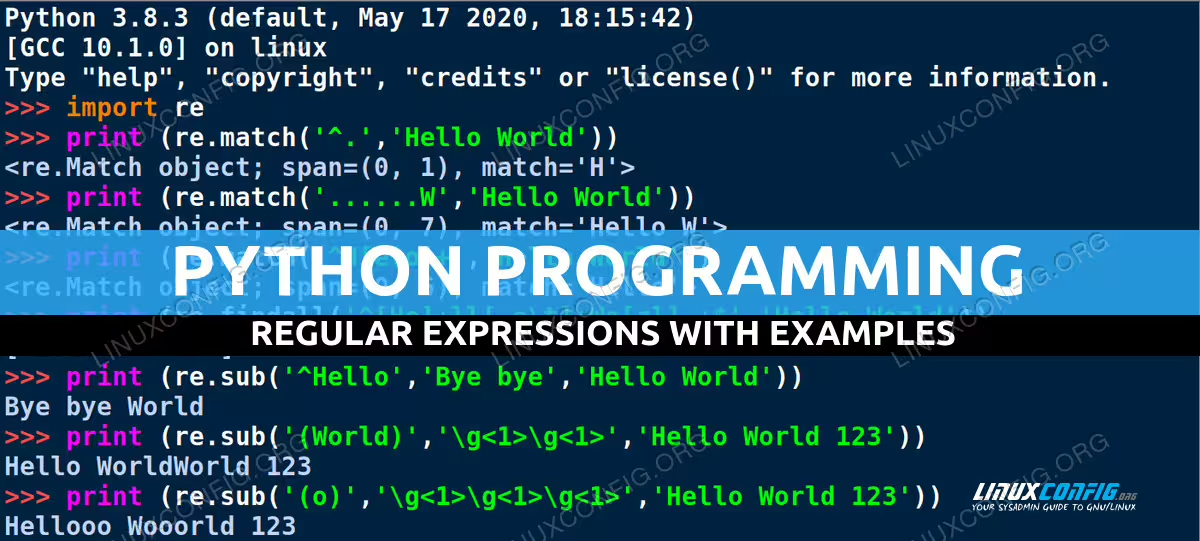
Here we first printed Hello World Line 5to demonstrate a simple print setup. We then imported the regex module re Line 7enabling us to use the .match regular expression Line 8matching function of that library.
The syntax of the .match function is (pattern,string) where pattern was defined as the regular expression ^.‘ and we used the same Hello World string as our input string.
As you can see, a match was found in the letter H. The reason this match was found is the pattern of the regular expression, namely; ^ stands for Start of string and . stands for match any one character (except newline).
Thus, H was found, as that letter is directly after “the start of the string”, and is described as “any one character, H in this case”.
These special connotations are identical to regular expressions in bash scripting, and other regex-aware applications, which all use a more-or-less uniform regex standard, though there are differences between languages and even specific implementations if you delve into regular expressions a bit further.
[REST OF CONTENT REMAINS EXACTLY THE SAME]
Let’s look at some of the more common regular expressions notations available in Python, matched with some lightweight implementations of the same:
| Regex Notation | Description |
|---|---|
. |
Any character, except newline |
[a-c] |
One character of the selected range, in this case a,b,c |
[A-Z] |
One character of the selected range, in this case A-Z |
[0-9AF-Z] |
One character of the selected range, in this case 0-9, A, and F-Z |
[^A-Za-z] |
One character outside of the selected range, in this case for example ‘1’ would qualify |
* |
Any number of matches (0 or more) |
+ |
1 or more matches |
? |
0 or 1 match |
{3} |
Exactly 3 matches |
() |
Capture group. The first time this is used, the group number is 1, etc. |
\g<1> |
Use (insert) of the capture match group, qualified by the number (1-x) of the group |
\g<0> |
Special group 0 inserts the entire matched string |
^ |
Start of string |
$ |
End of string |
\d |
One digit |
\D |
One non-digit |
\s |
One whitespace |
\S |
One non-whitespace |
(?i) |
Ignore case flag prefix, as demonstrated above |
a|d |
One character out of the two (an alternative to using []), ‘a’ or ‘d’ |
\ |
Escapes special characters |
\b |
Backspace character |
\n |
Newline character |
\r |
Carriage return character |
\t |
Tab character |
Interesting? Once you start using regular expressions, in any language, you will soon find that you start using them everywhere – in other coding languages, in your favorite regex-aware text editor, on the command line (see ‘sed’ for Linux users), etc.
You will likely also find that you’ll start using them more ad-hoc, i.e. not just in coding. There is something inherently powerful in being able to control all sorts of command line output, for example directory and file listings, scripting and flat file text management.
Enjoy your learning progress and please post some of your most powerful regular expression examples below!
