
Let’s install Telegram on Linux. Telegram Messenger is a powerful application to keep in touch with friends, family, and acquaintences across a variety of operating systems, including those on mobile and computer.
Multimedia, Games and Crypto
How to get and change video metadata in Linux
Video metadata contains information like author, title, genre, comment, and creation date. This information is embedded in the video file itself, but it not really a common practice for video releases to contain a lot of metadata info. If nothing else, there is usually some copyright information. In this tutorial, you will see how to get and change video metadata on a Linux system. This can be accomplished from both command line and GUI. We will cover both methods below.
Best Music Player for Linux
Linux systems offer a wide range of choice, and music players are no exception. For quite a while, there have been fantastic options when choosing the perfect music player for linux. All of these players are just as good, if not better, than their proprietary counterparts on other operating systems. They range from the minimal, light weight, and targeted to feature-rich multipurpose players capable of nearly anything. There’s a great choice for every music fan on Linux.
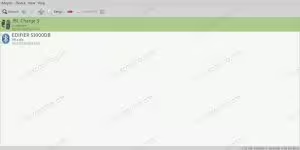
How to Connect to a Bluetooth Speaker on XFCE, MATE, and Cinnamon
Both GNOME and Plasma have their own tools for working with Bluetooth, but desktops like XFCE, MATE, and Cinnamon all use the same common set of tools, making working with Bluetooth speakers across these desktops super simple.
In this tutorial you will learn:
- How to Install the Required Tools
- How to Connect a Speaker
- How to Pair Switch Audio Output
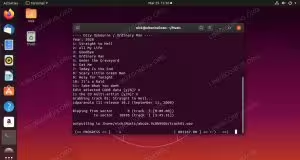
How to Rip CDs From the Linux Command Line
There are a few options for ripping your CDs from the command line, but abcde is easily the most widely available and one of the easiest to work with. You can use it for simple one off rips, or you can configure it to your exact specifications for every use.
In this tutorial you will learn:
- How to Install abcde
- How to Rip a CD with abcde
- How to Configure abcde
How to Name Files for Better Indexing in Kodi
Kodi relies on scrapers to match your files with data on the internet. Those scrapers are looking for specific information in a specific place, so you’ll need to name your files to assist the scrapers in locating the correct info for your kodi library.
In this tutorial you will learn:
- How to Name Movie Files
- How to Name TV Files
yt-dlp vs youtube-dl
It’s well known that videos are not nearly as easy to save from a website as things like images or text. Although web browsers do not feature a default way to save videos directly to our hard drive, open source projects like yt-dlp and youtube-dl fill this gap quite nicely.

How to Convert Documents Between LibreOffice and Microsoft Office File Formats on Linux
Converting documents between LibreOffice and Microsoft Office file formats can be essential for ensuring compatibility and ease of access across different platforms and software suites. On Linux, several methods and tools are available to facilitate this conversion process, enabling users to switch seamlessly between file formats without losing data integrity or formatting. This guide will explore these options in detail, providing step-by-step instructions for each method.

How to install and setup Ghost CMS on Ubuntu
Ghost is a free and open source blogging platform written in Javascript, which saw its first release in 2013. It supports writing posts both using a WYSIWYG (What You See Is What You Get) editor, and the Markdown language. Unlike Wordpress, it is focused on simplicity and on being purely a blogging platform, therefore it includes SEO and and social sharing features out of the box. Ghost offers a ready-to-go hosting service, Ghost(Pro), but can be easily self-hosted.
How to download and install Firefox on Linux
Mozilla Firefox is one of the most popular and widely used web browsers in the world. It’s available for installation on all major linux distros, and even included as the default web browser for some Linux systems.
In this guide, we’ll cover the step by step instructions on how to download and install Mozilla Firefox on the most popular Linux distros. This will include methods for installation from a distro’s package manager, as well as a direct download from Mozilla’s site.
In this tutorial you will learn:
- How to install Firefox on popular Linux distros via package manager
- How to install Firefox via direct download from Mozilla
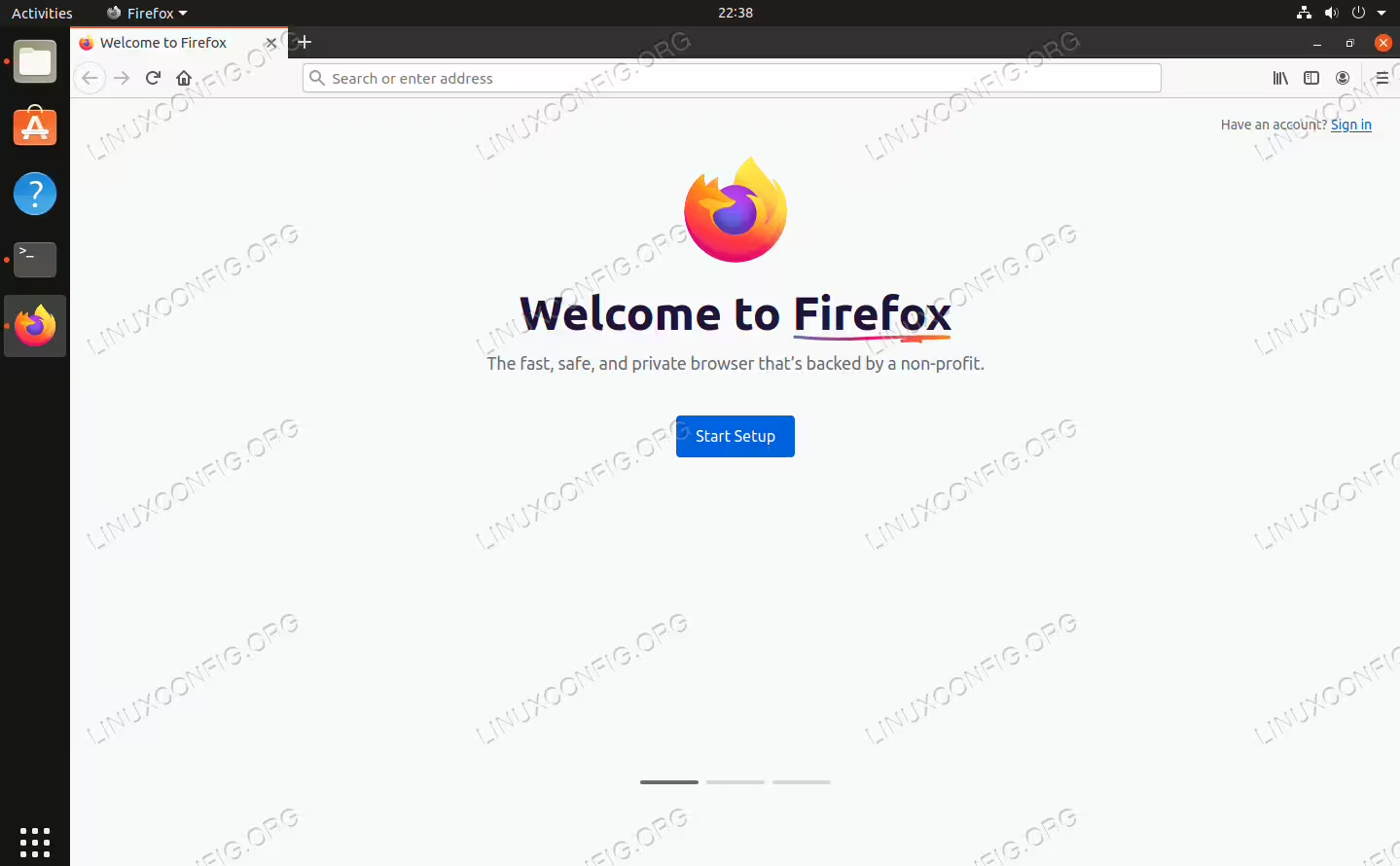
Mozilla Firefox successfully installed on Linux
Improve Your Wine Gaming on Linux With DXVK
Objective
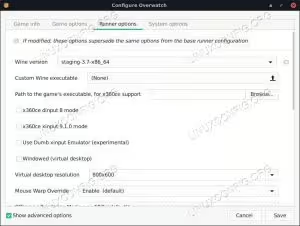
Add DXVK to an existing Wine prefix, improving performance.
Distributions
This guide focuses on Ubuntu, but the procedure will work on any distribution.
Requirements
A working Linux install with root privileges.
Conventions
- # – requires given linux commands to be executed with root privileges either directly as a root user or by use of
sudocommand - $ – requires given linux commands to be executed as a regular non-privileged user
Introduction
Wine gaming is sort of a moving target. It always has been. Just when you think you know the lay of the land, something new pops up and disrupts everything. The latest curveball comes in the form of DXVK.
DXVK is a set of replacement dll files that translate from DirectX 11 to Vulkan. While DXVK is still very new, and it hasn’t even seen its 1.0 release yet, Wine gamers are jumping on board with both feet.
Because it moves DX11 code to Vulkan, DXVK directly addresses the biggest problem with Wine gaming today, incompatibility with newer forms of DirectX. Most games are moving as far from DirextX 9 as possible, and breaking Wine comparability in the process. DXVK has very real potential as a solution.
FFMPEG Script to Convert Multiple Files in Linux
When working with media files, it’s common to find yourself needing to batch convert multiple files. This is particularly true in fields like video editing, audio processing, or even when simply organizing your media library. The powerful tool at the heart of such tasks is often FFMPEG, a versatile, open-source software that can handle almost all video and audio formats. Understanding how to harness FFMPEG through shell scripting can significantly speed up your workflow.