
The command line vim text editor utility is an invaluable tool for any system administrator. The vim editor can be installed with a single dnf command in case it is currently unavailable on your RHEL 8 / CentOS 8 Linux system.
In this tutorial you will learn:
- How to install vim text editor on RHEL 8 / CentOS 8.
- How to set vim as the system wide default text editor.
- How to set vim as the user default text editor.
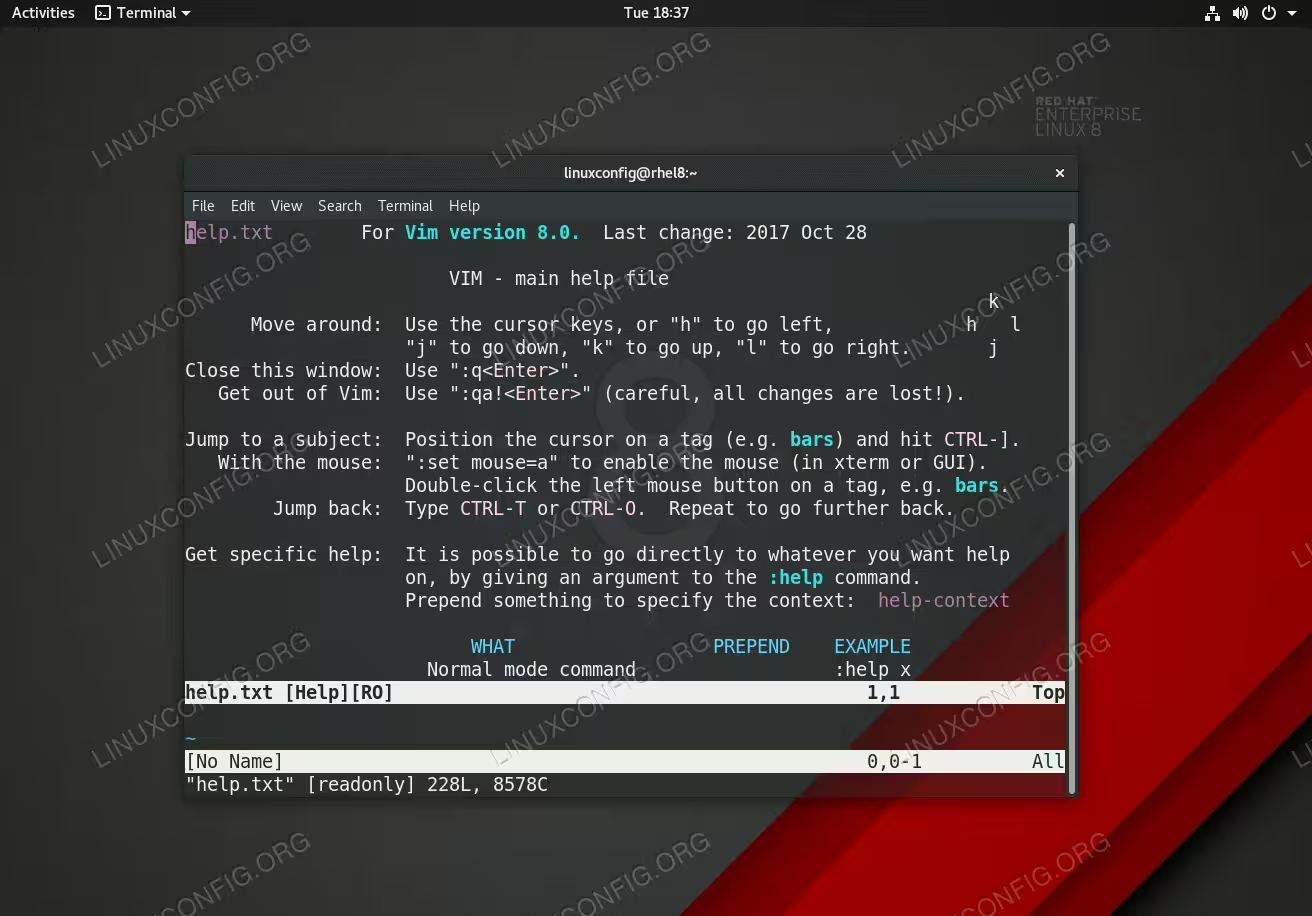
VIM text editor on RHEL 8 Linux Server/Workstation.
Software Requirements and Conventions Used
| Category | Requirements, Conventions or Software Version Used |
|---|---|
| System | Red Hat Enterprise Linux 8 |
| Software | Vim 8.0 |
| Other | Privileged access to your Linux system as root or via the sudo command. |
| Conventions |
# – requires given linux commands to be executed with root privileges either directly as a root user or by use of sudo command$ – requires given linux commands to be executed as a regular non-privileged user |
How to install vim on RHEL 8 / CentOS 8 step by step instructions
- To install the
vimtext editor on Red Hat Enterprise Linux 8 execute the followingdnfcommand to install packagevim:# dnf install vim
- To set the VIM editor as the default system wide editor copy, paste and execute the following lines in you terminal:
# cat <<EOF >>/etc/profile.d/vim.sh
export VISUAL="vim"
export EDITOR="vim"
EOF
- To set the VIM editor as the default user editor copy, paste and execute the following lines in you terminal:
$ cat <<EOF >>~/.bash_profile
export VISUAL="vim"
export EDITOR="vim"
EOF