
Spotify is a multi-platform application and digital music streaming service. The objective of this article is to install Spotify on Debian 10 Buster Linux.
In this tutorial you will learn:
- How to install Spotify prerequisites
- How to import Spotify public key
- How to install Spotify on Debian 10
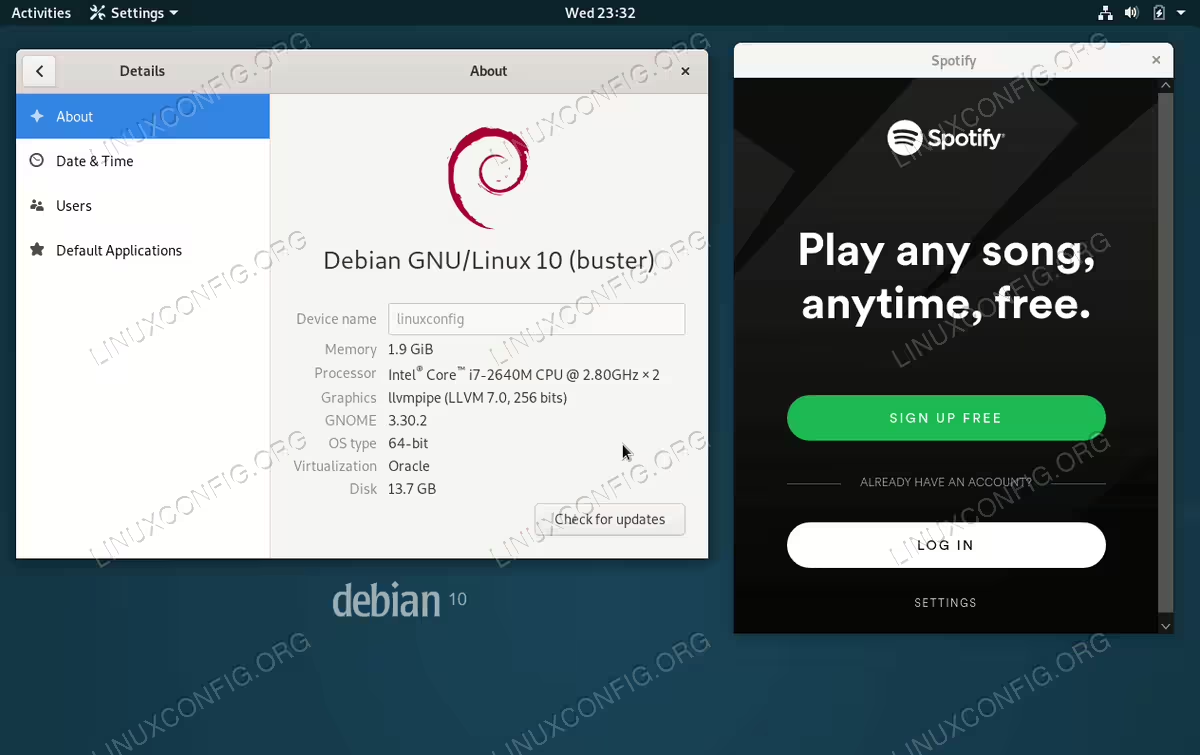
Spotify on Debian 10 Buster Linux Desktop
Software Requirements and Conventions Used
| Category | Requirements, Conventions or Software Version Used |
|---|---|
| System | GNU/Linux Debian 10 Buster |
| Software | Spotify |
| Other | Privileged access to your Linux system as root or via the sudo command. |
| Conventions |
# – requires given linux commands to be executed with root privileges either directly as a root user or by use of sudo command$ – requires given linux commands to be executed as a regular non-privileged user |
How to install Spotify on Debian 10 Buster step by step instructions
- Install Prerequisites
In the first step we will be installing a basic Spotify installation prerequisites:
# apt dirmngr libcanberra-gtk-module
- Add Spotify package repository
using the next set of commands we will import Spotify signing key and add Spotify repository:
# apt-key adv --keyserver hkp://keyserver.ubuntu.com:80 --recv-keys 931FF8E79F0876134EDDBDCCA87FF9DF48BF1C90
# echo deb http://repository.spotify.com stable non-free > /etc/apt/sources.list.d/spotify.list
# apt update
- Install Spotify
Once the above Spotify repository is included we are already to perform the actual Spotify installation:
# apt install spotify-client
- Start Spotify
Lastly, start the Spotify application from your GUI desktop menu or by executing the below command from a terminal:
$ spotify