Objective
The objective is to install Mailspring on Ubuntu 18.04 Bionic Beaver Linux.
Operating System and Software Versions
- Operating System: – Ubuntu 18.04 Bionic Beaver Linux
Requirements
Privileged access to your Ubuntu System as root or via sudo command is required.
Conventions
- # – requires given linux commands to be executed with root privileges either directly as a root user or by use of
sudocommand - $ – requires given linux commands to be executed as a regular non-privileged user
Other Versions of this Tutorial
Ubuntu 20.04 (Focal Fossa). Learn more about focal fossa.
Instructions
Install Mailspring using Snap
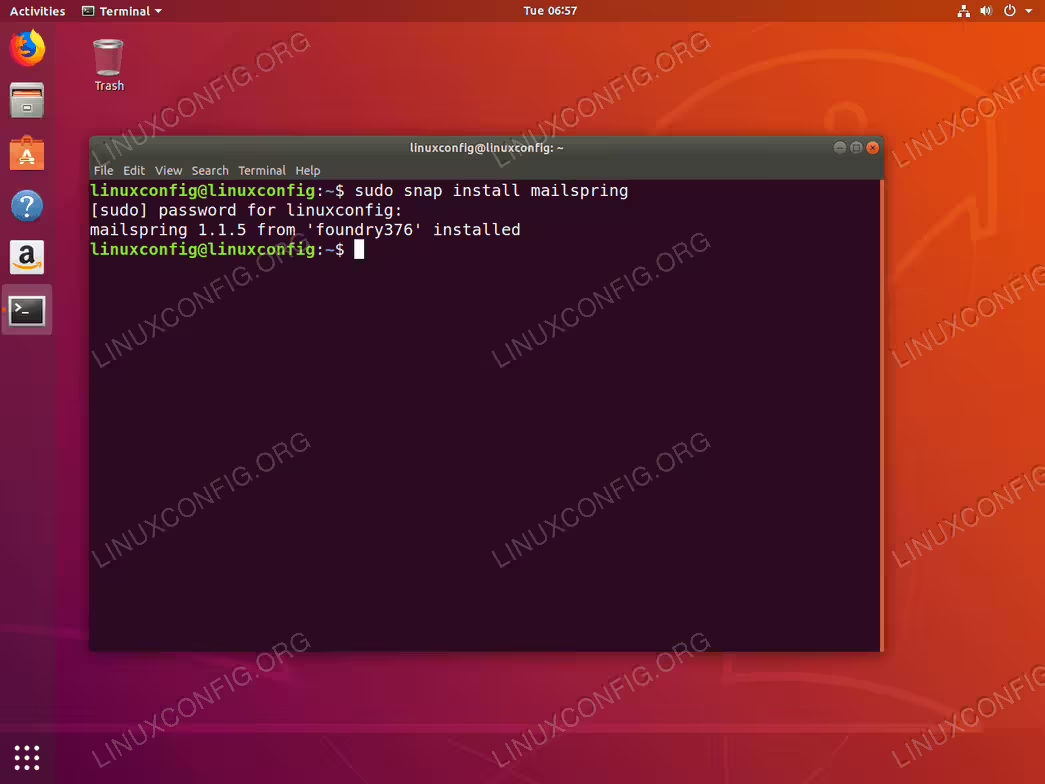
The easiest way to install Mailspring on Ubuntu 18.04 is by using snap. Open up terminal and enter:
$ sudo snap install mailspring
All done.
snapInstall Mailspring from the official DEB package
Install Prerequisites
We will be using gdebi to install Mailspring package on our system. gdebi ensures that there are no hassles during the installation as it will also automatically fetch all package prerequisites. In case gdebi is not installed yet on your system you can install it by:
$ sudo apt update
$ sudo apt install gdebi-core wget
Download Mailspring Package
Next step is to download the Mailspring installation package:
$ wget -O ~/mailspring.deb "https://updates.getmailspring.com/download?platform=linuxDeb"
After execution of the above command you should find the Mailspring’s installation package within your home directory:
$ ls ~/mailspring.deb
/home/linuxconfig/mailspring.deb
Install Mailspring
Lastly, use the gdebi command to install Mailspring on Ubuntu 18.04. When prompted answer y:
$ sudo gdebi ~/mailspring.deb
Reading package lists... Done
Building dependency tree
Reading state information... Done
Reading state information... Done
Requires the installation of the following packages: build-essential dpkg-dev fakeroot g++ g++-7 gcc gcc-7 gconf-service gconf-service-backend gconf2 gconf2-common gir1.2-gnomekeyring-1.0 git git-man libalgorithm-diff-perl libalgorithm-diff-xs-perl libalgorithm-merge-perl libasan4 libatomic1 libc-dev-bin libc6-dev libcilkrts5 liberror-perl libfakeroot libgcc-7-dev libgconf-2-4 libglib2.0-dev libglib2.0-dev-bin libgnome-keyring-common libgnome-keyring0 libitm1 liblsan0 libmpx2 libpcre16-3 libpcre3-dev libpcre32-3 libpcrecpp0v5 libpython-stdlib libquadmath0 libsecret-1-dev libstdc++-7-dev libtsan0 libubsan0 linux-libc-dev make manpages-dev pkg-config python python-minimal python2.7 python2.7-minimal zlib1g-dev

The best email app for people and teams at work
 The best email app for people and teams at work
Do you want to install the software package? [y/N]: y
Start Mailspring
To start Mailspring application you can either run:
$ mailspring
from your terminal or search your start menu:
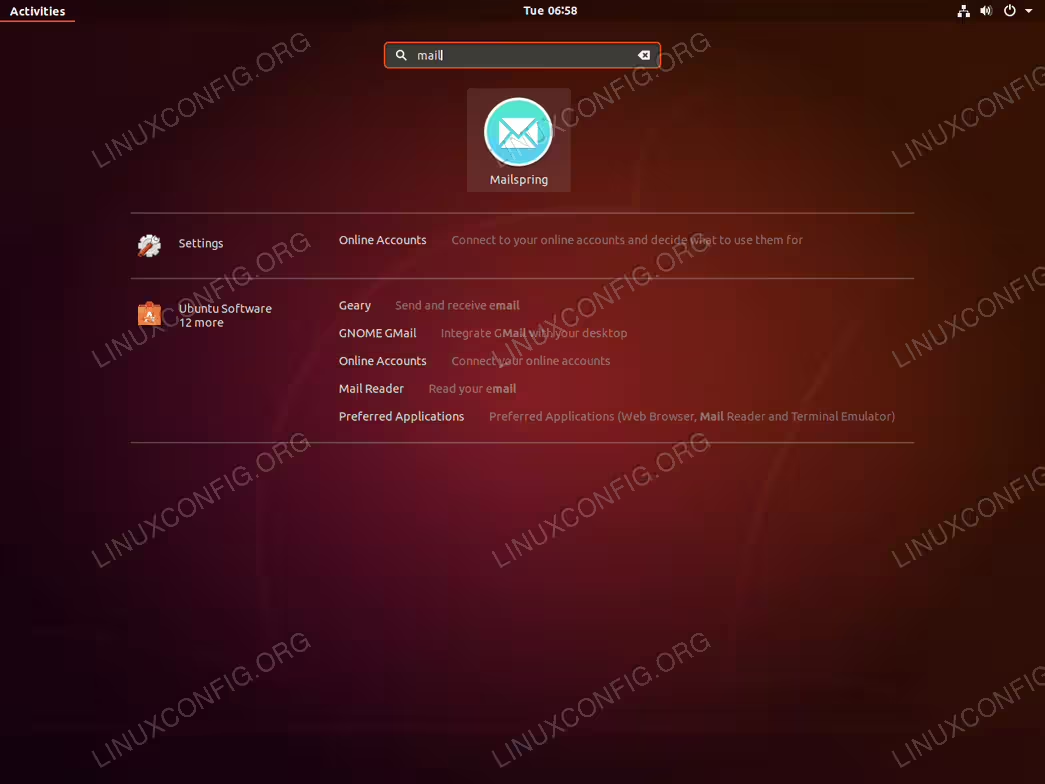
mailspring keyword. Click on the Mailspring icon to start the application.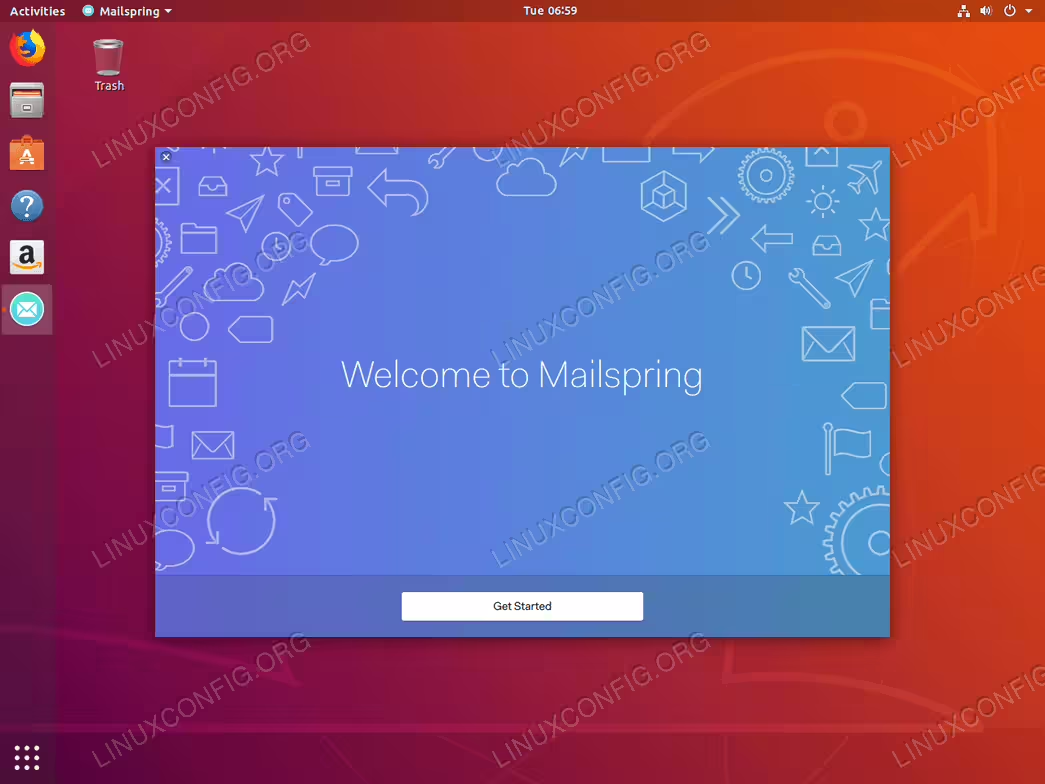
get Started to configure Mailspring