
This artcile will provide you with simple to follow steps on how to install Google Chrome Browser on Fedora 31 Linux.
In this tutorial you will learn:
- How to install Google Chrome Browser
- How to start Google Chrome Browser
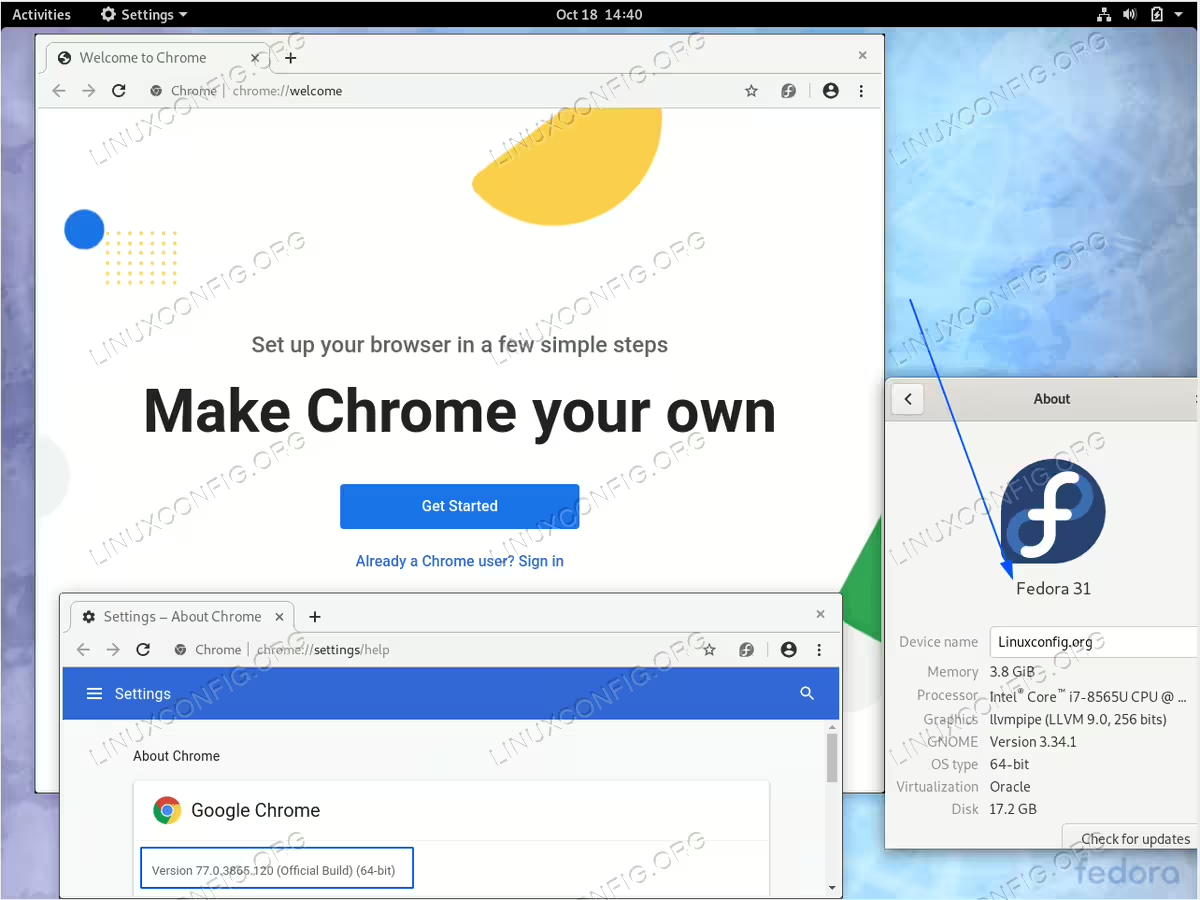
Google Chrome on Fedora 31
Software Requirements and Conventions Used
| Category | Requirements, Conventions or Software Version Used |
|---|---|
| System | Fedora 31 |
| Software | Google Chrome |
| Other | Privileged access to your Linux system as root or via the sudo command. |
| Conventions |
# – requires given linux commands to be executed with root privileges either directly as a root user or by use of sudo command$ – requires given linux commands to be executed as a regular non-privileged user |
How to install Google Chrome on Fedora 31 step by step instructions
- Open up command line terminal and execute the following
dnfcommand:$ sudo dnf install https://dl.google.com/linux/direct/google-chrome-stable_current_x86_64.rpm
- Use
Activitiesmenu to start Google Chrome browser or execute the following command:$ google-chrome