
Manjaro Linux comes with the Xfce4 desktop environment by default. There is NO need to reinstall your Manjaro Linux system with Manjaro GNOME Edition if you only wish to change desktop environment. In this tutorial we will be installing customized Manjaro Gnome Desktop environment.
In this How to install Gnome Desktop on Manjaro 18 Linux tutorial you will learn:
- How to install Gnome Desktop on Manjaro 18.
- How to switch to Gnome Desktop on Manjaro 18.
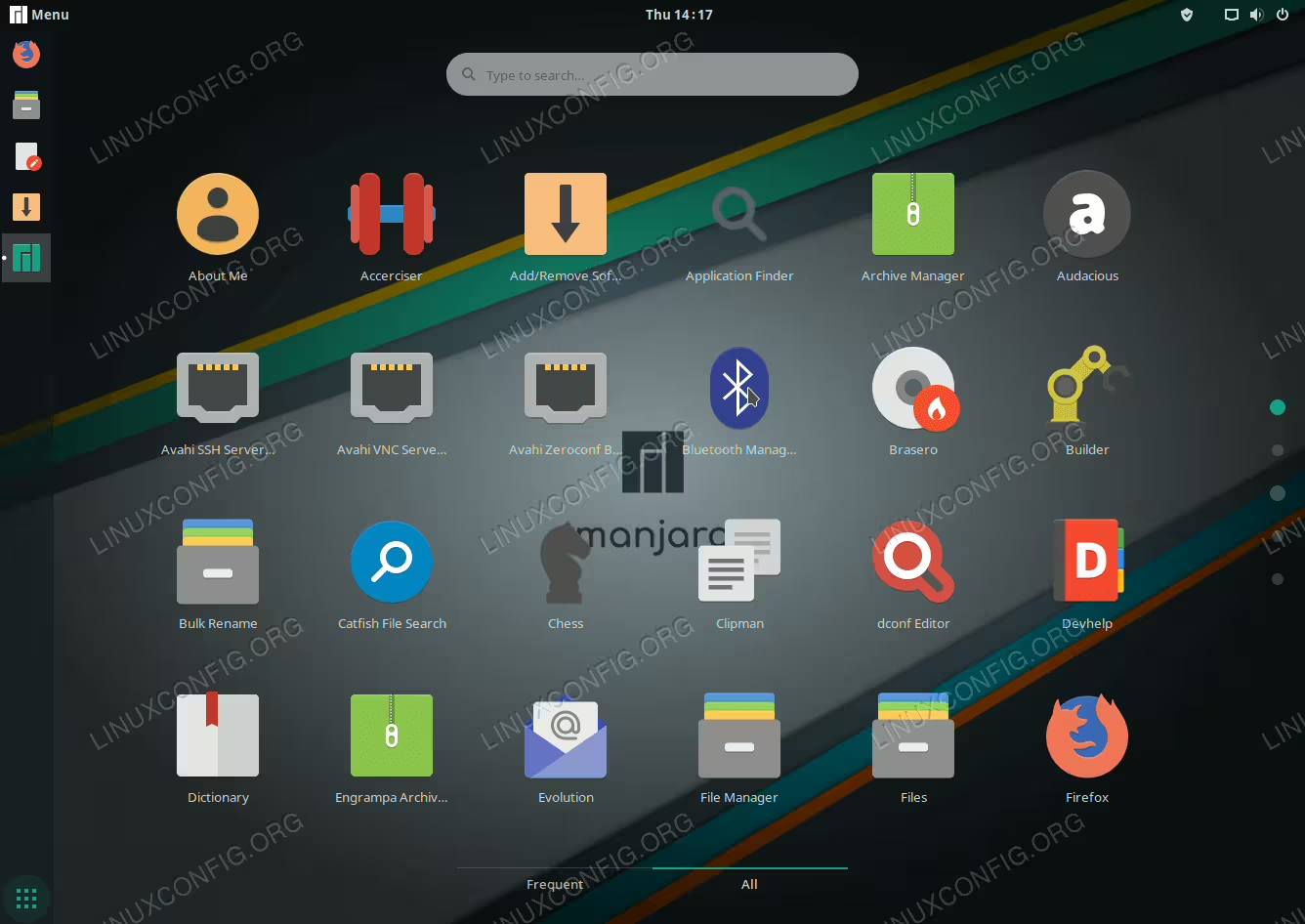
Installed GNOME Desktop on Manjaro 18 Linux.
Software Requirements and Conventions Used
| Category | Requirements, Conventions or Software Version Used |
|---|---|
| System | Manjaro Linux 18 |
| Software | N/A |
| Other | Privileged access to your Linux system as root or via the sudo command. |
| Conventions |
# – requires given linux commands to be executed with root privileges either directly as a root user or by use of sudo command$ – requires given linux commands to be executed as a regular non-privileged user |
How to install GNOME Desktop on Manjaro 18 Linux step by step instructions
- Open up the terminal. How to open terminal depends on your installed desktop environment. On the default
xfce4desktop pressALT+F2, typexfce4-terminaland pressENTER. - Update the package repository index:
$ sudo pacman -Syy
- Install GNOME packages by executing the
pacmancommand:$ sudo pacman -S gnome-extra gdm manjaro-gnome-assets manjaro-gdm-theme manjaro-settings-manager
When prompted press
ENTERto install all members or selectively choose by entering relevant GNOME extra member number. Recommended action is to install all.Furthermore, the
manjaro-gnome-settingswill be in conflict with your current desktop settings. Answerywhen prompted to remove current Manjaro settings. - Once the GNOME desktop installation is completed switch to the native GNOME display manager GDM by executing the following command:
$ sudo systemctl -f enable gdm.service
- Reboot your Manjaro 18 Linux system
- If you have auto-login enabled log out and select the
GNOMEdesktop as your default Manjaro Linux desktop environment.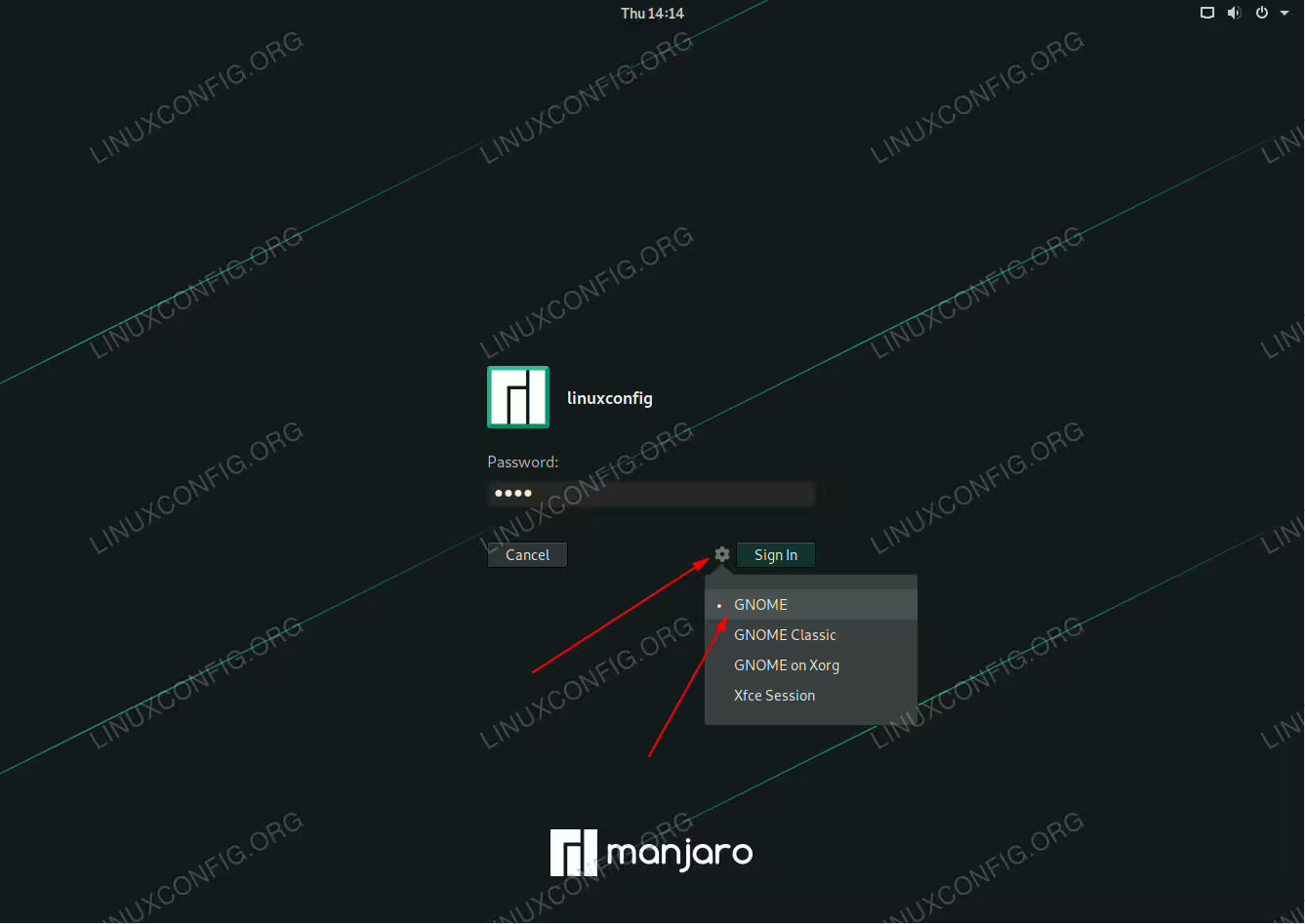 Selecting GNOME as a default Manjaro Linux desktop environment.
- Enter login credentials and press the
Sign Inbutton. You should now be welcomed by the GHOME desktop.
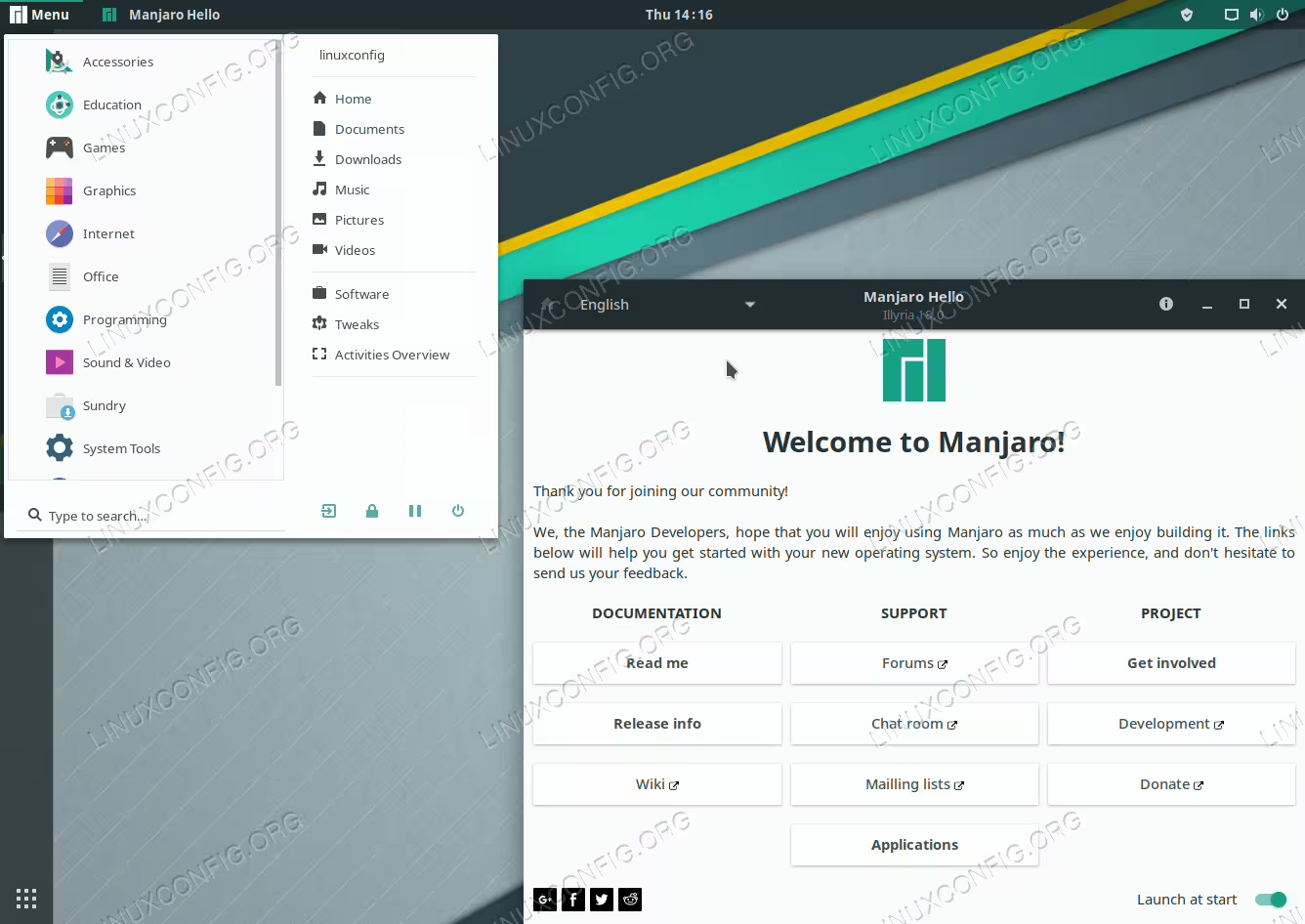
GNOME desktop on Manjaro Linux 18.
