
The dig DNS lookup utility is an invaluable tool for any system or network administrator. The dig utility can be installed with a single dnf command in case it is currently unavailable on your RHEL 8 / CentOS 8 Linux system. The dig command allows you to query DNS records and analyze domain information.
In this tutorial you will learn:
- How to install the dig command on Redhat 8.
- What is the dig command basic usage.
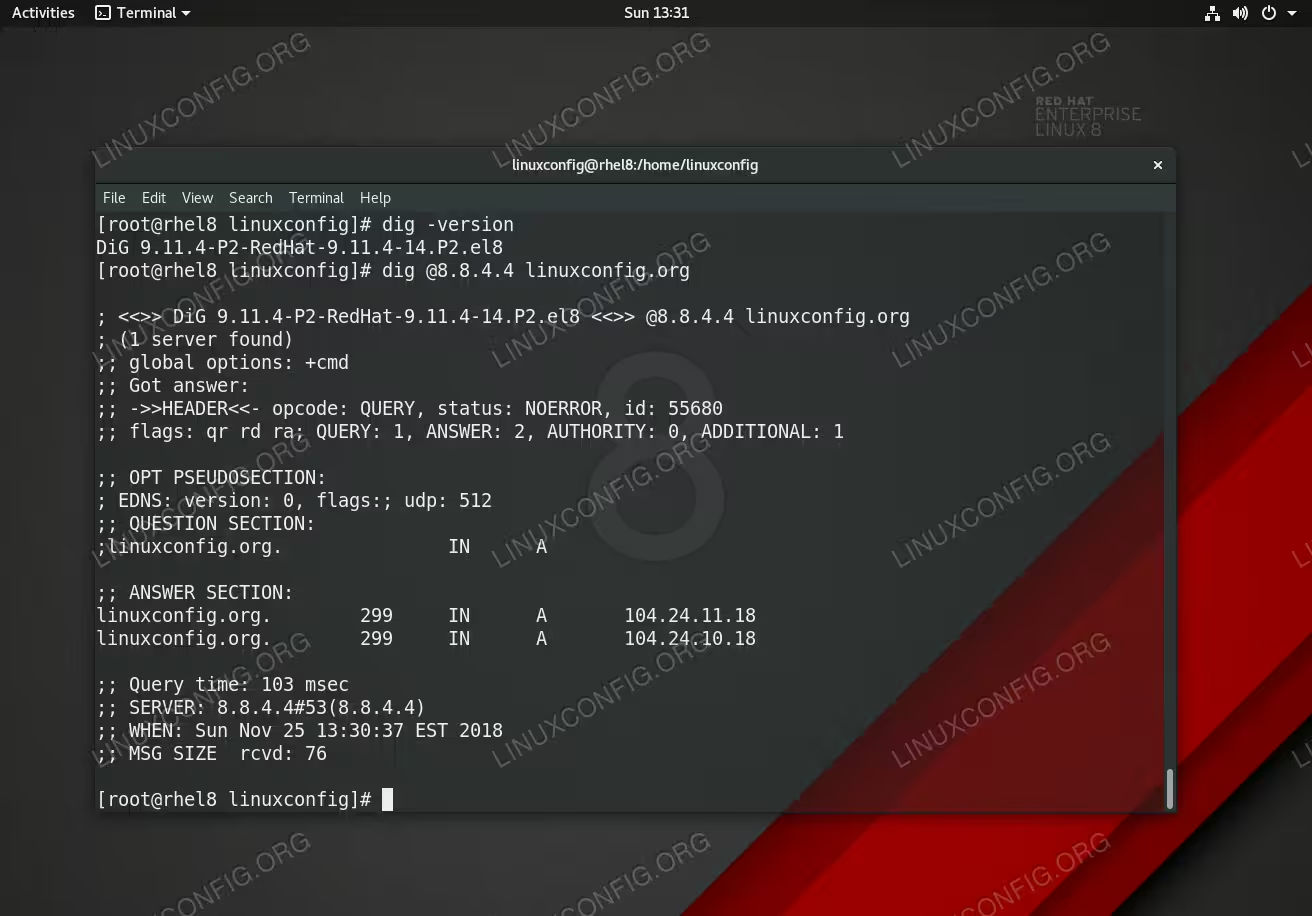
Dig command execution on RHEL 8 Linux Server/Workstation.
Software Requirements and Conventions Used
| Category | Requirements, Conventions or Software Version Used |
|---|---|
| System | RHEL 8 / CentOS 8 |
| Software | N/A |
| Other | Privileged access to your Linux system as root or via the sudo command. |
| Conventions |
# – requires given linux commands to be executed with root privileges either directly as a root user or by use of sudo command$ – requires given linux commands to be executed as a regular non-privileged user |
How to install dig on RHEL 8 / CentOS 8 step by step instructions
- To install
digon Red Hat Enterprise Linux 8 execute the followingdnfcommand:# dnf install bind-utils
- Use the
-voption to check the installeddigversion and correctness of the actualdiginstallation. For example:# dig -v DiG 9.11.4-P2-RedHat-9.11.4-14.P2.el8
Basic examples of dig command usage
Check the DNS record for a specific domain. For example check the DNS record for redhat.com:
# dig redhat.com
Retrieve nameserver IP address for a domain. Example:
# dig redhat.com +short
Retrieve domain’s DNS records from a specific nameserver. In this example we will retrieve DNS record for domain redhat.com from DNS server 8.8.8.8:
# dig redhat.com @8.8.8.8
Check domain’s MX records. Example:
# dig redhat.com MX +short