
In this tutorial we will be install chromium Browser on Ubuntu 20.04 Focal Fossa.
In this tutorial you will learn:
- How to install Chromium Browser from command line
- How to install Chromium Browser using graphical user interface
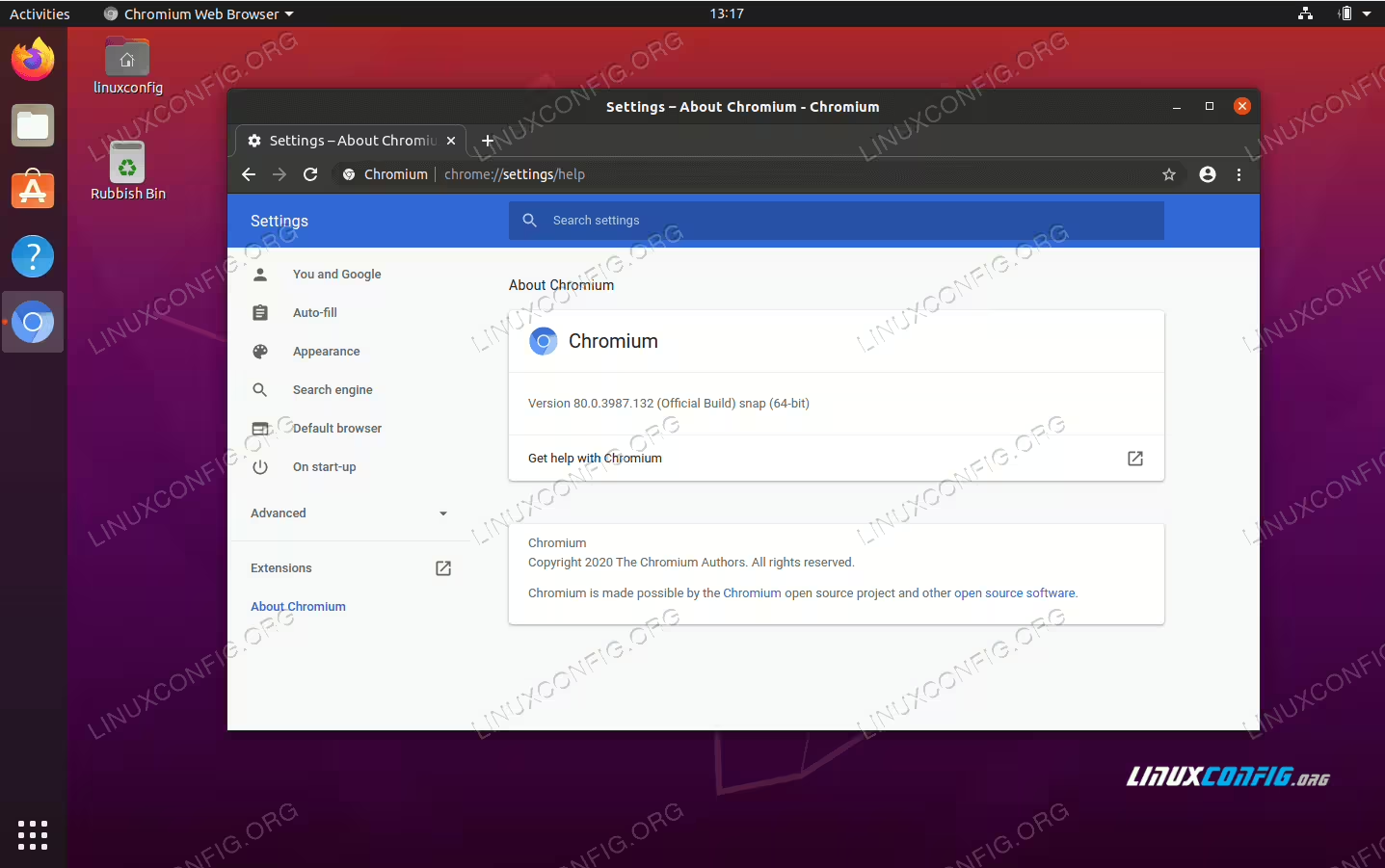
Chromium Browser installation on Ubuntu 20.04 Focal Fossa
Software Requirements and Conventions Used
| Category | Requirements, Conventions or Software Version Used |
|---|---|
| System | Installed Ubuntu 20.04 or upgraded Ubuntu 20.04 Focal Fossa |
| Software | Chromium Browser |
| Other | Privileged access to your Linux system as root or via the sudo command. |
| Conventions |
# – requires given linux commands to be executed with root privileges either directly as a root user or by use of sudo command$ – requires given linux commands to be executed as a regular non-privileged user |
Chromium Browser viewer installation on Ubuntu 20.04 step by step instructions
Install Chromium Browser from command line
- Start by opening a terminal window and execution of the bellow
aptcommand:$ sudo apt install chromium-browser
All done.
- You can start the Chromium Browser using the below command:
$ chromium-browser
Install Chromium Browser using graphical user interface
-
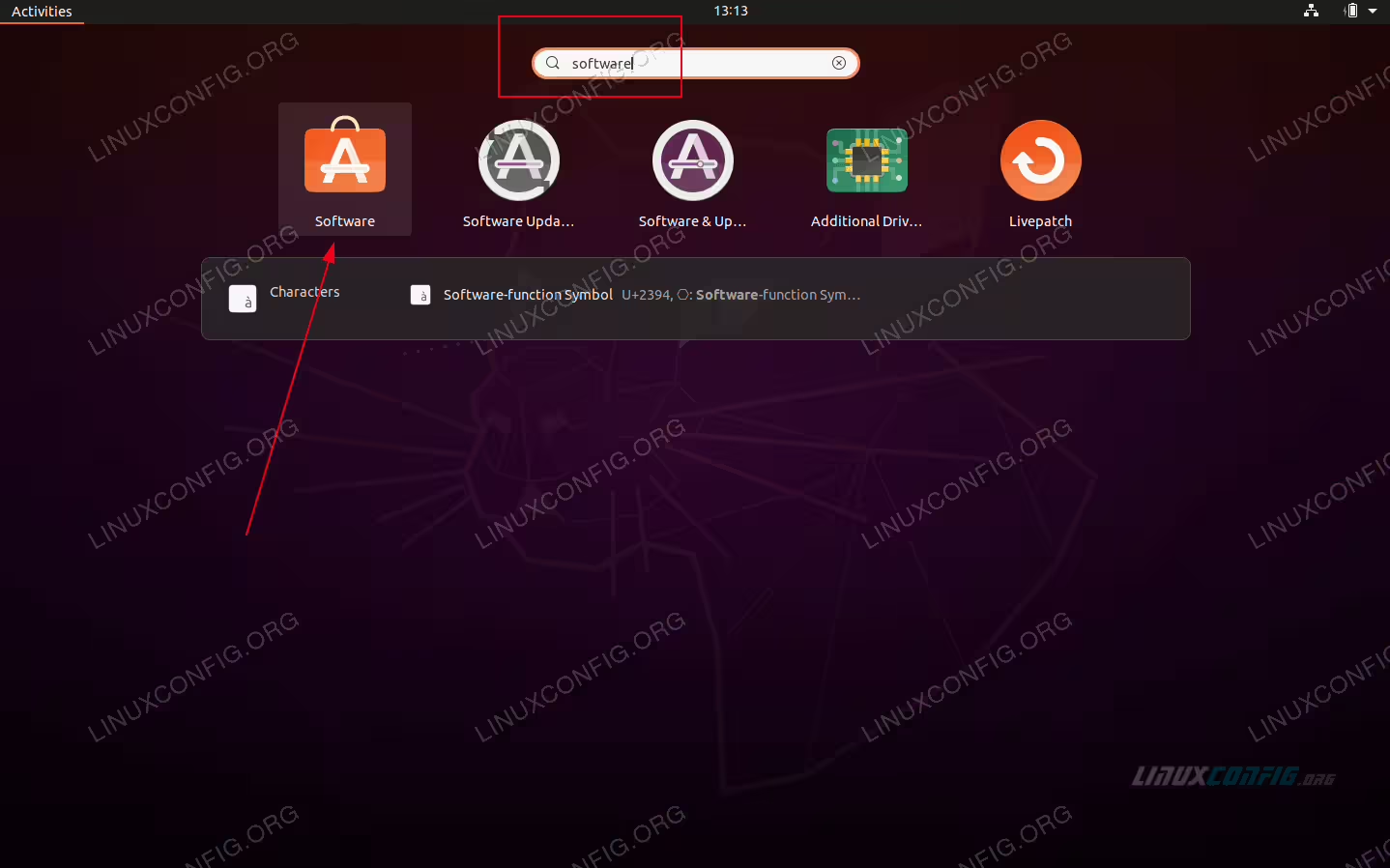 Use top left
Activitiesmenu to open theSoftwareapplication. -
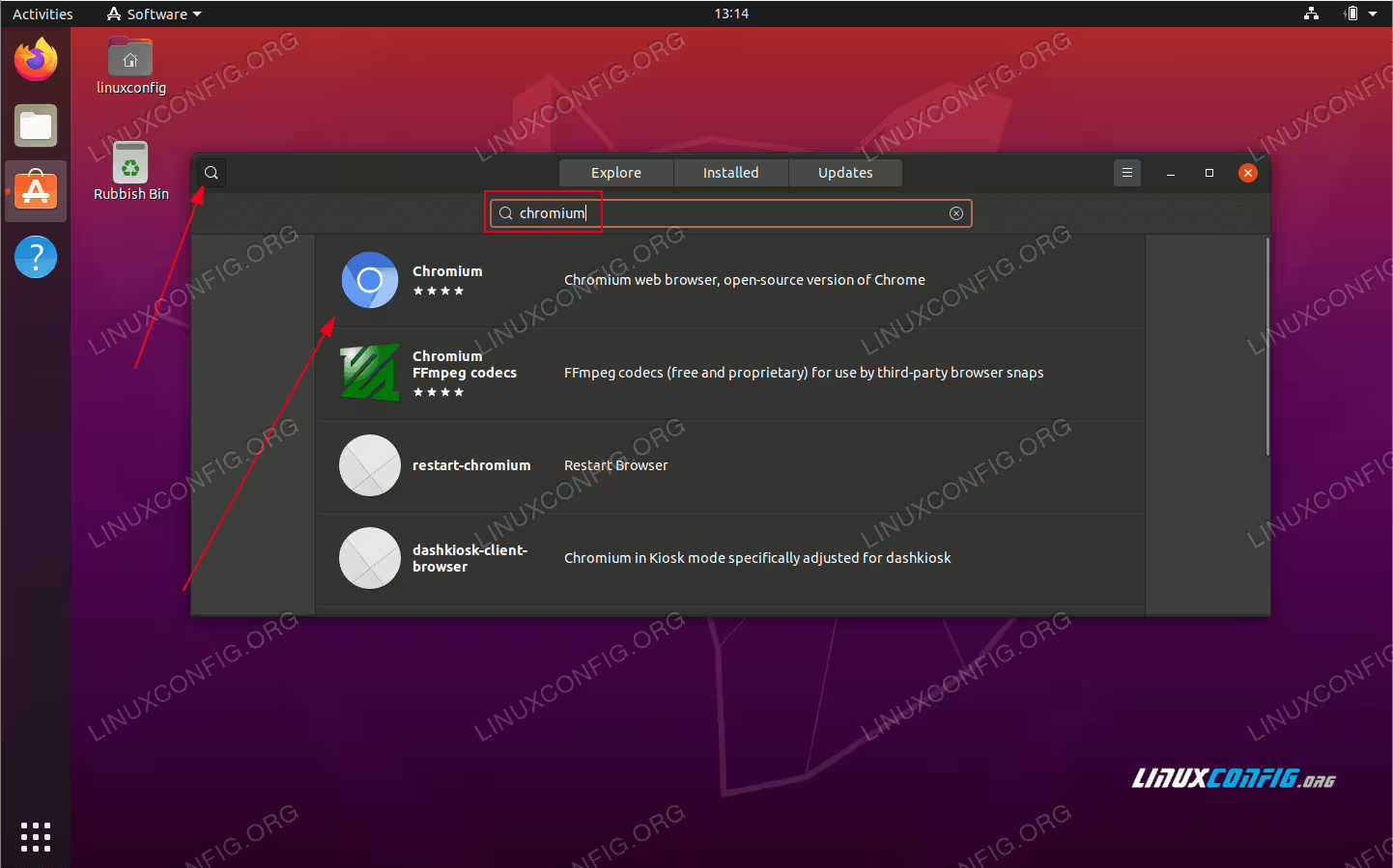 Search for
chromiumapplication. -
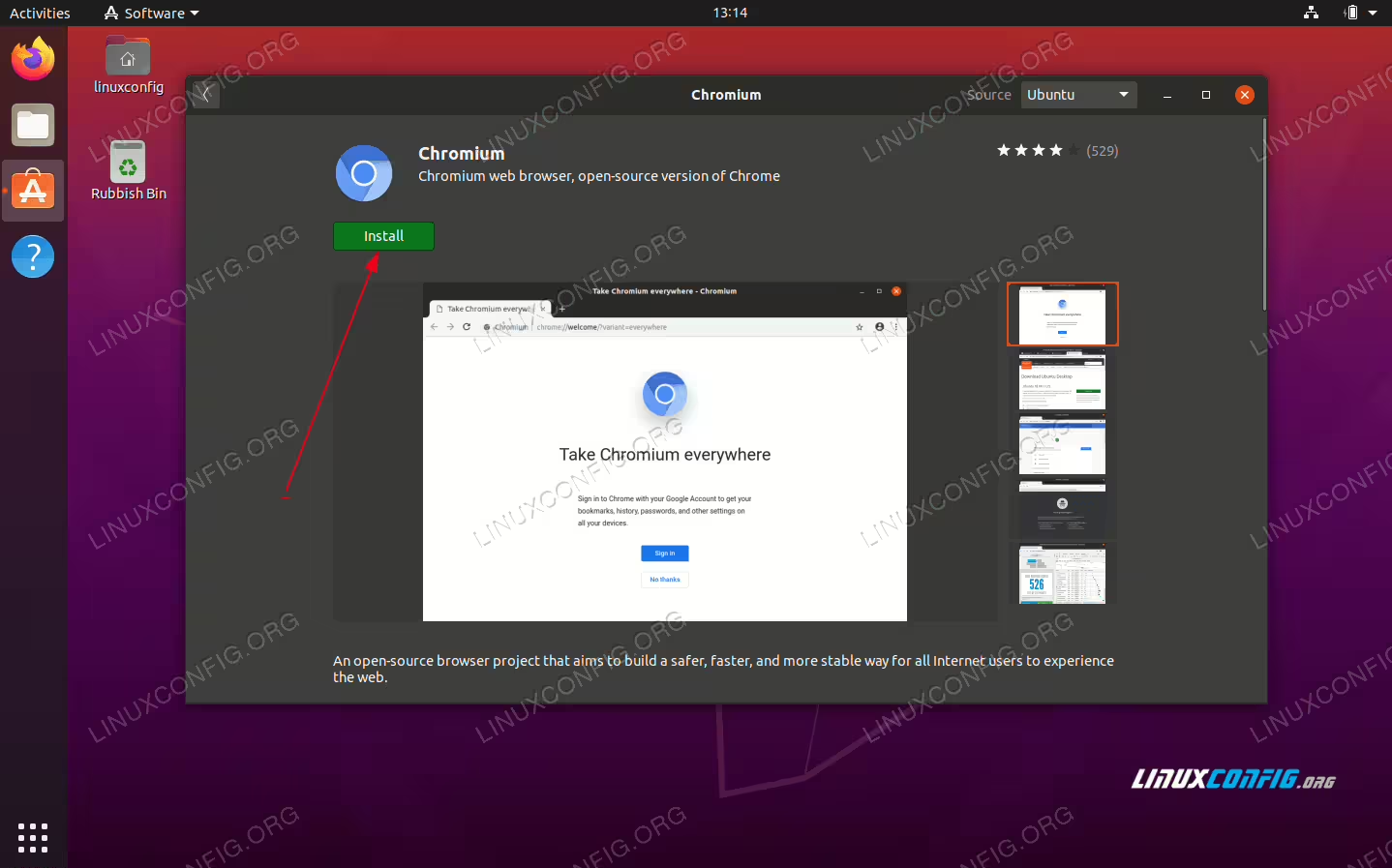 To begin the installation press the
Installbutton -
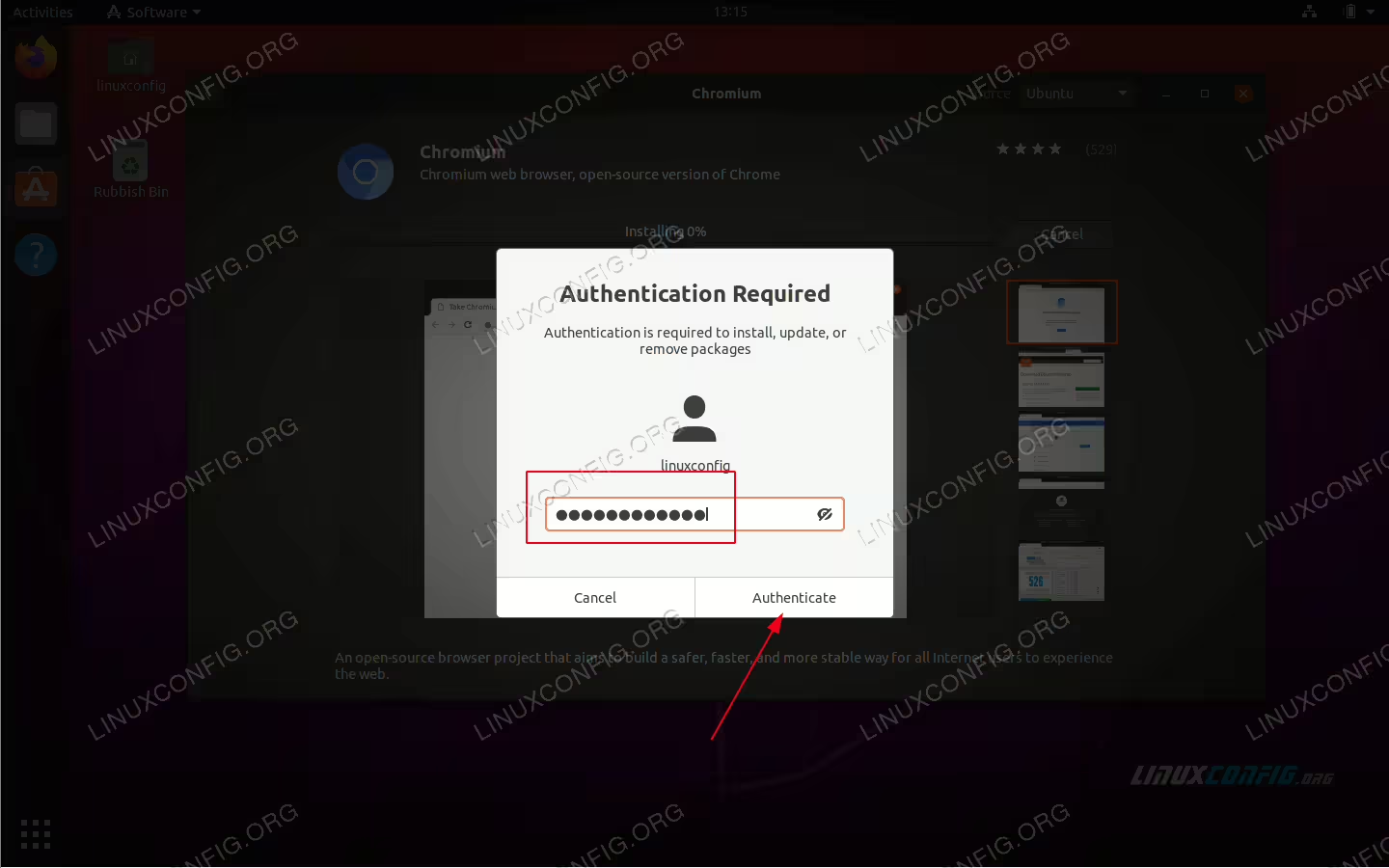 Enter your username and password. Your user needs to belong to sudo administrative group.
 -
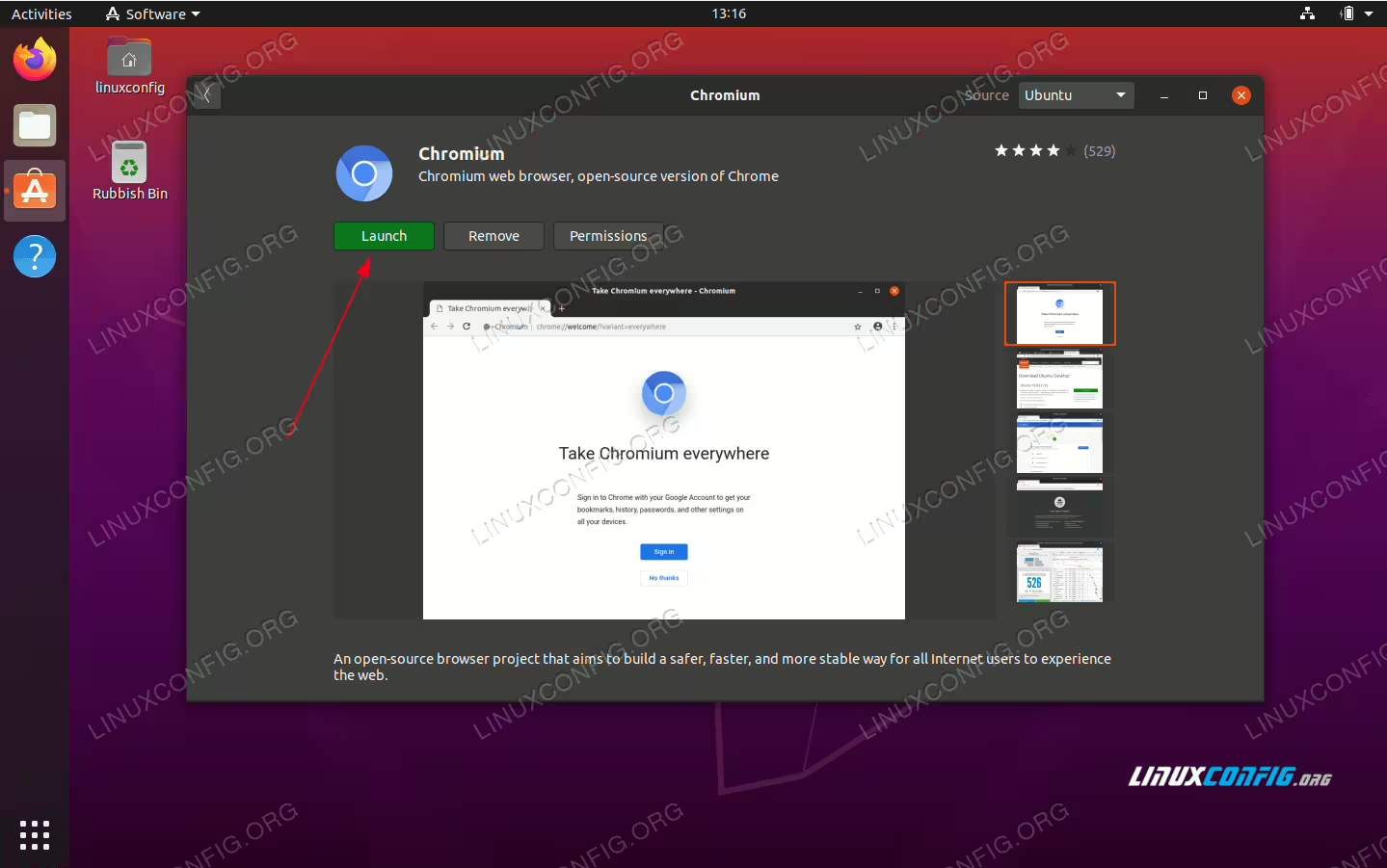 Start the Chromium Browser application