
Pip is a package management system used to install and manage software packages written in Python. RHEL 8 / CentOS 8 repository allows access to both pip versions for Python 2 as well as Python 3 interpreter. The pip command may be missing on your default RHEL 8 / CentOS 8 system installation.
The pip python package management tool can be easily installed by using the dnf command. Both, python 2 and 3 version can coexists on the same system and are accessible via pip2 and pip3 commands respectively.
In this tutorial you will learn:
- How to install pip on RHEL 8 / CentOS 8 for python version 2.
- How to install pip on RHEL 8 / CentOS 8 for python version 3.
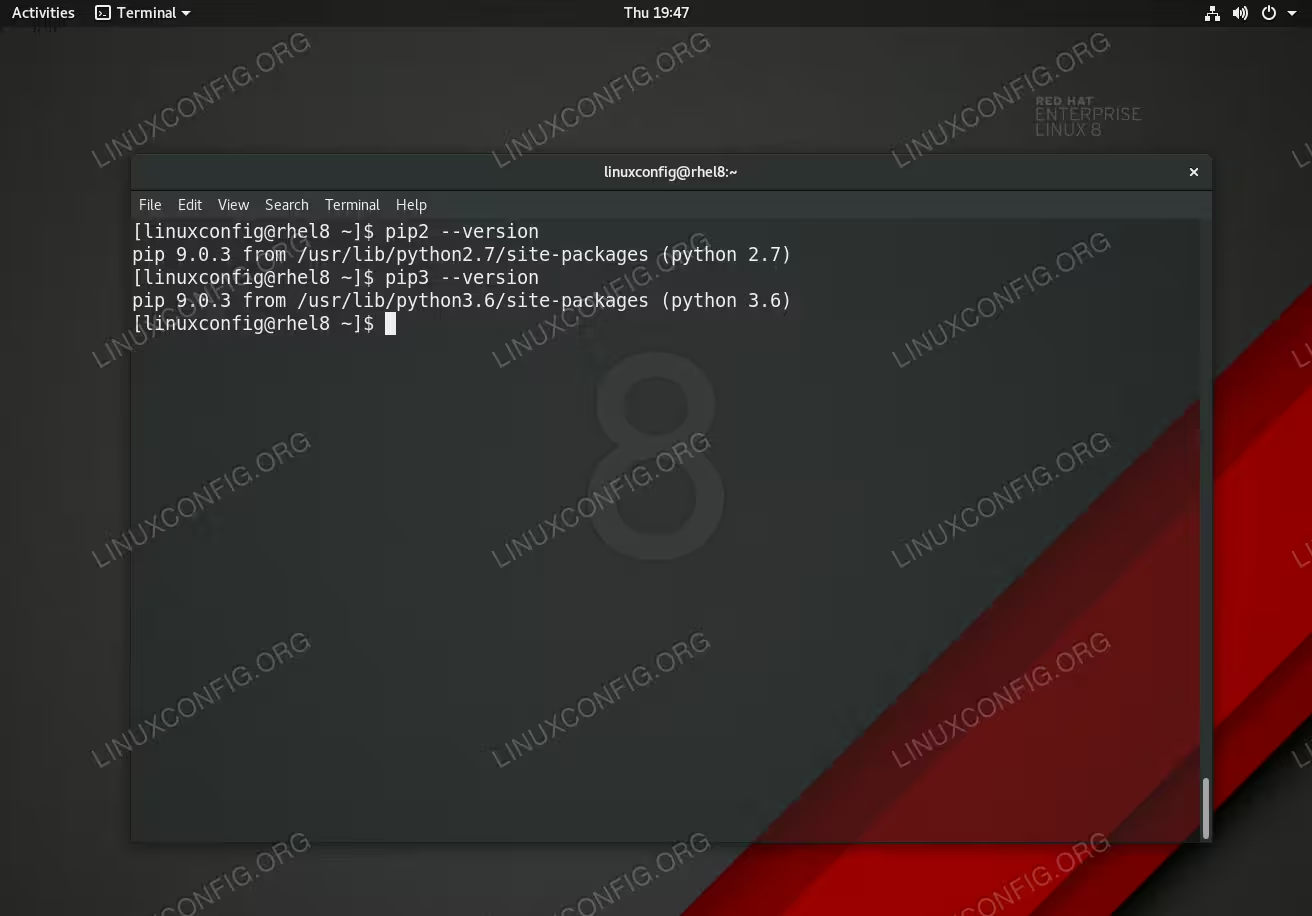
Python package management system (pip) on RHEL 8 / CentOS 8.
Software Requirements and Conventions Used
| Category | Requirements, Conventions or Software Version Used |
|---|---|
| System | Red Hat Enterprise Linux 8 |
| Software | pip 9.0.3 |
| Other | Privileged access to your Linux system as root or via the sudo command. |
| Conventions |
# – requires given linux commands to be executed with root privileges either directly as a root user or by use of sudo command$ – requires given linux commands to be executed as a regular non-privileged user |
How to install pip in RHEL 8 / CentOS 8 step by step instructions
- Use the
dnfcommand to install packagepipbased on your python version preference. Feel free to install both if that is what is required:# dnf install python2-pip # dnf install python3-pip
- Confirm the installation by querying the version number:
# pip2 --version
pip 9.0.3 from /usr/lib/python2.7/site-packages (python 2.7)
# pip3 --version
pip 9.0.3 from /usr/lib/python3.6/site-packages (python 3.6)
- Search for python package you wish to install. In this example we are using Python 3 pip version:
$ pip3 search KEYWORD
- Install Python package using
pip2orpip3command. Example:$ pip3 install PACKAGE_NAME
- Remove Python package:
$ pip uninstall PACKAGE_NAME