
Telnet command is a valuable tool for any network or system administrator. It allows for troubleshooting and manipulation of various services.
The telnet package is not installed by default on RHEL 8 / CentOS 8 server but can be easily installed by using the dnf command.
In this tutorial you will learn:
- How to install Telnet on RHEL 8 / CentOS 8.
- How to use telnet command to connect to a specific port.
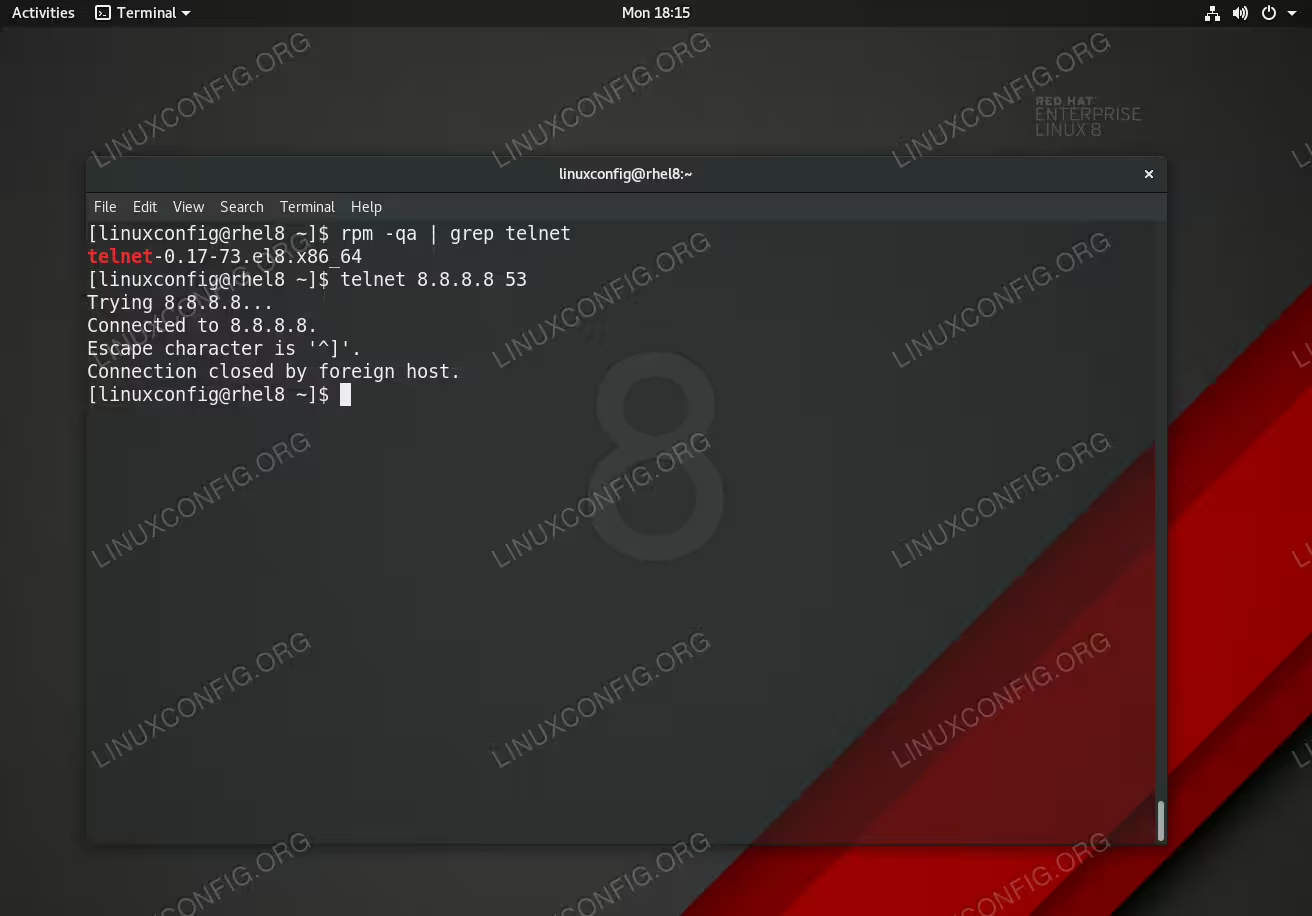
Telnet command on Red Hat Enterprise Linux 8.
Software Requirements and Conventions Used
| Category | Requirements, Conventions or Software Version Used |
|---|---|
| System | RHEL 8 / CentOS 8 |
| Software | N/A |
| Other | Privileged access to your Linux system as root or via the sudo command. |
| Conventions |
# – requires given linux commands to be executed with root privileges either directly as a root user or by use of sudo command$ – requires given linux commands to be executed as a regular non-privileged user |
How to install telnet command in RHEL 8 / CentOS 8 step by step instructions
- Use the
dnfcommand to install thetelnetpackage:# dnf install telnet
- Use the
telnetcommand to connect to a host with the IP address8.8.8.8on port 53:$ telnet 8.8.8.8 53