
The netcat or a.k.a. ncat command is an invaluable tool for any system or network administrator. This command is not available on RHEL 8 / CentOS 8 default installation. However, it can be installed with a single dnf command.
In this tutorial you will learn:
- How to install ncat command on RHEL 8 / CentOS 8.
- How to to check ncat version on RHEL 8 / CentOS 8.
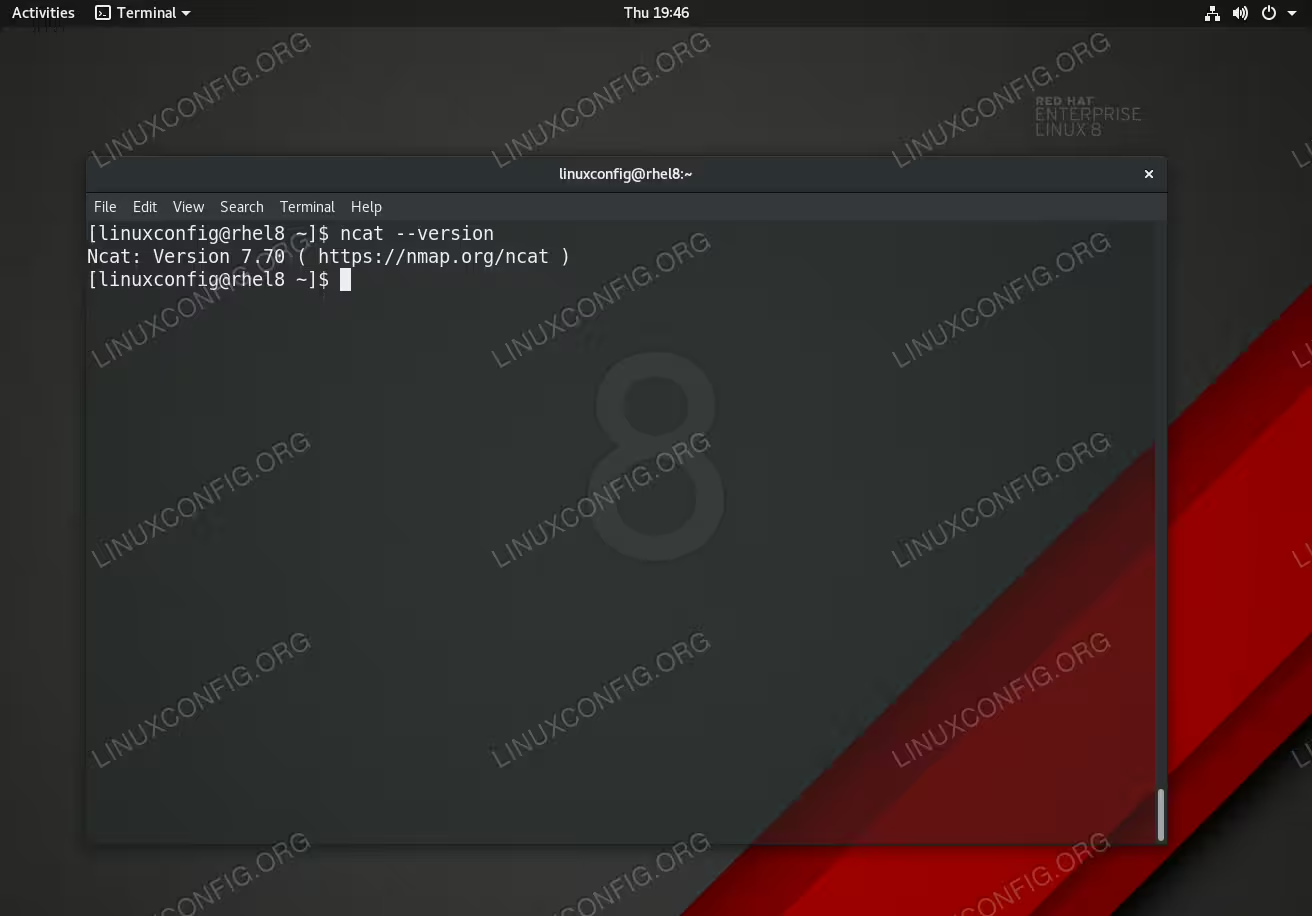
Ncat command on RHEL 8 Linux Server/Workstation.
Software Requirements and Conventions Used
| Category | Requirements, Conventions or Software Version Used |
|---|---|
| System | RHEL 8 / CentOS 8 |
| Software | Ncat: Version 7.70 |
| Other | Privileged access to your Linux system as root or via the sudo command. |
| Conventions |
# – requires given linux commands to be executed with root privileges either directly as a root user or by use of sudo command$ – requires given linux commands to be executed as a regular non-privileged user |
How to install Netcat on RHEL 8 / CentOS 8 step by step instructions
- The
ncatpackage can be installed as part of thenmappackage on RHEL 8 / CentOS 8 by executing the followingdnfcommand:# dnf install nmap
- Use the
--versionoption to check the installedncatversion and correctness of the actualncatinstallation. For example:$ ncat --version Ncat: Version 7.70 ( https://nmap.org/ncat )