
A hostname is the label or name linked to a device on a network. Its main purpose is to recognize a device on a specific network or over the internet. To change hostname on your system, you should understand the three different hostname types:
- Static – Most of the time you will be interested in this type of hostname which is defined by user and the
/etc/hostnameconfiguration file. - Transient – This type of hostname is defined within kernel space and by default it is set to be the same as the static hostname. Transient hostnames can be set/updated by DHCP or mDNS at runtime.
- Pretty – Pretty hostname allows for additional characters as per UTF8 character set hence serving rather only for presentation purposes. The pretty hostname also allows to include spaces.
This article will explain how to change or set hostname on RHEL 8 / CentOS 8 Linux server or workstation. To change hostname you will use the hostnamectl command.
In this tutorial you will learn:
- How to change the static hostname.
- How to change the transient hostname.
- How to change the pretty hostname.
- How to check the current hostname.
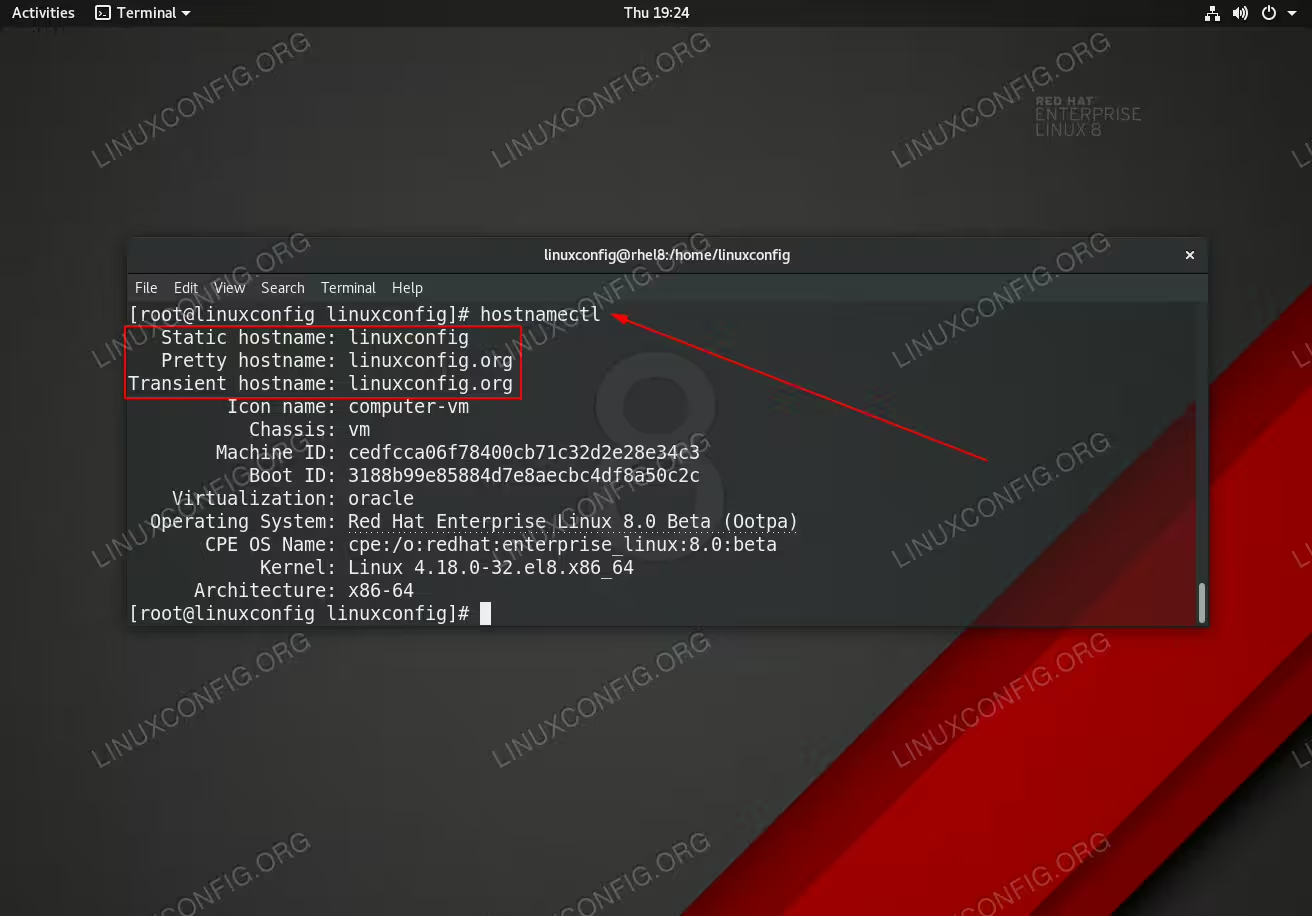
Checking hostname on RHEL 8 Linux system using the
hostnamectl command.Software Requirements and Conventions Used
| Category | Requirements, Conventions or Software Version Used |
|---|---|
| System | Red Hat Enterprise Linux 8, CentOS 8 |
| Software | N/A |
| Other | Privileged access to your Linux system as root or via the sudo command. |
| Conventions |
# – requires given linux commands to be executed with root privileges either directly as a root user or by use of sudo command$ – requires given linux commands to be executed as a regular non-privileged user |
How to change hostname on Redhat 8 step by step instructions
- Check the current hostname settings. As a
rootuser execute:# hostnamectl Static hostname: linuxconfig Pretty hostname: linuxconfig.org Transient hostname: linuxconfig.org Icon name: computer-vm Chassis: vm Machine ID: cedfcca06f78400cb71c32d2e28e34c3 Boot ID: 3188b99e85884d7e8aecbc4df8a50c2c Virtualization: oracle Operating System: Red Hat Enterprise Linux 8.0 (Ootpa) CPE OS Name: cpe:/o:redhat:enterprise_linux:8.0 Kernel: Linux 4.18.0-32.el8.x86_64 Architecture: x86-64In case you are only interested in a specific hostname type use one of the following switches,
--static,--transientor--pretty. For example:# hostnamectl --static linuxconfig
- Change hostname by using the
hostnamectlcommand. For this we will use theset-hostnameargument followed by the desired hostname. For example let’s set the static hostname to eg.centos8:# hostnamectl set-hostname centos8 # hostnamectl --static centos8
To change any other hostname type simply add
--transientor--prettyswitch. For example:# hostnamectl set-hostname --transient centos8 # hostnamectl --transient centos8
- Update the
/etc/hostsfile. This is an optional step. Check your/etc/hostsfile and replace any occurrence of the old hostname to the newly configured hostname string.