
Objective
The objective is to install Gnome Tweak Tool on Ubuntu 18.10 Cosmic Cuttlefish Linux
Operating System and Software Versions
- Operating System: – Ubuntu 18.10 Cosmic Cuttlefish Linux
Requirements
Privileged access to your Ubuntu System as root or via sudo command is required.
Difficulty
EASY
Conventions
- # – requires given linux commands to be executed with root privileges either directly as a root user or by use of
sudocommand - $ – requires given linux commands to be executed as a regular non-privileged user
Instructions
Ubuntu Tweak Tool Installation
The following linux command will install Tweak Tool for your Ubuntu 18.10 Cosmic Cuttlefish Gnome desktop. Open up terminal and enter the sudo add-apt-repository universe command followed by:
$ sudo add-apt-repository universe
$ sudo apt install gnome-tweak-tool
Launch Ubuntu Tweak Tool
You can start the Ubuntu Tweak tool by executing the following linux command:
$ gnome-tweaks
Alternatively, search your activities menu:
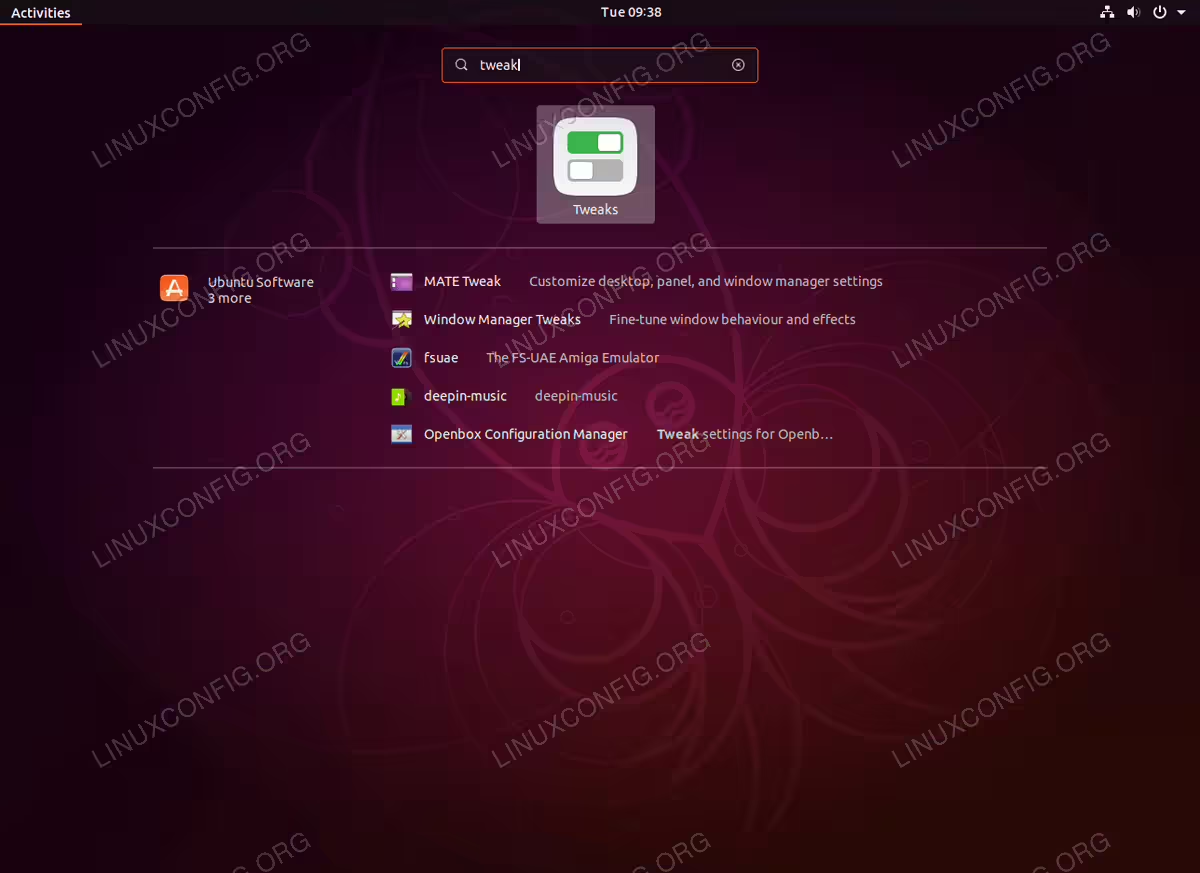
Search for the
tweak keyword. Click to start the Tweak Tool.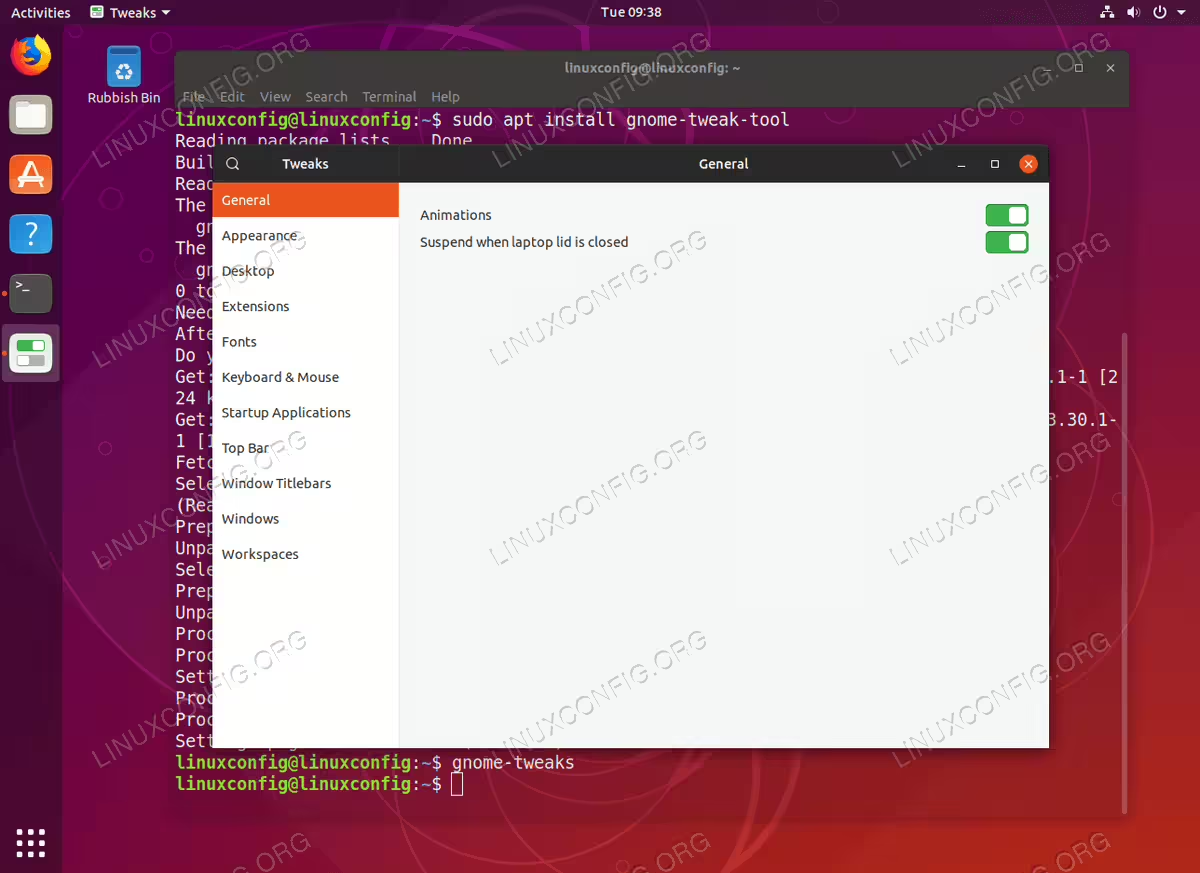
Gnome Ubuntu Tweak Tool on Ubuntu 18.10 Cosmic Cuttlefish Linux