
SS Business Card Maker Notes

Today, July 25th, is the final day for submissions to the Tsurukame Cup.
We are waiting for your haiku, senryu, or tanka for the Tsurukame Cup.
Just write up to three poems like this, add the hashtag #TsurukameHaiku (or Tanka), and you're good to go👍
You don't specifically need an image.
Feel free to join in💖
However, in yesterday's tweet, I made an image using the
SS Business Card Maker to make it look a bit stylish.
I quite like
adopting new things.
But actually, digital tools are my weak point, so when I become able to do something a little bit, I want to say to those who are also not good at it
“You can do it too!”
I end up wanting to say that.
So, I will share
how to make this image.
When you click this site,
this kind of image will appear, so
click on SS Business Card Maker in the top left.
(You can also do this on a smartphone)

Enter your text immediately in the next image.

I entered it like this.
You can also add ruby text. The way to do it is the same as on note😆

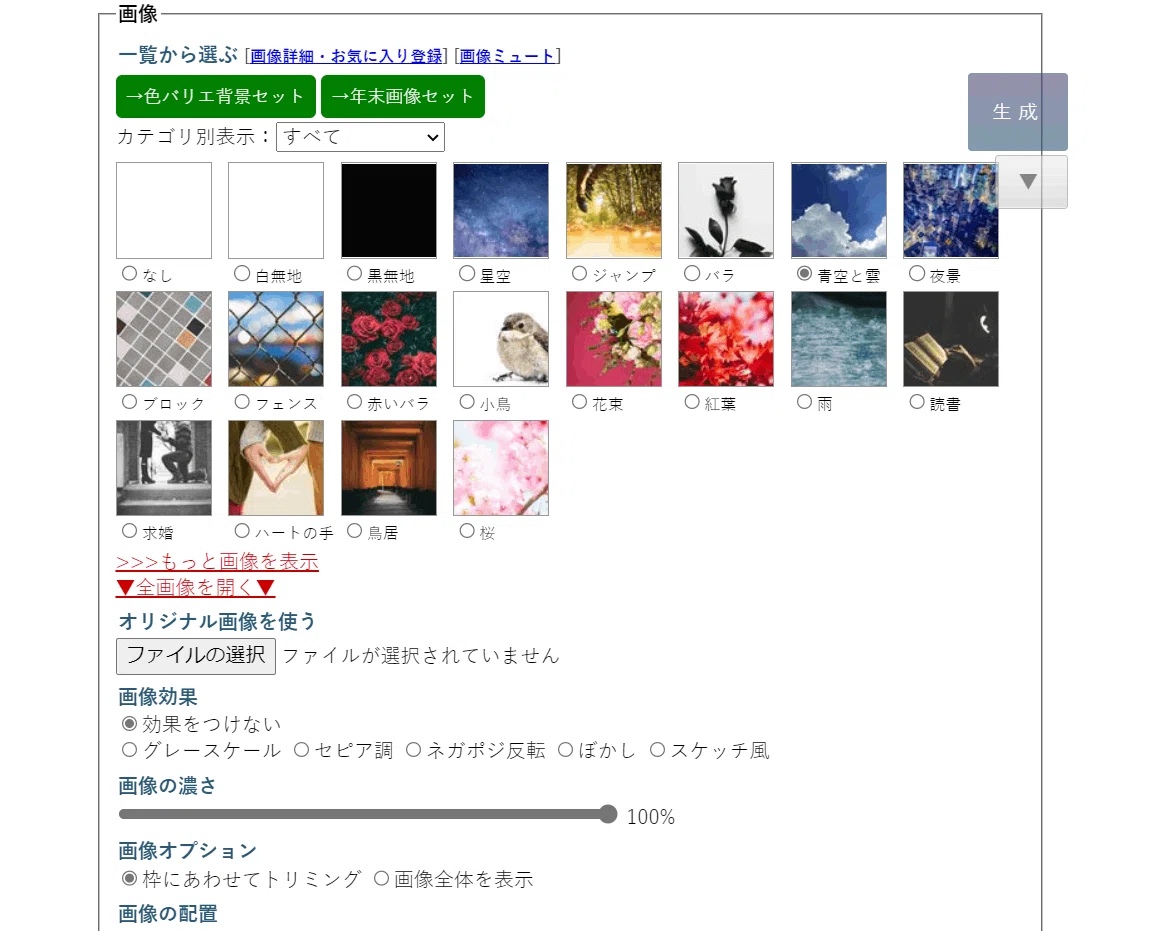
(You can also upload your own smartphone photos or free stock images using 'Use original image')

and added a Seijinezu border to emphasize the text further.
Since there is a lot of text, I set the line spacing to wide.
Once you have set everything up, scroll down the image and
click 'Generate Business Card' at the very bottom.

Although you can't see it now, at the very bottom of this image,
press 'Download PNG image' to
save the generated image.
And it's finished✨

By the way, if you enter text without indenting, just using line breaks, set the image density gauge to 75%, check the 'drop cap' box in the text size section, and have no border, it will look like this.

but for your reference😅
To rira-san and Kacchi-san who taught me,
thank you very much✨
But you know, it is okay
not to do difficult things😊
Half a day left
until the submission deadline for the Tsurukame Cup.
We are waiting for even just one haiku💖
いいなと思ったら応援しよう!
 いただいたサポートは記事のネタ代に。
そして時にはみんなのサンタさんになるために使わせていただきます。
いただいたサポートは記事のネタ代に。
そして時にはみんなのサンタさんになるために使わせていただきます。