
[For Procreate] About the "YESWODO" left-hand device

Greetings! It's Kanter!
The reward for the "left-hand device" I previously backed on crowdfunding has arrived!
I'm going to open it right away.
[For Procreate] Unboxing the "YESWODO" left-hand device

The box said it was made in China, but I'm not going to worry about that and just open it anyway—Foooo!

Contents
- Instruction manual (It's written very concisely, which makes me a little uneasy)
- Left-hand device
- Cable
That's all. Simple! Honestly, 4,980 yen feels a bit expensive. Since this is ultimately part of a crowdfunding campaign, I feel that as long as it starts up and works properly, there's no problem.
How to use

・Move the physical button on the top of the keyboard to "on"
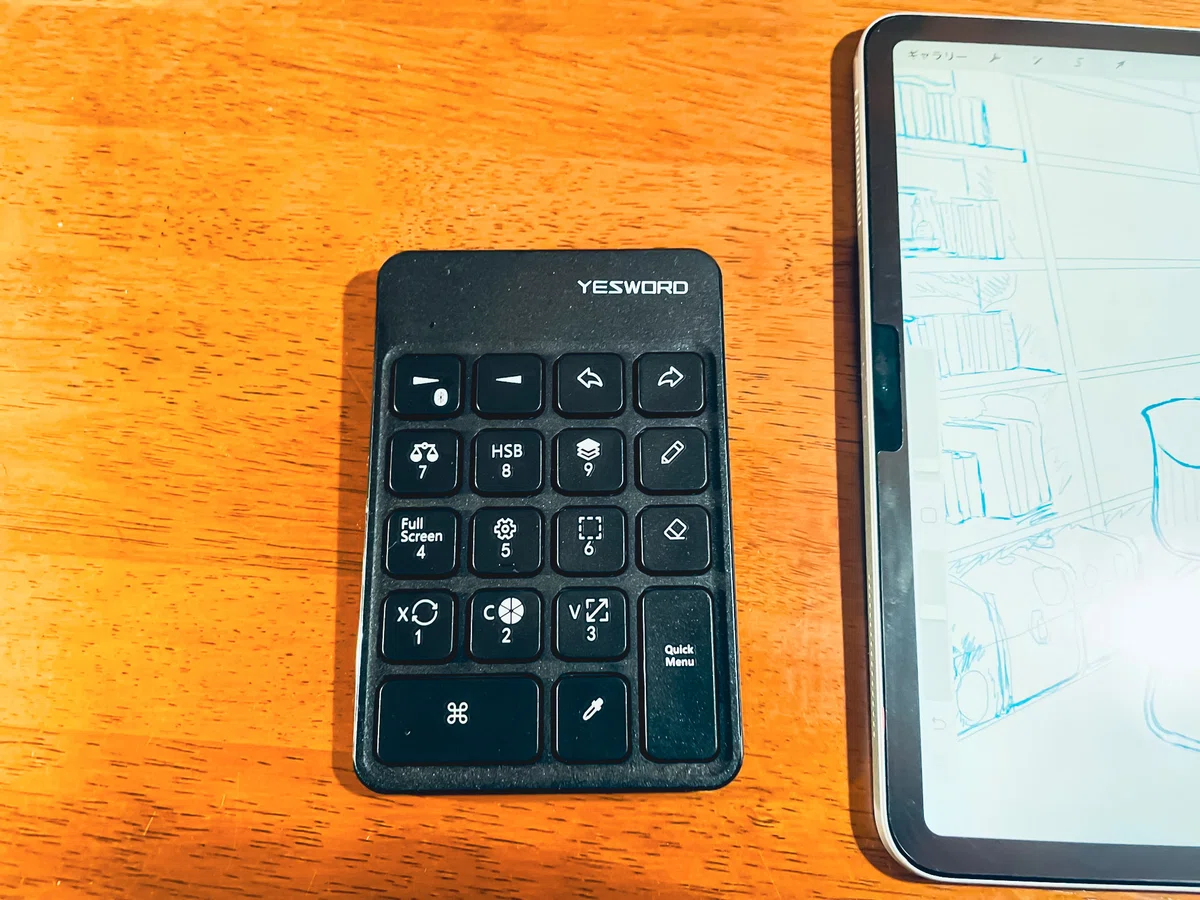
・When turned on, a red light will turn on
・After that, long-press the BT button to turn it into a blue light
・In the iPad settings, "keyboard" will appear in the BT settings; tap it to complete pairing
3 easy steps. It's basically the same as common third-party keyboards, and even I was able to connect it easily.
By the way...

It's compact at just under 65g!Super light!
And, and
It fits perfectly into a magazine freebie I bought before♬


I can carry it when I go out, and it doesn't take up much space, so it seems like it will be very useful for getting immersed in drawing while on the go!
Various things about the appearance
I hope you have been able to understand its weight and compactness to some extent.
Even so,

This thinness!
The back also

has non-slip padsand is well-constructed.
And...
Size comparison with each iPad is

It is certainly exclusively for Procreate and has no other uses, but for artists, this might be more than enough, right? ♬
What I felt after actually connecting it to an iPad mini 6 and an iPad Pro 12.9 (2018) is...
There are no malfunctions, and it can be used without any issues.
I haven't created any illustrations using this yet, but
it is convenient for changing brushes and colors.
However,I wish they had allowed for more fine-tuned settings regarding increasing and decreasing brush size.is what I think.
I hope that when it goes on general sale, feedback like this will be reflected.
You can perform basic operations with one hand. The fact that it is a size you can hold in one hand is a good point, and it has the advantage of allowing you to work anywhere!
Image
Here, I have taken a better picture of the left-hand device along with an illustration I am currently in the middle of drawing.Please take a look ♬
"Left-hand device" and iPad mini 6


By the way, the illustration I'm currently working on hasn't even reached the rough sketch stage yet. There are still parts I want to add, parts I want to trim, and design elements to consider; I really want to create something interesting.
"Left-hand device" and iPad Pro 12.9
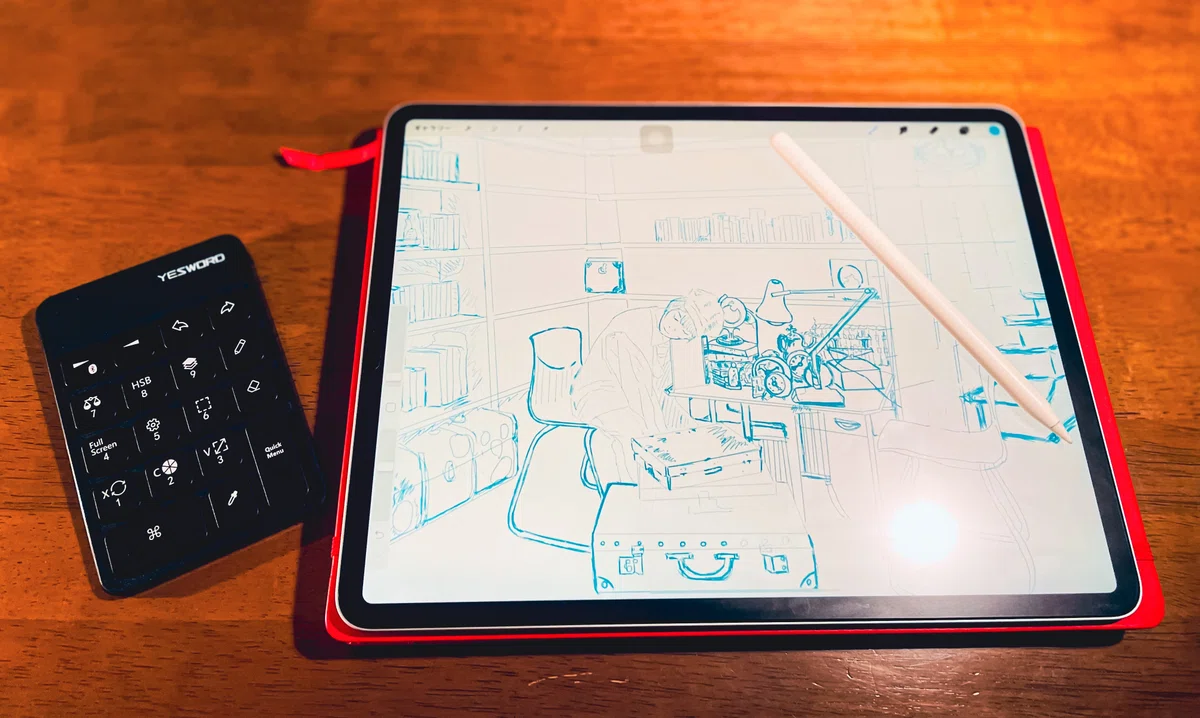

By the way, this isn't a finished rough either.
Since the iPad Pro allows for many layers, I'm also in the middle of creating two roughs to combine with the layer above this one.
Seriously... when will this actually be finished?
I tend to have a messy drawing style when it comes to illustrations. I finish a few roughs and try to work on line art simultaneously to keep the creative process from getting boring.
As a spoiler
This time, I'm creating both illustrations based on traces. The base is just a base, and I plan to finish them by adding things and making various changes.
I'm gathering various materials and having fun creating.
Finally
I want to finish the illustration as soon as possible along with this "left-hand device" and write an article about it.
I also hope to write an article comparing my digital illustrations as I improve a little more.
Crowdfunding is fascinating, and I'm always checking out gadgets like this.
The appeal of crowdfunding lies in the joy of enjoying products with interesting concepts or prototypes that are not yet available on the market.
I will continue to check for new Apple-related products as they are developed!
~See you again~
いいなと思ったら応援しよう!
 ”あなたの応援“が『私の支え』になります♬